Best Laptop Mounts (2026 Guide)
We selected mounts by combining aggregated star ratings and review volume with key features (VESA, gas-spring, ventilated trays, mount type) and build quality indicators
The Verdict
- Best Overall: HUANUO adjustable monitor stand with single arm desk mount — Best for desk users needing a single-arm ergonomic solution with adjustable height and secure clamping
- Best Value: Redbat monitor and laptop mount stand — Best for simple monitor-plus-laptop setups offering a combined tray and VESA-compatible arm for desk use
This roundup covers top-rated laptop mounts for desks, poles, vehicles, and dual-monitor setups, selected for ergonomic range, construction, and user feedback. Picks were chosen by aggregated star ratings, review volume, and key features such as VESA compatibility, gas-spring arms, ventilated trays, and mount types
Top Picks
-
1
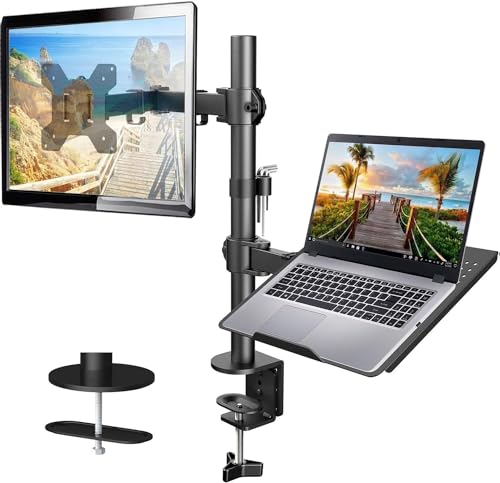
Best Overall HUANUO adjustable monitor stand with single arm desk mount
Best for desk users needing a single-arm ergonomic solution with adjustable height and secure clamping
Adjustable single-arm desk mount for monitors (13-32") and laptops on a ventilated 15x17 tray. Durable clamp, adjustable height and pivot points for ergonomic setups. Customers note solid build and easy assembly, with some wobble reported
- supports 13-32" monitors with VESA 75x75/100x100
- heavy-duty clamp and up to 22lbs capacity
- adjustable tilt +/-45°, swivel +/-90°
-
2

Best Value Redbat monitor and laptop mount stand
Best for simple monitor-plus-laptop setups offering a combined tray and VESA-compatible arm for desk use
Adjustable monitor arm with a vented tray supports 13"-32" screens up to 22lbs and a laptop up to 16". Improves ergonomic posture and reduces neck strain; clear instructions and easy setup noted by users
- VESA compatible for many monitors
- laptop tray included for integrated setup
- adjustable arms for ergonomic positioning
-
3

WALI Laptop Tray Desk Mount for 10-15.6 inches / 17-32 inch monitor
gas-spring tray for 10–15.6" laptops that integrates with 17–32" monitors for flexible dual setups
A versatile arm mount supporting laptops and monitors with adjustable tilt, swivel, and rotation. Customers praise sturdiness and easy assembly, though some note wobble at times
- supports both laptop and monitor
- adjustable +70/-45 tilt
- swivel +/-90 and 360 rotate
-
4
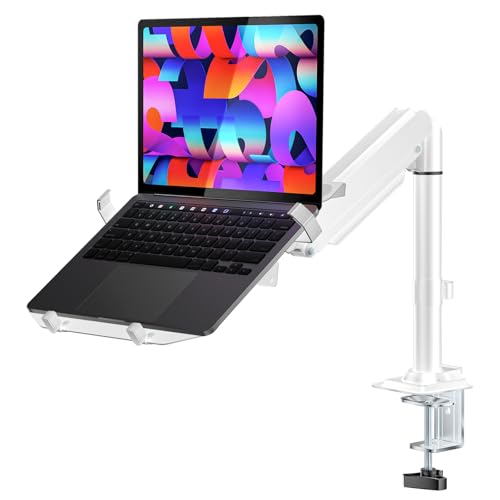
WALI Laptop Tray Desk Mount, 2-in-1 Gas Spring Arm
Best for users who want a 2-in-1 gas-spring arm that supports smooth, quick repositioning of laptop and monitor
Laptop or monitor mount with adjustable gas spring arms and multiple mounting options for desks. Provides flexible tilt, swivel, and rotation for ergonomic viewing; customers cite sturdiness and ease of assembly
- 2-in-1 laptop or monitor mounting
- adjustable tilt/swivel/rotate
- desktop mounting options (clamp and grommet)
-
5
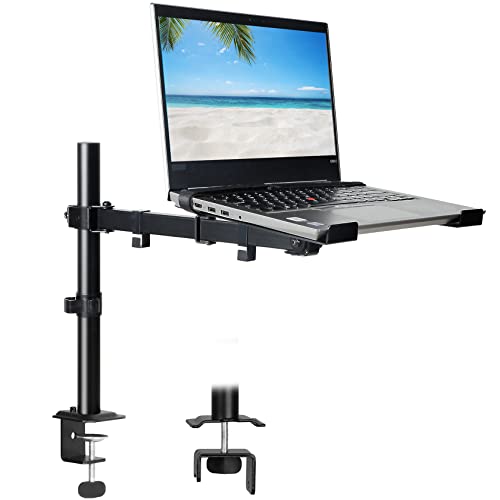
Laptop desk mount with ventilated tray for 17" laptop or 32" monitor
Best for larger laptops with its ventilated tray designed to support up to 17" notebooks and bigger monitors
Single laptop arm with ventilated tray, supports laptops up to 17" or monitors up to 32" with VESA 75/100. Adjustable full-motion arm for ergonomic height and viewing angle. Customers find it durable and easy to assemble, though some note wobbling on the arm
- detachable ventilated tray
- VESA compatibility 75x75 and 100x100
- full-motion adjustability
-
6
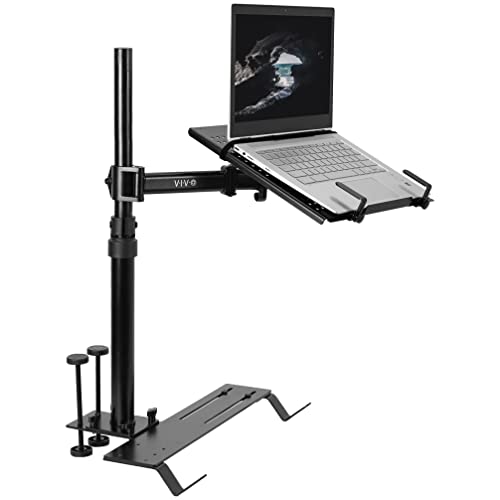
VIVO Laptop Car Mount with Adjustable Extension
Best for vehicle installations offering an adjustable extension designed for trucks, vans, and SUVs
A versatile laptop stand mounted in vehicles with adjustable height and tilt. Customers praise sturdiness and easy assembly, noting good functionality for school use
- adjustable extension
- multiple mounting feet for compatibility
- solid build quality
-
7
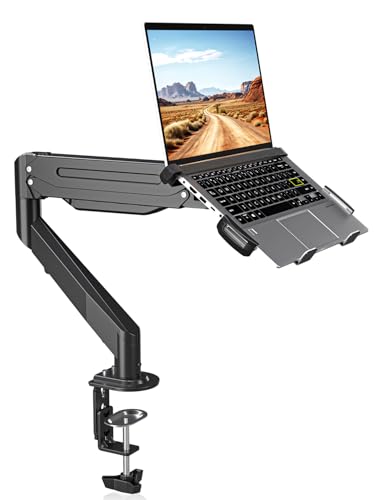
suptek Laptop Desk Mount for 11-17" laptops and 17-32" monitors
Best for ergonomic desk users who need a stable mount that supports 11–17" laptops and 17–32" monitors
Fully adjustable monitor and laptop mount with detachable mounting plate and wide compatibility. Provides stable support and versatile movement, though some users report mixed ease of setup and heavier build
- mount supports up to 22lbs
- 360-degree rotation and 80-degree tilt
- detachable mounting plate
-
8

Monitor and Laptop Mount with Vented Tray (13"-27" screens, up to 17" laptops)
Best for compact dual-use setups with a vented tray and universal mounting for 13"–27" screens and laptops up to 17"
Universal monitor and laptop mount with a vented tray for laptops up to 17". Fully adjustable with 90° tilt, 180° swivel, and 360° rotation for flexible viewing and typing. Customers note good quality, easy setup, and clean design, with mixed feedback on stability
- vented laptop tray for heat dissipation
- detachable, height-adjustable mount plates
- supports VESA 75x75mm and 100x100mm
-
9

Mount-It! Laptop Pole Mount Tray
Best for pole-mounted multi-screen configurations offering a universal tray that fits various pole systems
Universal laptop pole mount tray offers flexible attachment to monitor mounts or poles, enabling ergonomic dual-screen setups. Customers note sturdiness and effective functionality, even when mounted on non-traditional surfaces
- universal pole mounting
- dual-screen ergonomic potential
- designed for flexible locations
-
10
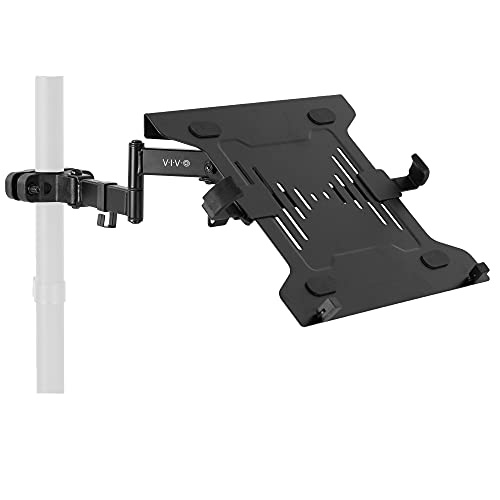
VIVO Universal Full Motion Laptop Arm with VESA Plate, 10–15.6"
Best for a full-motion VESA-compatible laptop arm that lets you position 10–15.6" laptops with wide articulation
Sturdy steel laptop arm for poles 1.1–2.4 in, accommodating 10–15.6" laptops up to 9.9 lbs with full motion for versatile viewing. One customer notes ease of setup and portability, while others question secure hold and joint stability
- full range of motion for ergonomic viewing
- fits 10–15.6" laptops
- compatible with 75mm/100mm VESA plates