Best xD-Picture Cards (2026 Guide)
We selected cards based on aggregated user ratings, review volume, stated compatibility with Olympus/Fujifilm legacy cameras, and listed capacity/type tags
The Verdict
- Best Overall: xD-Picture Card 512MB (Type Standard) for Olympus/Fujifilm old cameras — Best for compact legacy shooters: 512MB capacity and standard type tailored for older Olympus and Fujifilm cameras
This roundup covers top-rated xD-Picture Cards compatible with older Olympus and Fujifilm cameras, selected for consistent performance and review volume. Picks were chosen by aggregating user ratings, compatibility notes, and feature tags to highlight reliable options for legacy camera users
Top Picks
-
1

Best Overall xD-Picture Card 512MB (Type Standard) for Olympus/Fujifilm old cameras
Best for compact legacy shooters: 512MB capacity and standard type tailored for older Olympus and Fujifilm cameras
512MB xD card for older Olympus/Fujifilm cameras. Fast read/write speeds with 5mb/s read and 3mb/s write, small and power-efficient. One year after-sale service
- 512MB capacity
- Type Standard compatibility
- Low power consumption
-
2

Olympus xD-Picture Card 1GB memory card
Best for straightforward Olympus compatibility: 1GB card favored for reliable legacy camera use
1GB xD-Picture Card compatible with most xD devices; durable and compact. Customers note good quality and value for money, with capacity for around 1100 pictures
- durable, compact xD card
- Panorama function compatibility
- adequate capacity for many shots
-
3
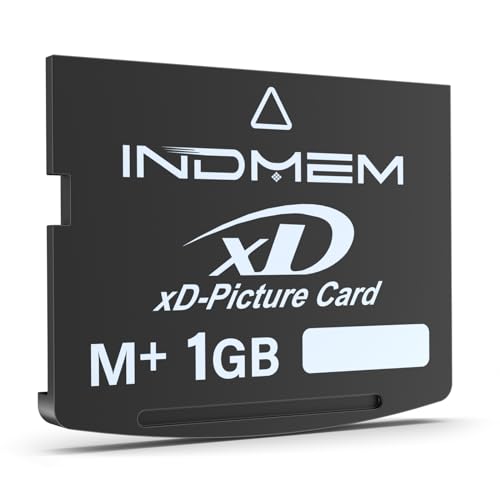
xD-Picture Card 1GB M+ for old Olympus/Fujifilm cameras
Best for M+ preference in older bodies: 1GB M+ card offering compatible performance with Olympus and Fujifilm gear
1GB xD-Picture Card M+ with fast read/write; supports panorama and 3D image creation. Notable for compact size and durability. Users note good storage capacity and camera compatibility
- 1GB M+ xD card
- panorama support
- compact durable design
-
4
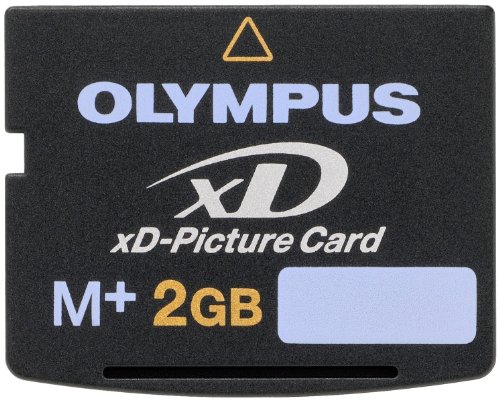
Olympus xD-Picture Card M+ 2 GB
Best for higher capacity M+ needs: 2GB M+ option suited to users wanting more storage for legacy Olympus cameras
xD-Picture Card M+ 2 GB flash memory card for Olympus cameras. Fast read/write for photos and durable, reusable storage. Customers note capacity and compatibility with some cameras, with mixed fit feedback
- 2 GB capacity
- M+ speed improvement
- compact, durable form factor
-
5

xD-Picture Card 2GB M+ xD memory card for old cameras
Best balance for older systems: 2GB M+ card providing expanded storage while maintaining legacy camera compatibility
Compact 2GB xD picture card with fast read/write speeds and panorama support. Customers report good storage capacity and reliable performance for older cameras
- 2GB storage capacity
- panorama function support
- fast read/write speeds