Best Commercial TVs & Displays for Restaurant Menu Board (2026)
We evaluated models by commercial durability, screen size options, content-management features, and overall value for restaurant menu-board deployments
The Verdict
- Best Overall: Samsung 43-Inch Pro TV for Commercial Signage — Best for compact menu boards: commercial build with 4K clarity and signage-focused features for tight spaces
- Best Premium: Samsung BED-H Series 50-Inch UHD Business TV — Best mid-size balance: 50-inch UHD unit offering networked content management and a good mix of size and control
Top Picks
-
1
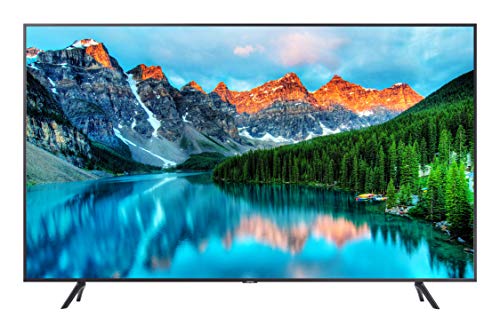
Best Overall Samsung 43-Inch Pro TV for Commercial Signage
Best for compact menu boards: commercial build with 4K clarity and signage-focused features for tight spaces
Commercial-grade 43-inch Samsung TV designed for digital signage with 4K clarity. Supports Samsung Pro TV app for creating dynamic content; external media player needed for consumer apps. Customer note highlights strong picture, but concerns on durability and reliability
- 4K picture quality
- commercial-grade Tv for signage
- Pro TV app for content control
-
2

Best Premium Samsung BED-H Series 50-Inch UHD Business TV
Best mid-size balance: 50-inch UHD unit offering networked content management and a good mix of size and control
Samsung BED-H Series 50-inch UHD business TV with content management and provisioning. Consumers note easy installation and strong picture quality, though some report menu issues and home-use limitations
- cloud-based provisioning
- content management capabilities
- business-focused HDR 4K display
-
3
SAMSUNG 75-Inch Pro TV for commercial use
Best for large-format menus: 75-inch commercial display delivering expansive readable area and durable operation
Commercial 75-inch 4K display with Crystal UHD and HDR. Delivers sharp colors via Crystal 4K processor. User insights note vivid picture but concerns about durability and occasional video issues
- 4K Crystal UHD clarity
- HDR color detail
- commercial-grade uptime