Audio & Video Connectors & Adapters
Cables, converters, and mounting/adaptor hardware for connecting audio and video equipment, including HDMI, SDI, coax, RCA, and fiber solutions. The 247 indexed products span budget through premium options (average price ~(price varies)) and show strong representation from brands like PHAT SATELLITE
Top Products
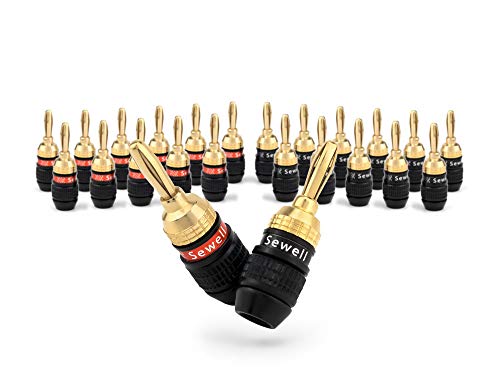
Sewell banana plugs 12-pairs with gold-plated tips
Sewell
Budget
Sewell Banana Plugs 14-Pair Gold plated quick connect SW-29863-14
Sewell
Mid-Range
BENFEI DisplayPort to VGA Adapter (5 Pack) DP to VGA
BENFEI
Budget
BENFEI 4K DisplayPort to HDMI Adapter (5 Pack) DP 1.2 to HDMI 1.4
BENFEI
Budget
GLS Audio XLR Female Plugs – 20 Pack
GLS Audio
Budget
Monoprice banana plugs - 24K gold plated, closed screw, 20 pairs
Monoprice
Budget
4K DP to HDMI adapter, 5 pack, uni-directional
Moread
Mid-Range
DVI Coupler Female to Female Bulkhead Mount Adapter (Black Gold Plated) 5 Pack
Arnorin
Budget
Strike Banana Plugs, 14-Pair by Sewell Direct
Sewell
Mid-Range
Highwings DP to HDMI Adapter 4K 5-pack (uni-directional)
Highwings
Mid-Range
PCT-TRS-11P RG11 Plenum Compression Connector (10 pcs) nickel brass
PHAT SATELLITE
Budget
DisplayPort to DVI Adapter (10 Pack) Moread DP to DVI-D
Moread
Mid-Range
BECEN PL259 dummy load 50 ohm, DC to 1.0 GHz, 50W
BECEN
Budget
PCT-TRS-6LMG RG-6 Coaxial Locking Connector (10 pcs) with weather seal
PHAT SATELLITE
Budget
Taiss 580Pcs PH2.0mm & 560Pcs JST-XH Connector Kit
Taiss
Budget
Monoprice 10 Pair Right Angle Banana Connectors (121915) Black/Red
Monoprice
Budget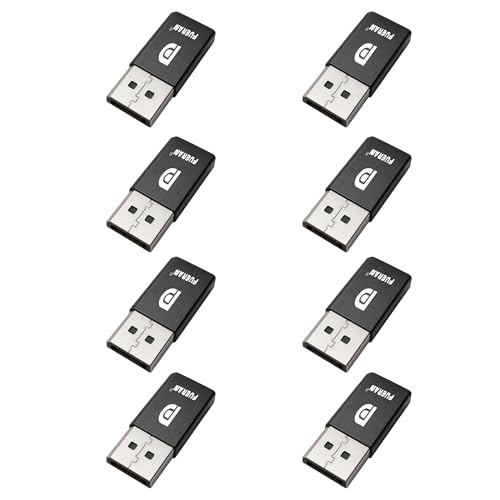
DisplayPort Display Emulator EDID Emulator 2K/4K Headless Plug
FUERAN
Mid-Range
RG6 universal coaxial compression connector - 10 pcs
PHAT SATELLITE
Mid-Range
DisplayPort Dummy Plug 4K Headless Ghost Display Emulator
Woieyeks
Budget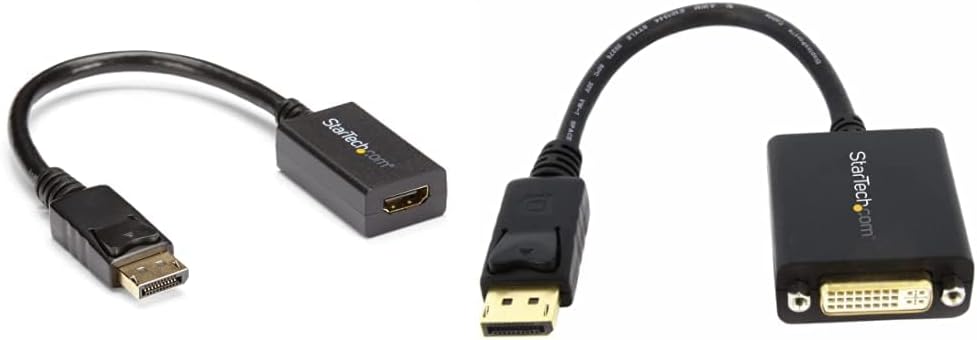
DisplayPort to HDMI and DVI Adapters Bundle (DP to HDMI & DVI)
StarTech.com
Mid-Range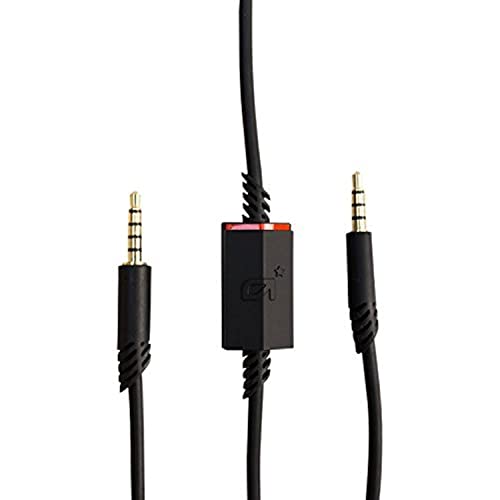
Astro Gaming A40 Inline Mute Cable
ASTRO Gaming
Budget
PPC RG11 Weather Boot Coax Fitting - NiTin-Plated Brass
PHAT SATELLITE
Mid-Range
BNC Male to F81 F-Pin Coaxial Adapter (50-pack)
THE CIMPLE CO
Mid-Range
PCT-TRS-6LMG RG-6 Coaxial Locking Connector (18mm Stroke)
PHAT SATELLITE
Mid-RangeRoundups
Frequently Asked Questions
How do I choose the right connector or adapter for my devices?
Match the physical connectors (HDMI, DisplayPort, USB-C, RCA, BNC, optical/TOSLINK, etc.) and the supported signal type (analog vs. digital) and version (e.g., HDMI 2.0 vs 2.1). Check device manuals for required resolutions, refresh rates, and audio formats, then pick an adapter rated to handle those specs
Do I need an active adapter or will a passive one work?
Use a passive adapter when both devices natively support the same electrical signaling and only need a pin-mapping change; choose an active adapter when converting between incompatible signals (e.g., DisplayPort to HDMI in some directions, digital-to-analog conversion) or when signal boosting is required
What should I consider about cable length and signal quality?
Longer cables increase likelihood of signal loss—opt for shorter runs when possible, or choose higher-quality, shielded cables and active/repeater-enabled adapters for long distances. For high-bandwidth signals (4K/120Hz, HDR), use cables and adapters rated for the required bandwidth and certification level
How important are certifications and version numbers?
Certifications and version numbers indicate supported features and tested performance (e.g., HDMI 2.1 supports higher bandwidth and variable refresh rates). Use products that explicitly list support for the versions and features you need to avoid compatibility issues
Will an adapter pass through audio and control signals like ARC/eARC or CEC?
Not all adapters pass audio return channel (ARC/eARC) or consumer electronics control (CEC); check the product specifications for explicit mention of ARC/eARC and CEC support if you need those functions
Are there compatibility issues with computers, consoles, or TVs I should be aware of?
Compatibility issues can arise from firmware, driver, or graphics card limitations; verify your OS and GPU support the target resolution/refresh rate and ensure any required drivers or firmware updates are applied. Read product specs for device-type limitations (e.g., some adapters only support video output, not input)
How should I care for and maintain connectors and adapters to ensure longevity?
Keep connectors clean and dry, avoid bending or stressing cables at the connector junction, disconnect by gripping the connector not the cable, and store adapters in a dust-free place; periodically inspect for bent pins or corrosion and replace if damaged