Audio & Video Distribution Wall Plates
Wall plates for audio and video distribution organize and terminate speaker, HDMI, coax, RCA and network connections for home and professional AV installations. The 58 indexed products span budget through mid-range options (average price ~(price varies)) and include brands such as RiteAV
Top Products

Cable Matters 3-Gang 7.2 Speaker Wall Plate with HDMI, White
Cable Matters
Budget
Leviton Cat 5e QuickPort Adaptor Jack, Light Almond
Leviton
Budget
Fosmon 10 Pairs Single Gang Brush Wall Plate
Fosmon
Budget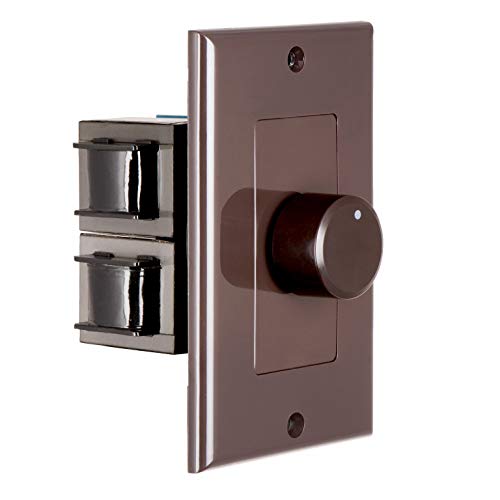
OSD Audio 100W In-Wall Volume Control (SVC100) for Impedance Matching
OSD Audio
Budget
Fosmon 2-Gang Surround Sound Wall Plate with Gold Plated Binding Posts
Fosmon
Budget
Resistor Based 150W In-Wall Volume Control (VK R120)
OSD Audio
Mid-Range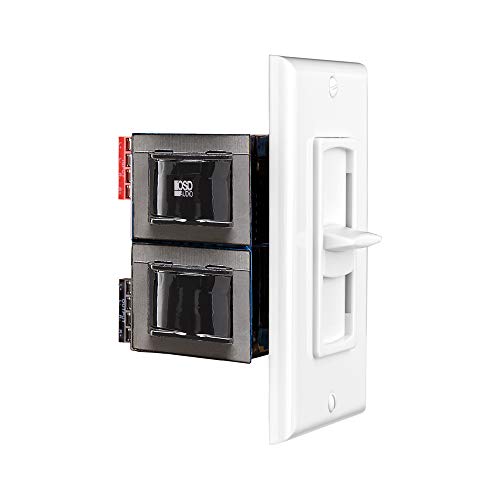
OSD 100W in-wall volume control for multiple 8-ohm speakers
OSD Audio
Budget
OSD Audio 300W in-wall volume control (VMS300)
OSD Audio
Mid-Range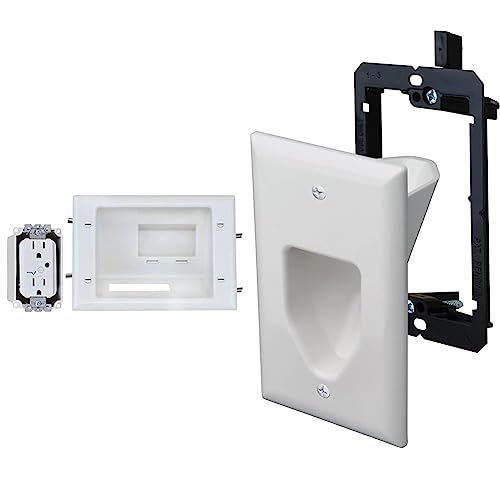
DATA COMM recessed AV/HDMI cable plate with dual surge suppressor
DATA COMM
Mid-Range
OSD Audio 100W In-Wall Volume Control (SLS100) with Impedance Protection
OSD Audio
Mid-Range
Recessed low voltage wall plate with bottom opening (6-pack)
BASEPORT
Budget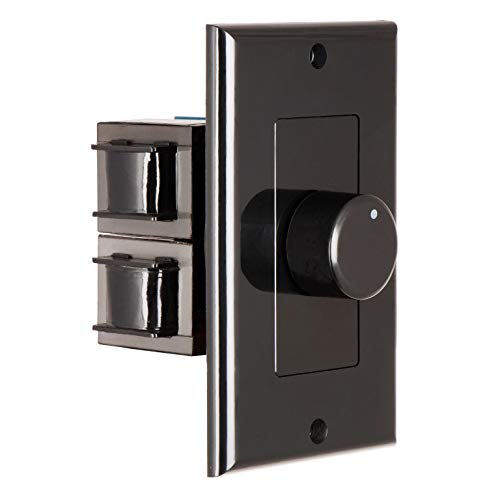
OSD Audio 300W in-wall volume control with impedance matching
OSD Audio
Mid-Range
ICC 2-Port Keystone Wall Plate, 25 Pack, Ivory
ICC
Budget
ICC 3-Port Keystone Wall Plate, 25 Pack, White
ICC
Budget
Herdio 4-Channel Bluetooth Wall Amplifier
Herdio
Mid-Range
OSD Audio in-wall volume control VMS300 (8 pairs)
OSD Audio
Mid-Range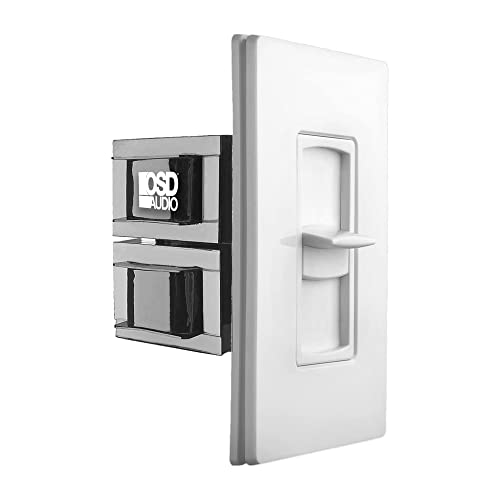
OSD 100W wall volume control with impedance protection
OSD Audio
Mid-Range
ICC 3-Port Keystone Wall Plate, Ivory, 25 Pack
ICC
Budget
OSD Audio in-wall volume control (100W) with almond trim
OSD Audio
Mid-Range
RiteAV 6-Port Speaker Jack Wall Plate (2 Pack) – Black
RiteAV
Budget
RiteAV 6-Port Speaker Wall Plate, White (2 Pack)
RiteAV
Budget
RiteAV 6-Port Speaker Jack Wall Plate (Light Almond) - 2 Pack
RiteAV
Budget
RiteAV 6-Port Speaker Jack Wall Plate (Brown) - 2 Pack
RiteAV
Budget
RiteAV 6-Port Speaker Jack Wall Plate (Gray) – 2 Pack
RiteAV
BudgetRoundups
Frequently Asked Questions
How do I choose the right wall plate for my audio/video setup?
Match the connectors on the wall plate to the cables and devices you use (HDMI, RCA, coax, optical, speaker binding posts, banana jacks, etc.), confirm the plate fits standard gang sizes (single, double, decora), and verify signal type (analog vs. digital) and shielding needs for long runs
What should I consider regarding signal quality and cable length?
Use wall plates with properly rated connectors and maintain uninterrupted gauge and shielding; for HDMI and digital signals keep cable runs within recommended lengths or use active/extender solutions, and for speakers choose low-resistance connections and appropriate wire gauge (e.g., 14–16 AWG for typical home runs)
Are there compatibility issues between brands or connector types?
Most standard connectors are interoperable, but check version/spec compatibility (e.g., HDMI 2.0 vs 2.1 features), and ensure keyed connectors and speaker terminals match your cables or adapters to avoid mismatches or lost features like high-bandwidth video or ARC/eARC
How much should I expect to spend on a wall plate?
Prices vary by configuration and build quality: simple single-connector plates are often available for under $20, more complex plates with multiple or premium connectors typically fall between $20 and $100, and specialty or high-end finishes can cost more
What materials and finishes are best for durability and aesthetics?
Choose plates made from ABS plastic or metal (stainless steel or aluminum) for durability; pick a finish (white, black, brushed, or painted) that matches your decor and verify screw and mounting hardware are included for a flush, secure install
Can I install wall plates myself, and what tools do I need?
Many wall plates are designed for DIY installation; you typically need a screwdriver, wire stripper, voltage tester for safety, and possibly a drywall saw or low-voltage mounting bracket if installing new in-wall boxes
How do I maintain and troubleshoot common issues after installation?
Keep connectors clean and dust-free, check cable terminations and seating if you see signal loss, tighten loose terminals, test with known-good cables, and replace damaged connectors or plates rather than forcing incompatible cables