Bluetooth Network Adapters
Bluetooth network adapters for connecting audio devices, computers, or vehicle systems using Bluetooth protocols; offerings span budget through mid-range USB, dongle, and vehicle adapters. 22 products indexed with an average rating of 4.46 and brands like Sena represented
Top Products

VE.Direct Smart Dongle (Bluetooth) for VictronConnect
Victron Energy
Mid-Range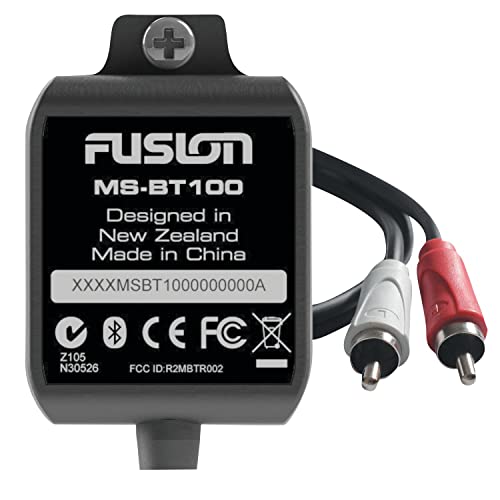
Fusion Bluetooth dongle for Fusion head units
Fusion
Mid-Range
aptX Wireless BT 5.0 Adapter for Bose QC3 with Mic/Volume, Black
YOCOWOCO
Budget
Castle B-Link Bluetooth Adapter
Castle Creations
Mid-Range
Wireless Bluetooth 5.4 Adapter for Walker's Earmuffs
Qozybuds
Budget
Tascam AK-BT1 Bluetooth Adaptor
Tascam
Mid-Range
Yealink BT40 Bluetooth USB Dongle
Yealink
Mid-Range
Sena USB Bluetooth Adapter 300m (UD100-G03) with Bluesoleil Driver
Sena
Budget
BT600 USB Bluetooth Adapter for Plantronics Voyager
HUYUN
Mid-Range
Upgrade Wireless CarPlay & Android Auto Adapter (2-in-1) USB Type-A/Type-C
dzcctvipc
Mid-Range
Zoom Bluetooth Adapter for ARQ AR-48, L-20, H3-VR & F6
Zoom
Mid-Range
Poly BT700 USB-C Bluetooth adapter
Poly
Mid-Range
Dayton Audio DSP-BT4.0 Bluetooth USB interface for DSP-408
Dayton Audio
Mid-Range
Avantree ProLink: Bluetooth 5.4 LE transmitter & receiver set
Avantree
Mid-Range
TASCAM AK-BT2 Bluetooth Adapter for FR-AV2
Tascam
Mid-Range
Titan Two Bluetooth Expansion Kit for Titan Two device
Hipshotdot
Mid-Range
USB Dongle Receiver for SteamVR Index Controllers
PUSOKEI
Mid-Range
Taidacent nRF52840 USB Dongle for BLE debugging
Taidacent
Mid-Range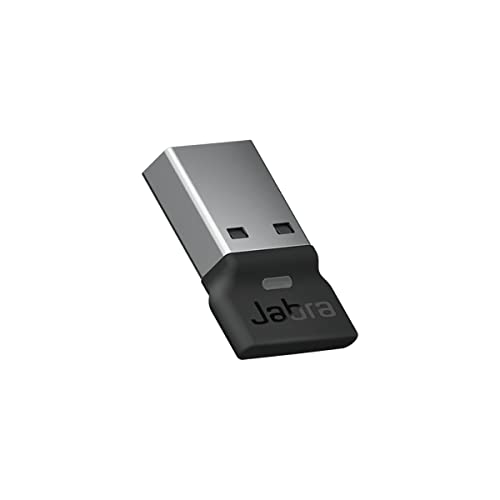
Jabra Link 380a UC USB-A Bluetooth Adapter
Jabra
Mid-Range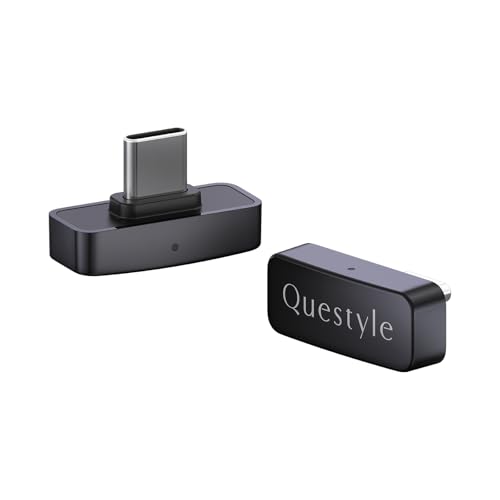
QCC Dongle Pro Bluetooth Audio Adapter
Questyle
Mid-Range
Sena SD1000 Long Range Bluetooth Serial Adapter
Sena
Mid-Range
Luxafor Bluetooth PRO wireless busy light
LUXAFOR
Mid-RangeRoundups
Frequently Asked Questions
How do I choose the right Bluetooth network adapter for my device?
Check compatibility with your device's operating system and available ports (USB-A, USB-C, PCIe), confirm the Bluetooth version (e.g., 4.2, 5.0, 5.2) for range and features, and prioritize adapters that support the profiles you need (A2DP, HFP, AVRCP, HID)
What Bluetooth version should I look for and why does it matter?
Newer Bluetooth versions (5.0 and up) generally provide greater range, higher data throughput, improved connection stability, and lower power consumption, while older versions may still work but with shorter range and fewer advanced features
Are there budget-friendly options and what trade-offs should I expect?
Budget adapters under about (price varies) typically provide basic audio and peripheral connectivity but may have shorter range, fewer supported profiles, and less robust drivers compared with higher-priced units in the $50–$150 range
How important are drivers and OS support for Bluetooth adapters?
Very important — proper drivers ensure reliable connections and full feature access; look for adapters with native support for your OS (Windows, macOS, Linux) or manufacturer-provided drivers, especially for advanced audio or multi-device features
What range and interference factors should I expect in real-world use?
Typical Class 2 adapters reach about 10 meters (30 feet) indoors, while Class 1 units can reach 100 meters in open space; walls, other wireless devices, and USB port placement can reduce effective range and signal quality
Can a Bluetooth network adapter support multiple devices simultaneously?
Some adapters and Bluetooth controllers support multi-point connections or multiple simultaneous profiles, but the exact number and performance depend on the adapter's chipset, firmware, and host OS support
How should I maintain and troubleshoot a Bluetooth adapter?
Keep firmware and drivers up to date, test different USB ports or use a short extention to reduce interference, remove and re-pair devices for connection issues, and check for OS-level Bluetooth conflicts or power-management settings that may disable the adapter