Cell Phone Handheld Gimbals & Stabilizers
Handheld gimbals and stabilizers for smartphones and small cameras that reduce shake and enable smooth video, timelapses, and tracking shots. The category spans budget through premium models (about $33–$899, avg ~(price varies)) with brands like DJI, Insta360, and AOCHUAN among the top sellers. Average user rating is ~4.37 across 127 indexed products
Top Products

DJI Osmo Mobile SE 3-Axis Phone Gimbal
DJI
Mid-Range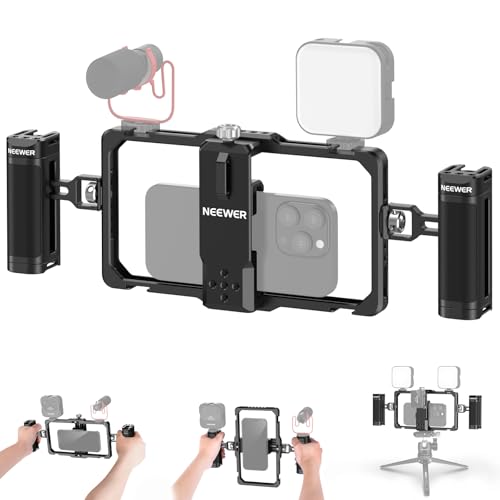
NEEWER Upgraded Phone Rig Vlogging Kit
NEEWER
Mid-Range
SmallRig Universal Smartphone Video Rig for iPhone/Samsung
SMALLRIG
Budget
NEEWER Phone Cage for iPhone 17 Pro Max with 67mm filter ring
NEEWER
Mid-Range
DJI OM 5 Smartphone Gimbal Stabilizer
DJI
Mid-Range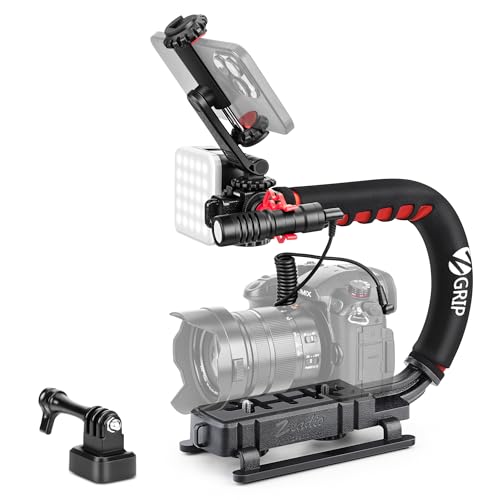
Zeadio Camera Stabilizer with LED Light & Microphone
Zeadio
Mid-Range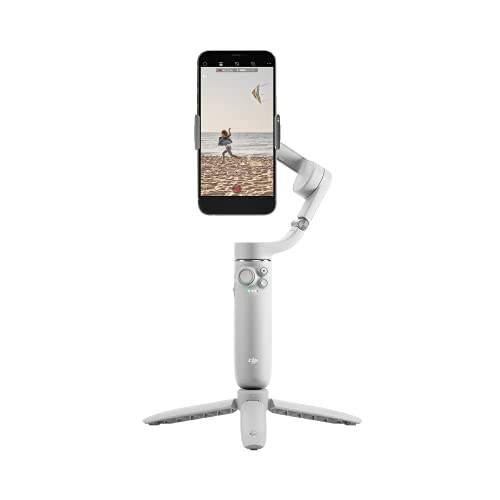
DJI OM 5 Smartphone Gimbal Stabilizer
DJI
Mid-Range
NEEWER S24 Ultra Phone Cage with 67mm Filter Adapter
NEEWER
Budget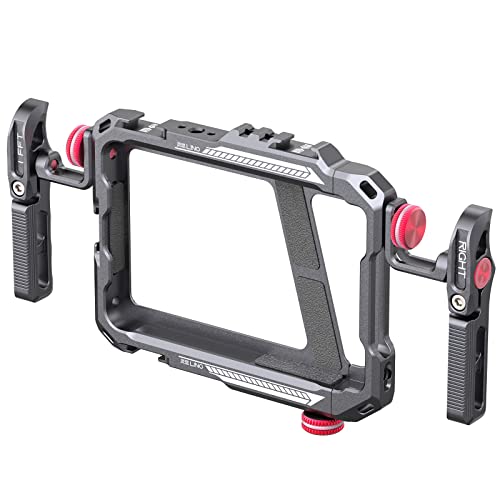
ULANZI Smartphone Video Rig with Double Handles
ULANZI
Mid-Range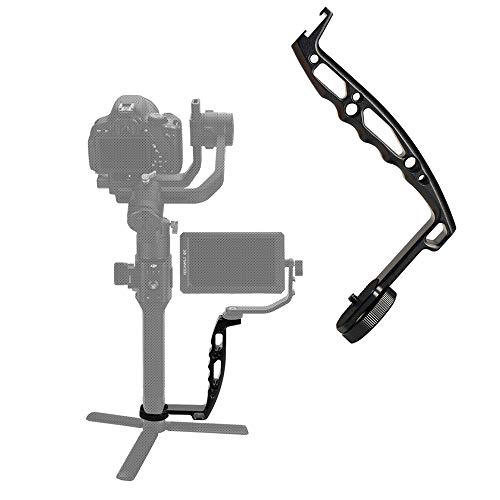
DH03 Handheld Gimbal Grip with Cold Shoe
Agimbalgear
Budget
NEEWER 16 Pro Cage for iPhone 16 Pro with 67mm Filter Adapter
NEEWER
Budget
DJI Osmo Mobile 6 3-Axis Gimbal for iPhone & Android
DJI
Mid-Range
Insta360 Flow Gimbal Stabilizer for Smartphone
Insta360
Mid-Range
SmallRig Universal Phone Cage with Handles
SMALLRIG
Mid-Range
GVM LED Ring Light 5600K Selfie Light & Phone Rig
GVM Great Video Maker
Mid-Range
Insta360 Flow Gimbal Stabilizer for Smartphone
Insta360
Mid-Range
Insta360 Flow Gimbal Stabilizer for Smartphone
Insta360
Mid-Range
Osmo Mobile 7P gimbal stabilizer for phones
DJI
Mid-Range
NEEWER Smartphone Video Rig with 67mm Filter Adapter
NEEWER
Mid-Range
Gimbal stabilizer for smartphone with magnetic fill light
AOCHUAN
Mid-Range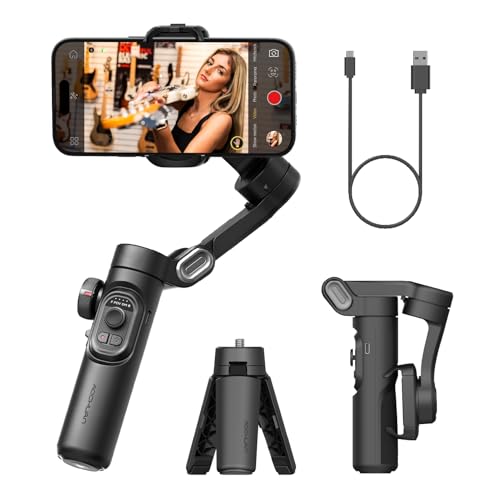
AOCHUAN 3-Axis Smartphone Gimbal Stabilizer
AOCHUAN
Mid-Range
NEEWER 15 Ultra Cage for Xiaomi 15 Ultra with 67mm Adapter
NEEWER
Mid-Range
3-Axis Phone Gimbal with Fill Light for iPhone & Android
JCROBOT
Mid-Range
SmallRig universal quick release phone cage kit
SMALLRIG
Mid-RangeRoundups
- Best Cell Phone Handheld Gimbals & Stabilizers for Vlogging On The Go (2026)
- Best Cell Phone Handheld Gimbals & Stabilizers Under $200 (2026)
- Best Cell Phone Handheld Gimbals & Stabilizers Under $100 (2026)
- Best Cell Phone Handheld Gimbals & Stabilizers Under $50 (2026)
- Best Cell Phone Handheld Gimbals & Stabilizers (2026 Guide)
Frequently Asked Questions
How do I choose the right handheld gimbal for my phone?
Choose based on phone compatibility (weight and width range), stabilization axes (3-axis is standard), battery life that matches your shooting needs, supported shooting modes (timelapse, follow, active tracking), and build quality/portability for your typical use
What are the main differences between budget and higher-priced gimbals?
Budget gimbals typically offer basic 3-axis stabilization and shorter battery life with fewer advanced modes, while higher-priced models add stronger motors for heavier phones, longer run time, more intelligent shooting features, and more robust materials and mounting options
Will a gimbal work with my phone case and accessories like lenses or wireless chargers?
Some cases and add-on lenses can change your phone’s balance or exceed width limits; lightweight, slim cases usually work, but bulky cases or clipped lenses may require removing the case or using a larger-mount gimbal. Wireless charging passthrough or power accessories vary by model, so check mounting clearance and accessory compatibility
How long do gimbal batteries typically last and how are they charged?
Most handheld gimbals offer between 8–18 hours of runtime depending on model and load; they commonly charge via USB-C and many support charging while connected to power, though full-charge times and exact capacity vary by unit
What maintenance and care do gimbals require to stay reliable?
Keep gimbal motors and joints free of dust and moisture, store in a protective case, avoid dropping or strong impacts, update firmware when available, and balance your phone before powering on to reduce motor strain
Can gimbals improve low-light or action shots, and what are their limits?
Gimbals stabilize motion to allow slower shutter speeds and smoother panning, which helps low-light and action footage, but they cannot remove motion blur from very fast subject movement or replace the need for proper exposure settings and fast lenses
Do gimbals work with third-party camera apps and what should I look for?
Many gimbals offer companion apps with advanced controls, and most still stabilize while using third-party camera apps, but advanced gimbal features (follow modes, remote control) may require the manufacturer’s app or specific app integrations