Computer Case Fans
Computer case fans for PC cooling and airflow management, including PWM, RGB, and high-static-pressure models for desktops and servers. Category averages 4.59 stars across 128 products, with prices ranging ~$33–$300 and brands like Corsair commonly represented
Top Products

Noctua 120mm PWM fan
Noctua
Budget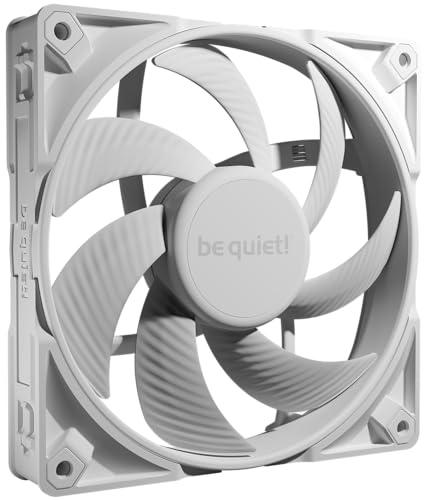
be quiet! Silent Wings 4 140mm PWM Fan
be quiet!
Budget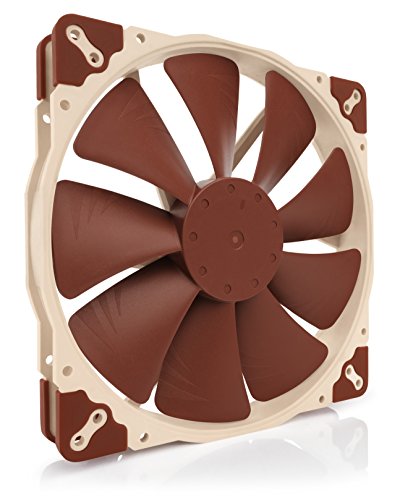
Noctua NF-A20 PWM 200x30mm quiet fan
Noctua
Budget
be quiet! Silent Wings Pro 4 120mm PWM fan
be quiet!
Budget
Noctua NF-A14 iPPC-3000 PWM 140mm fan
Noctua
Budget
ARCTIC P14 PWM PST 5 Pack 140mm PC Fans
ARCTIC
Mid-Range
Noctua 120mm IP67 PWM cooling fan 2000 RPM
Noctua
Budget
Noctua NF-F12 iPPC 3000 PWM 120mm fan
Noctua
Budget
ARCTIC P14 5 Pack 140mm PC Fans - 1700 RPM
ARCTIC
Budget
MONTECH AX120MM PWM Fan 3-in-1 Pack with ARGB Ring
Montech
Mid-Range
Thermaltake CT140 ARGB Sync 2-Fan Pack 140mm
Thermaltake
Mid-Range
Noctua NF-A14 iPPC-2000 PWM 140mm cooling fan
Noctua
Budget
CORSAIR iCUE Link RX120 RGB 120mm PWM Fan
Corsair
Budget
CORSAIR iCUE Link LX120 RGB 120mm PWM Fan
Corsair
Mid-Range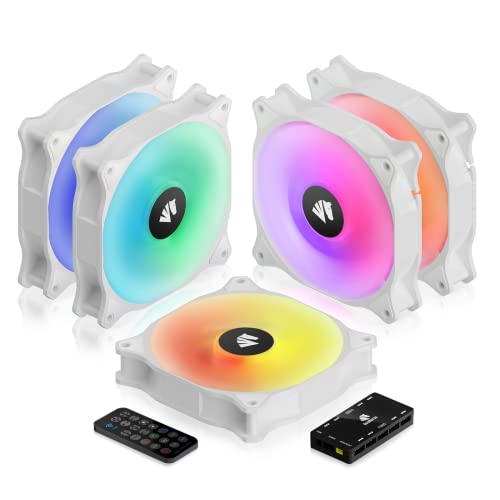
ASIAHORSE WD-001 ARGB 120mm Case Fans (5 Pack) with Controller
AsiaHorse
Mid-Range
CORSAIR RS140 140mm PWM Fans (Dual Pack) with Daisy-Chain Connection
Corsair
Budget
be quiet! Silent Wings Pro 4 140mm PWM High Speed Fan
be quiet!
Budget
Antec 140mm x 140mm x 30mm PWM Case Fans
Antec
Mid-Range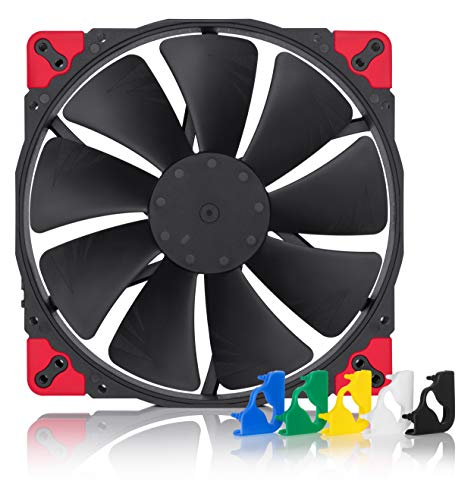
Noctua NF-A20 PWM chromax.Black.swap 4-pin fan
Noctua
Mid-Range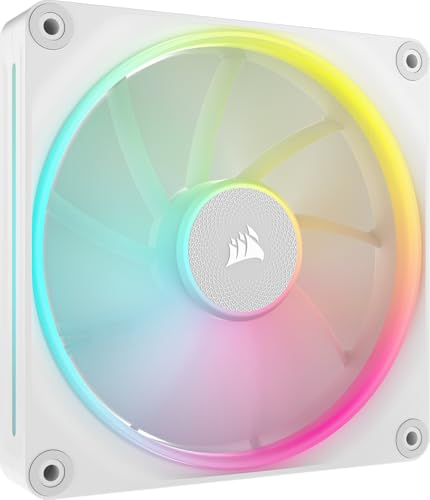
CORSAIR iCUE Link LX140 RGB 140mm PWM Fan
Corsair
Mid-Range
CORSAIR RS120 ARGB 120mm PWM Fans (Triple Pack) White
Corsair
Mid-Range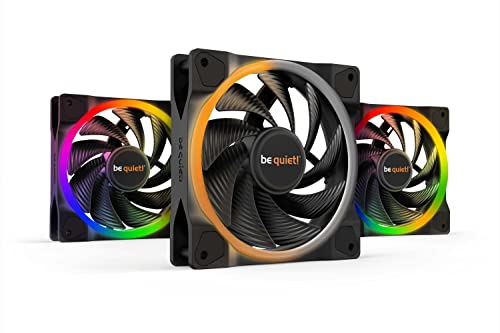
be quiet! Light Wings 120mm PWM ARGB Fans (3-Pack)
be quiet!
Mid-Range
CORSAIR RS120 120mm PWM Fans (Triple Pack)
Corsair
Mid-Range
Noctua 140mm IP67 PWM fan
Noctua
BudgetRoundups
Frequently Asked Questions
How do I choose the right fan size and mounting type for my PC case?
Measure the fan mounting holes in your case (common sizes: 120 mm and 140 mm) and check whether the case supports front, top, rear or bottom mounting; verify thickness (usually 25 mm) and whether your case uses standard 4-screw mounts or proprietary brackets
What specifications should I compare to balance airflow, noise, and cooling performance?
Compare airflow (CFM), static pressure (mmH2O) if mounting on radiators or restricted intakes, and noise level (dB(A)); higher RPM generally increases airflow and noise, while high static pressure fans are better for radiators and dense filters
Do I need PWM or voltage-controlled fans, and how do I connect them?
PWM (4-pin) fans allow precise speed control from the motherboard or fan controller and are recommended for variable cooling/noise; 3-pin voltage-controlled fans can be used too but offer coarser speed control. Connect to corresponding motherboard headers or a dedicated controller, and use adapters only if necessary
How important is bearing type and build quality for lifespan and noise?
Bearing types (sleeve, rifle, ball, fluid dynamic) affect longevity and noise; fluid dynamic and high-quality rifle/ball bearings typically offer longer life and quieter operation, so prioritize better bearings for 24/7 or high-load systems
Should I prioritize static pressure or airflow when choosing fans for radiators or dust-filtered intakes?
Prioritize static pressure for radiators, heatsinks, or heavily filtered/intake scenarios because it maintains flow through dense surfaces; prioritize higher airflow for unobstructed case ventilation
Are RGB/LED features worth considering and do they affect performance?
RGB/LED is purely aesthetic and typically does not affect acoustic or thermal performance; ensure controller and wiring compatibility with your motherboard or lighting hub, and account for a small additional power/space requirement
How can I maintain fans to keep them quiet and effective over time?
Clean fans and dust filters regularly with compressed air, ensure bearings are not dry (some fans allow lubrication), check for loose screws or warped frames, and replace fans that show excessive wobble or increased noise