Computer Components
This category covers core computer components and accessories—motherboards, power supplies, cooling solutions, single-board kits and security mounts—spanning budget through premium options. Across 23 indexed products the average rating is 4.55 and top brands include Tripp Lite and Cooler Master
Top Products

Tripp Lite Isobar surge protector, 2 outlets, 6ft cord, metal
Tripp Lite
Mid-Range
OWC In-Line Digital Thermal Sensor HDD Upgrade Cable for iMac (2009-2010)
OWC
Budget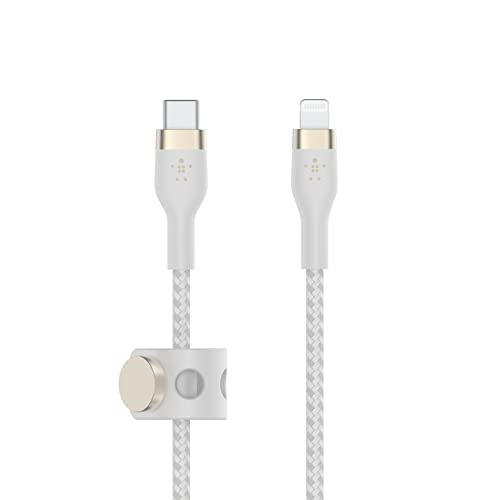
Belkin USB-C to Lightning Cable 1M MFi 20W PD (White)
Belkin
Mid-Range
Tripp Lite 12-Outlet Rackmount PDU Isobar Surge Protector
Tripp Lite
Premium
Tripp Lite duplex multimode fiber patch cable 62.5/125 (LC/SC) 20M
Tripp Lite
Budget
Tripp Lite 8-outlet surge protector power strip
Tripp Lite
Mid-Range
Jabra Link 370 UC USB Bluetooth Adapter
Jabra
Mid-Range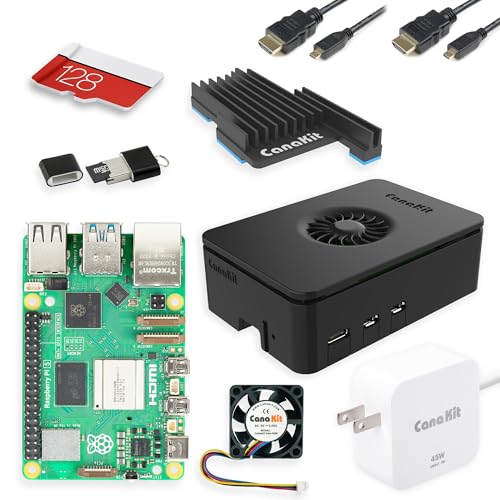
CanaKit Raspberry Pi 5 Starter Kit PRO - Turbine Black (128GB Edition) (8GB RAM)
CanaKit
Mid-Range
Vertical Card Holder Kit for GPUs (V3) MCA-U000R-WFVK03
Cooler Master
Mid-Range
WD_BLACK 1TB NVMe Gen5 PCIe 5.0x4 M.2 SSD
WD_BLACK
Premium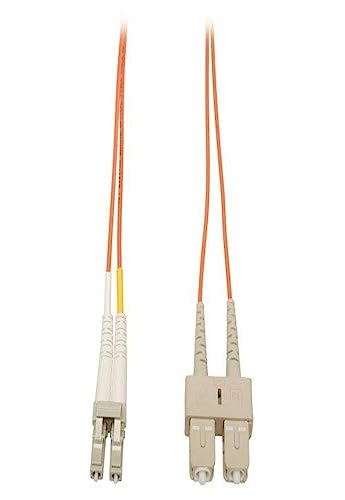
Tripp Lite duplex multimode fiber patch cable LC/SC 13M
Tripp Lite
Mid-Range
Elgato USB 4K60 HDR Capture Card (2) – Compact, Plug & Play
Elgato
Mid-Range
ICC CAT6 RJ45 Inline Keystone Couplers, 8P8C Female-to-Female Jacks (25-Pack)
ICC
Mid-Range
Ledge Lock Adapter for MacBook Pro (M1-M4) with Keyed Cable Lock
Compulocks
Mid-Range
Seagate Hard Drive – 7200 rpm, SAS 12GB/s
Seagate
Mid-Range
Axis Camera Cable - Micro-USB B (M) to RJ-12 (M) 15 m White (Pack of 4)
Axis Communications
Mid-Range
Tripp Lite Isobar Surge Protector Rackmount 12 Outlet
TRIPP LITE
Premium
Xerox 108R01420 Black Drum Cartridge for Phaser 6510/WorkCentre 6515
Xerox
Mid-Range
Theater surge 10-outlet power strip, 8ft cord, 3840J
Tripp Lite
Mid-Range
HP 7" LCD Monitor
HP
Mid-Range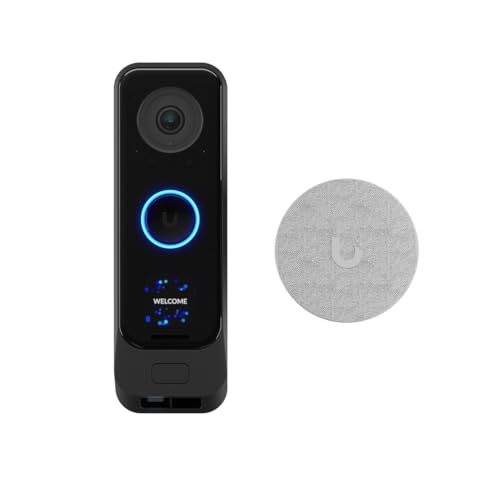
Ubiquit i G4 Doorbell Pro PoE Kit
Ubiquiti Networks
Premium
Ergonomic Tablet Hand Grip by Maclocks
Maclocks
Mid-Range
Tripp Lite 2200VA UPS Rt 120V 8-outlet 5-20P
Tripp Lite
PremiumRoundups
Frequently Asked Questions
How do I choose the right computer component for my build or upgrade?
Identify the component category you need (CPU, GPU, power supply, cooling, storage), confirm compatibility with your motherboard/case (socket type, form factor, clearance), match performance to your use case (office, gaming, content creation), and set a budget range before comparing specifications like clock speed, cores, capacity, and connectors
What compatibility checks should I perform before buying parts?
Verify CPU socket and chipset compatibility with your motherboard, check RAM type and maximum supported speed/capacity, ensure GPU fits your case and power supply has the required wattage and PCIe connectors, and confirm storage interface (SATA, NVMe) and M.2 slot availability
How should I budget for components in this category?
Expect a wide price range depending on performance: budget options often fall under $50 for basic peripherals and entry-level parts, midrange components typically sit in the $50–$300 band, and high-performance parts exceed that; plan to allocate more for GPUs, CPUs, and power supplies when performance and longevity are priorities
Which features matter most for power supplies, cooling, and storage?
For power supplies prioritize wattage headroom, efficiency rating (80 PLUS tiers), and adequate connectors; for cooling consider TDP support, fan size/noise levels, and radiator compatibility for liquid coolers; for storage choose NVMe SSDs for high speed, SATA SSDs for value, and consider endurance ratings and warranty length
How do I evaluate warranty, reliability, and brand support?
Compare manufacturer warranty periods and what they cover, look for customer reviews reporting longevity and RMA experiences, and prefer brands with clear support channels and firmware/driver updates; longer warranties can be especially valuable for power supplies and storage
What maintenance or care is recommended after installation?
Keep system dust-free with periodic cleaning, monitor temperatures and update drivers/firmware, check that cables are secured and connections are tight, and back up data regularly for storage devices to reduce risk of data loss
Can I mix components from different brands and still get a stable system?
Yes; most systems use parts from multiple manufacturers, but ensure cross-compatibility by checking specifications (voltages, form factors, connector types) and using up-to-date BIOS/firmware to resolve interoperability issues