Computer CPU Cooling Fans
This category covers PC CPU cooling fans and related air- and liquid-cooling fan assemblies used to manage processor temperatures in desktops and workstations. It includes budget through premium fans and kits (57 products indexed, average rating 4.60) from brands like Noctua and NZXT. Average price is about (price varies), range $33–$320
Top Products

DeepCool AK500 ZERO DARK CPU Air Cooler 240w TDP
DeepCool
Mid-Range
Noctua NH-L9a-AM4 low-profile CPU cooler for AMD AM4
Noctua
Mid-Range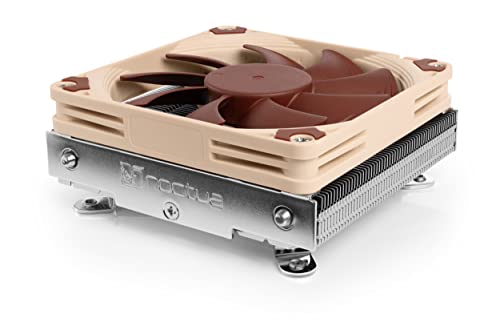
Noctua NH-L9i low-profile CPU cooler for Intel LGA1200/LGA115x
Noctua
Mid-Range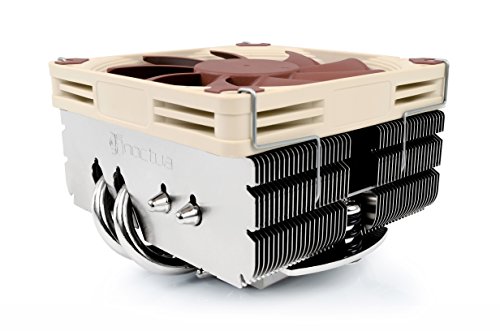
Noctua NH-L9x65 low-profile CPU cooler (65mm) brown
Noctua
Mid-Range
ID-COOLING Frozn A410 DK CPU Cooler - All-Black, Dual 120mm Fans
ID-COOLING
Budget
Noctua NH-U9S CPU Cooler with NF-A9 92mm Fan
Noctua
Mid-Range
ID-COOLING FROZN A410 ARGB White CPU Cooler 6" height
ID-COOLING
Mid-Range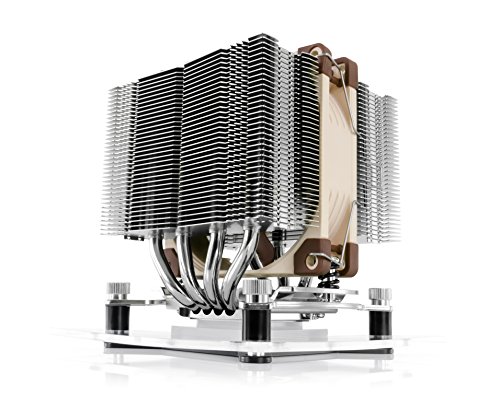
Noctua NH-D9L CPU cooler with NF-A9 92mm fan
Noctua
Mid-Range
Noctua NH-L9i chromax.Black low-profile CPU cooler for Intel LGA1200/LGA115x
Noctua
Mid-Range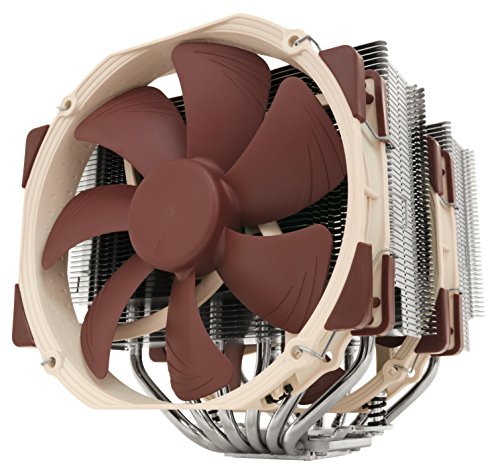
Noctua NH-D15 CPU cooler with 2x 140mm PWM fans
Noctua
Mid-Range
SilverStone low-profile CPU cooler 54mm tall
SilverStone
Budget
ID-COOLING IS-55 low-profile CPU cooler
ID-COOLING
Mid-Range
GAMMAXX AG400 BK ARGB CPU Air Cooler
DeepCool
Budget
Noctua NH-U12S SE-AM4 CPU cooler for AMD AM4
Noctua
Mid-Range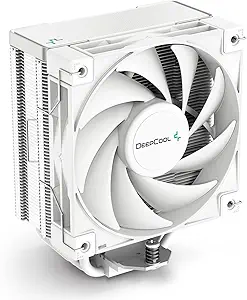
AK400 WH White CPU Air Cooler
DeepCool
Mid-Range
ID-COOLING IS-55 ARGB CPU Cooler low-profile 57mm
ID-COOLING
Mid-Range
Noctua NH-L9i-17xx low-profile CPU cooler for Intel LGA1700/LGA1851
Noctua
Mid-Range
Noctua NH-L12 Ghost S1 Edition CPU cooler
Noctua
Mid-Range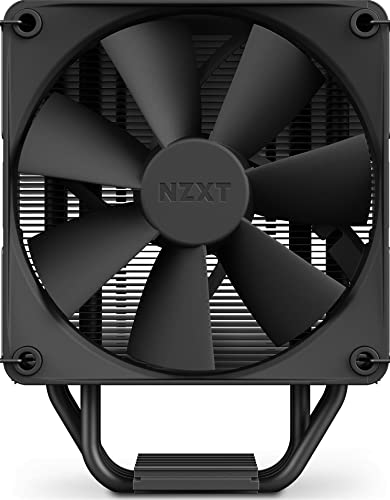
NZXT T120 120mm CPU Cooler Black
NZXT
Budget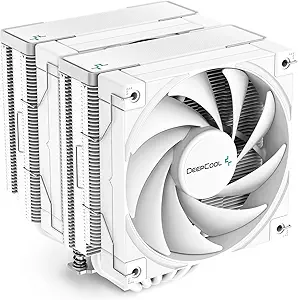
AK620 WH White CPU Cooler with FK120 Fans
DeepCool
Mid-Range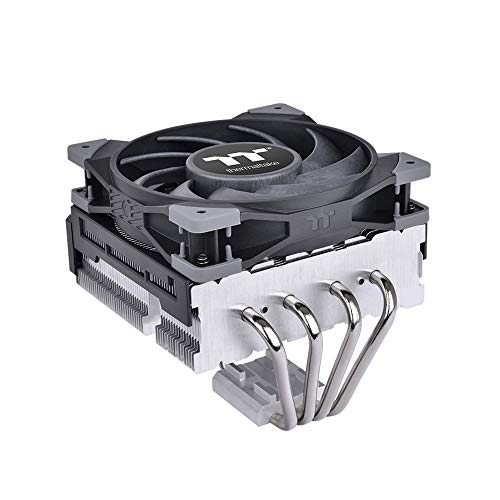
TOUGHAIR 110 CPU Cooler Top-Flow 140W
Thermaltake
Budget
Noctua NH-U12A CPU cooler
Noctua
Mid-Range
TOUGHAIR 310 CPU Cooler with 170W support
Thermaltake
Mid-Range
ID-COOLING FROZN A620 Dual-Tower CPU Cooler 6.1" height
ID-COOLING
Mid-RangeRoundups
Frequently Asked Questions
How do I choose the right CPU cooling fan for my build?
Match the fan type (air tower cooler vs. AIO liquid with radiator) to your case space, check CPU socket compatibility and TDP rating, and consider fan size, airflow (CFM) and static pressure for your cooler/radiator. Measure clearance for RAM and GPU and ensure your motherboard has appropriate fan or pump headers
What are the key differences between fan sizes and how do they affect cooling and noise?
Larger fans (120–140 mm and above) typically move more air at lower RPMs, offering better cooling at lower noise, while smaller fans can spin faster to achieve similar airflow but tend to be louder; static pressure fans are better for dense heatsinks and radiators, while high-airflow fans suit unobstructed case intake/exhaust
How important is fan bearing type and what should I look for for longevity?
Bearings like fluid dynamic (FDB) or rifle bearings generally offer longer life and quieter operation than sleeve bearings; look for rated MTBF values or manufacturer warranties and models from reputable brands for better durability
What maintenance is required to keep CPU cooling fans performing well?
Regularly clean dust from fan blades, heatsink fins, and radiators every few months or as needed, reapply thermal paste per CPU cooler manufacturer guidance (typically every few years), and check that fan bearings and connectors are functioning to avoid decreased performance or noise
How do I balance cooling performance and noise when picking a fan?
Compare noise ratings (dBA) at typical operating RPMs and look for fans with higher static pressure or airflow per RPM; consider using larger, lower-RPM fans, fan curves in BIOS/software, or anti-vibration mounts to reduce noise while maintaining adequate cooling
What should I know about compatibility with RGB and software control?
RGB-equipped fans may use separate 3/4-pin RGB headers (addressable or standard) and often require a compatible motherboard header or controller and vendor software for advanced lighting; verify header type (ARGB vs RGB) and software support before buying to avoid mismatches