Computer Graphics Tablets
Computer Graphics Tablets covers pen displays, drawing pads, and stylus-compatible tablets for digital art, design, and photo editing, with options from budget to premium. The category averages a 4.41 rating across 167 products and features brands like HUION, XP-Pen, Wacom, UGEE, and GAOMON
Top Products

Wacom Intuos Small Bluetooth Graphic Tablet
Wacom
Mid-Range
HUION HS610 drawing tablet with battery-free stylus
HUION
Mid-Range
Wacom Intuos Small Graphics Tablet with 4 express keys
Wacom
Mid-Range
GAOMON S620 drawing tablet 6.5 x 4 inch
GAOMON
Budget
HUION Inspiroy H640P drawing tablet (6x4) with battery-free PW100 stylus
HUION
Mid-Range
XP-Pen Deco 640 drawing tablet with 16K pressure, 6x4 inch
XP-Pen
Budget
XP-PEN Deco 01 V3 drawing tablet
XP-PEN
Mid-Range
XP-PEN Deco 01 V3 drawing tablet for Chromebook 10x6.25 inch
XP-PEN
Mid-Range
HUION HS64 Beginner Graphics Tablet with Battery-Free Stylus
HUION
Budget
Wacom Intuos Small Bluetooth Drawing Tablet
Wacom
Mid-Range
VEIKK A15Pro drawing tablet 10x6 in with 12 express keys
VEIKK
Mid-Range
HUION Inspiroy H950P drawing tablet (8x5), battery-free pen
HUION
Mid-Range
XP-Pen Deco Mini7 V2 drawing tablet 16k pressure, 7x4, battery-free stylus
XP-Pen
Mid-Range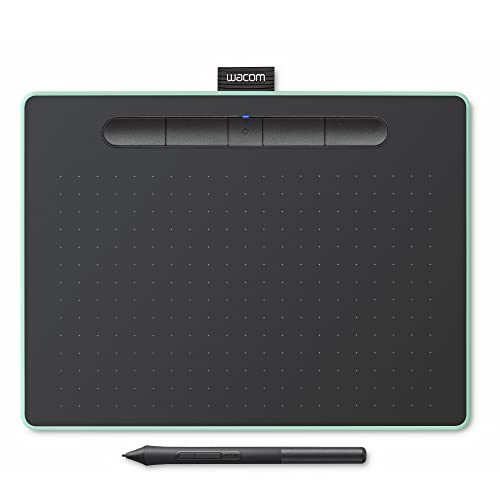
Wacom Intuos Medium Bluetooth Graphics Tablet
Wacom
Mid-Range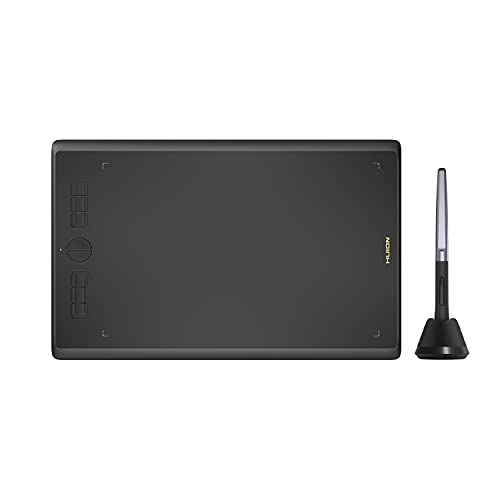
HUION Inspiroy H610X 10x6 inch graphics tablet with battery-free stylus
HUION
Mid-Range
HUION Inspiroy H1060P graphics tablet with battery-free stylus
HUION
Mid-Range
Wacom Intuos Medium Bluetooth Graphics Tablet
Wacom
Mid-Range
UGEE M708 graphics tablet 10x6 inch with 8192-level stylus
UGEE
Mid-Range
Huion KAMVAS Pro 12 drawing tablet with screen
HUION
Premium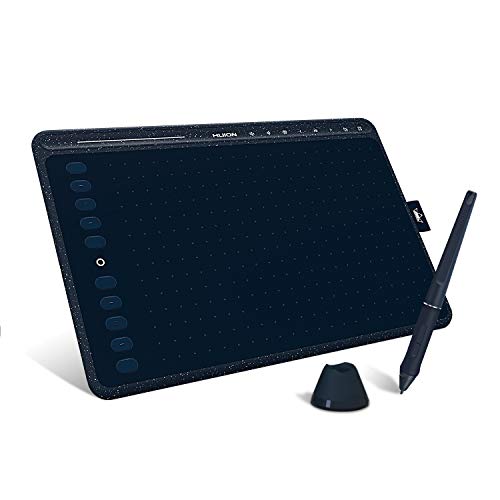
HUION HS611 graphics drawing tablet with 8 multimedia keys
HUION
Mid-Range
HUION Inspiroy 2 Small drawing tablet with scroll wheel
HUION
Mid-Range
12-pack LCD writing tablets for kids with colorful drawing boards
LEYAOYAO
Budget
UGEE M808 Drawing Tablet 10x6 Inch with Battery-Free Pen
UGEE
Budget
HUION Inspiroy 2 drawing tablet with scroll wheel
HUION
Mid-RangeRoundups
- Best Computer Graphics Tablets for Digital Drawing (2026)
- Best Computer Graphics Tablets for Teaching Demonstrations (2026)
- Best Computer Graphics Tablets for Digital Art And Sketching (2026)
- Best Computer Graphics Tablets Under $200 (2026)
- Best Computer Graphics Tablets Under $100 (2026)
- Best Computer Graphics Tablets Under $50 (2026)
- Best Computer Graphics Tablets (2026 Guide)
Frequently Asked Questions
How do I choose the right size of graphics tablet for my needs?
Choose a size based on workspace and drawing style: small tablets (about 6–8 inches) are portable and suit photo touch-ups, medium (about 9–12 inches) balance portability and drawing area for most illustrators, and large tablets (13+ inches) provide more natural hand movement for detailed artwork or full-page layouts. Consider your desk space, whether you prefer drawing directly on-screen (pen displays) or on a separate surface (pen tablets), and comfort for long sessions
What’s the difference between a pen display and a non-display (graphics) tablet?
A pen display has a built-in screen you draw on, offering direct on-canvas feedback and usually better for intuitive workflows; a non-display tablet requires looking at a separate monitor while drawing, which is often more affordable and lighter. Pen displays can demand more desk space and GPU performance, while pen tablets are generally simpler to set up and use with lower system requirements
Which features most affect drawing performance and accuracy?
Key features are pen pressure levels (higher levels yield smoother line variation), tilt recognition for natural brushes, resolution (lpi) for how detailed the tablet senses the pen, report rate or latency for responsiveness, and active area size for movement range. Also check pen battery type—battery-free pens reduce interruptions—and driver stability for consistent performance across software
What should I look for in compatibility and software support?
Confirm the tablet supports your operating system (Windows, macOS, some support Linux or Android) and popular creative apps (Photoshop, Clip Studio Paint, Illustrator, Krita). Verify driver availability and update frequency from the manufacturer, and check whether the tablet includes useful software bundles or configurable shortcut keys that match your preferred workflow
How much should I expect to spend and what are typical budget tiers?
Entry-level pen tablets and small pen displays commonly fall in lower price tiers while mid-range models balance features and price; high-end pen displays with large screens and professional specs cost more. Across the category, products span from budget options under $100 to several hundred dollars for mid-range and premium models, with an average price around a few hundred dollars
What accessories or extras should I consider buying?
Consider spare nibs and a nib removal tool, a protective screen film for pen displays, a pen stand or charging dock if your pen requires charging, an adjustable tablet stand or monitor arm for ergonomic positioning, and a good-quality USB/USB-C cable or adapter if your computer lacks compatible ports
How do I maintain and care for a graphics tablet to prolong its life?
Keep the active surface clean with a soft, lint-free cloth and avoid harsh chemicals; replace nibs before they become too worn to prevent scratching; update drivers regularly and safely disconnect cables when not in use to avoid wear; store the pen in its holder or a safe place to prevent damage