Computer Mice
Computer Mice covers wired and wireless mice for general, gaming, ergonomic, and portable use, with price tiers from budget to premium (avg $73). The category includes 317 indexed products averaging 4.41 stars and features brands like Logitech and Microsoft
Top Products
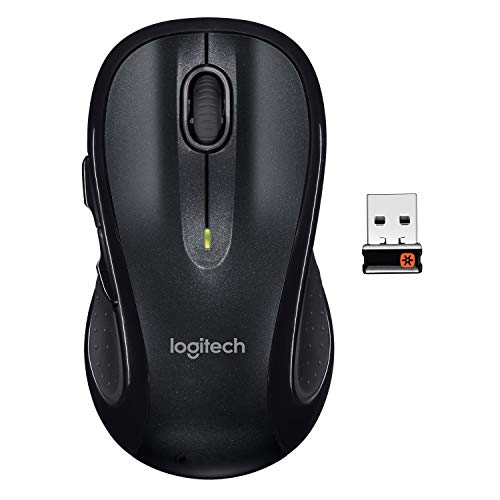
Logitech M510 Wireless Mouse, Black
Logitech
Budget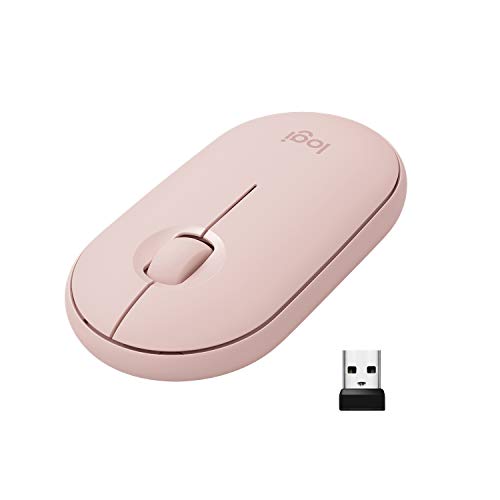
Logitech Pebble wireless mouse (pink rose) with bluetooth or 2.4 ghz
Logitech
Budget
Logitech M570 Wireless Trackball Mouse (Ergonomic, Right-Hand) with Unifying Receiver
Logitech
Mid-Range
Logitech POP Mouse with Bluetooth and portable mouse pad
Logitech
Mid-Range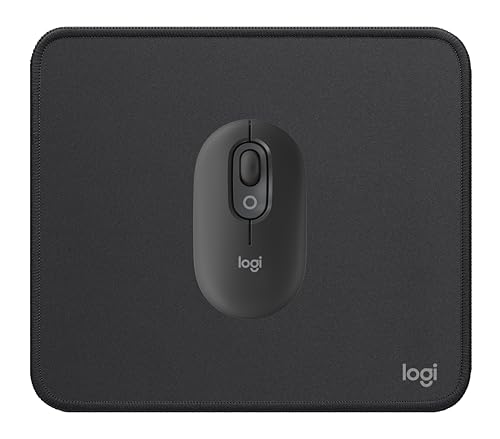
Logitech compact wireless mouse with emoji button
Logitech
Mid-Range
Microsoft Wireless Bluetooth Mouse (2022) – Forest
Microsoft
Mid-Range
Logitech POP Mouse: wireless, multi-device Bluetooth
Logitech
Mid-Range
Logitech POP Mouse – Wireless Bluetooth, multi-device, silent
Logitech
Mid-Range
Logitech POP Mouse: compact wireless Bluetooth with quiet clicks
Logitech
Mid-Range
Logitech POP Mouse Heartbreaker Rose (Wireless, Bluetooth, multi-device)
Logitech
Mid-Range
Logitech Signature M650 Wireless Mouse (Graphite) for small to med hands
Logitech
Mid-Range
Trust Verto Wired Ergonomic Mouse
Trust
Mid-Range
Logitech M720 Triathlon Wireless Mouse
Logitech
Mid-Range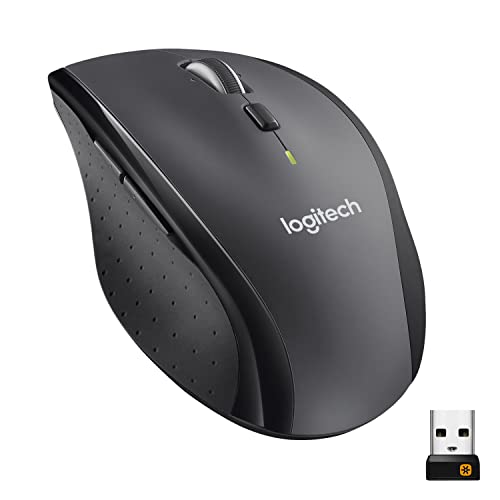
Logitech M705 Marathon Wireless Mouse
Logitech
Mid-Range
ECHTPower Trackball Mouse with 3-device wireless connection
ECHTPower
Budget
Logitech M575 Ergonomic Wireless Trackball Mouse
Logitech
Mid-Range
Nulea wireless ergonomic trackball mouse
Nulea
Mid-Range
Microsoft Bluetooth Surface Mobile Mouse - Poppy Red
Microsoft
Mid-Range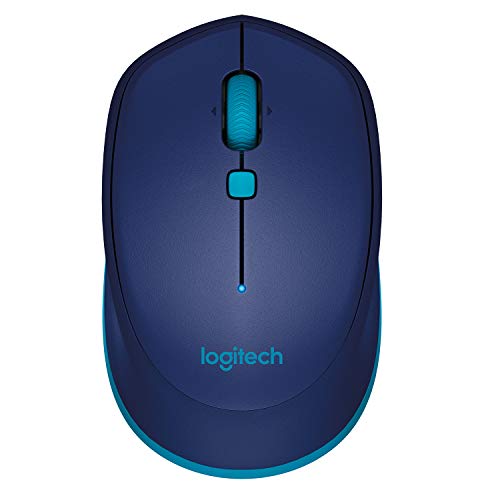
Logitech M535 Bluetooth Mouse (Blue)
Logitech
Mid-Range
Logitech M650 Wireless Mouse (Large, Right-Hand) - Bluetooth, Silent Clicks
Logitech
Mid-Range
Logitech Signature M650 L Left-Handed Wireless Mouse
Logitech
Mid-Range
Microsoft Modern Mobile Mouse - Glacier
Microsoft
Mid-Range
Microsoft Peach Wireless Mouse with Bluetooth (Left/Right)
Microsoft
Mid-Range
Nulea Wireless Ergonomic Trackball Mouse
Nulea
BudgetRoundups
Frequently Asked Questions
How do I choose between wired and wireless mice?
Choose wired for lower latency and no battery management; choose wireless for cable-free movement and cleaner desks. For gaming or precision work pick wired or a low-latency wireless model; for office use or portability pick Bluetooth or RF wireless
What sensor type and DPI should I look for?
Optical sensors for most users and high-quality laser sensors for varied surfaces; DPI (sensitivity) ranges from ~400 to 16,000+, with 800–1,600 DPI suitable for general use and higher DPI useful for high-resolution displays or fast gaming. Look for adjustable DPI settings if you need flexibility
Which ergonomic features matter for comfort and reducing strain?
Consider shape (palm, claw, fingertip), right- or left-handed design, thumb rests, and button placement to match your grip and hand size. Vertical or sculpted designs can reduce wrist pronation and may help users with recurring wrist discomfort
How long do mouse batteries last and how is battery life measured?
Battery life varies widely: coin-cell or AA/AAA models can last weeks to months; rechargeable mice often last days to weeks per charge. Manufacturers typically state battery life in hours or months of typical use, but actual life depends on polling rate, lighting (RGB), and wireless technology
What connectivity options and compatibility should I check?
Common options are USB-A wired, USB-C wired, Bluetooth, and 2.4 GHz wireless via a USB receiver. Verify your device has the matching port or Bluetooth version and that drivers or software are available for your operating system if you need programmable buttons or custom profiles
Are programmable buttons and software important to consider?
Programmable buttons and companion software are useful for productivity and gaming, allowing custom macros, DPI switching, and profile storage. If you rely on custom mappings, confirm the software supports your OS and whether settings are stored onboard or require the app
How should I clean and maintain a mouse to keep it working well?
Unplug or power off before cleaning; use a soft cloth lightly dampened with water or isopropyl alcohol to wipe surfaces and a cotton swab for crevices and the sensor area. Replace worn mouse feet/pads and keep the sensor free of dust for consistent tracking