Computer Monitor Arms
Adjustable monitor arms and stands for single or multi-screen setups, including gas-spring, articulating, and clamp/mount options for desks and walls. Category spans budget through premium price tiers (avg $101) with brands like VIVO among 620 indexed products averaging 4.48 stars
Top Products

VIVO Dual Monitor Desk Mount Stand V024
VIVO
Budget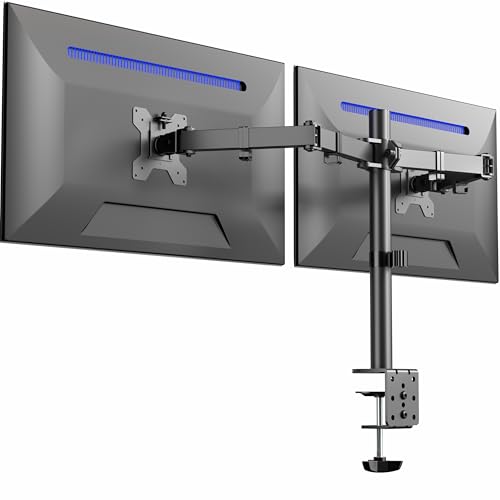
VIVO Dual Monitor Desk Mount STAND-V032
VIVO
Mid-Range
VIVO dual monitor mount for 13-30 in screens STAND-V002W
VIVO
Mid-Range
VIVO Dual Ultrawide Monitor Desk Mount (STAND-V038)
VIVO
Mid-Range
VIVO Dual Monitor Desk Mount (STAND-V032W) White
VIVO
Mid-Range
HUANUO Dual Monitor Stand with VESA Mount
HUANUO
Mid-Range
HIDEit Mounts Mac mini M4 Mount
HIDEit Mounts
Budget
ErGear dual monitor stand for 2 screens up to 32 inches
ErGear
Budget
BONTEC dual monitor desk mount, full motion white
BONTEC
Mid-Range
WALI Dual LCD Monitor Desk Mount (2 up to 27", 22 lbs per arm) White
WALI
Budget
WALI Dual Monitor Stand for 13-27 inch screens (M002), 2-arm desk mount
WALI
Budget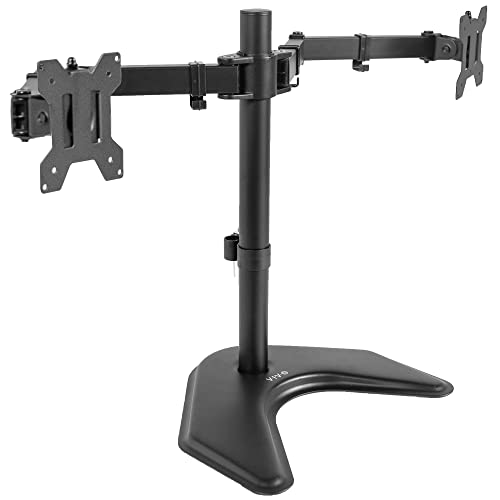
VIVO Dual Monitor Arm Stand for 2 Screens up to 32"
VIVO
Mid-Range
VIVO Dual Ultrawide Monitor Desk Mount (STAND-V038W) White
VIVO
Mid-Range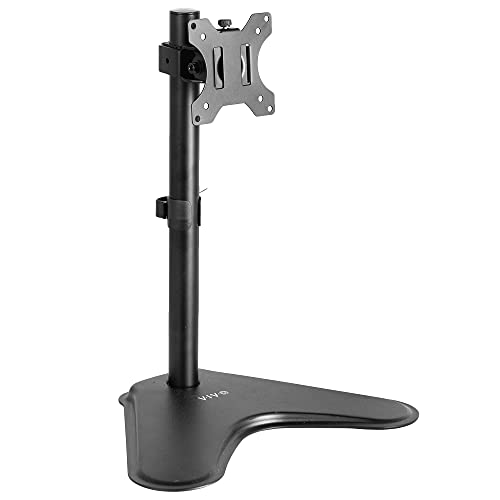
VIVO monitor desk stand STAND-V001H
VIVO
Budget
VIVO Dual Monitor Mount STAND-V032FW
VIVO
Mid-Range
VIVO single monitor arm desk mount (32"/38" ultrawide) white
VIVO
Mid-Range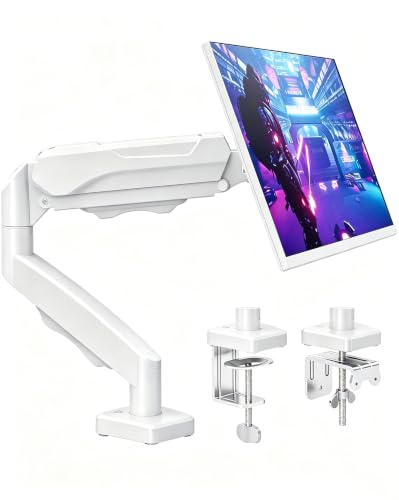
MOUNTUP Single Monitor Desk Mount for screens up to 32in
MOUNTUP
Mid-Range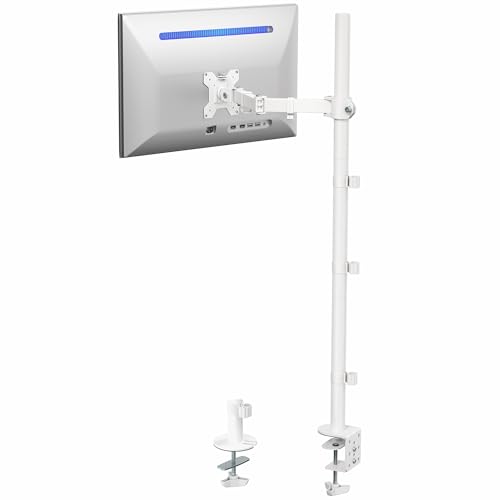
VIVO Extra Tall Monitor Desk Mount Stand with 39in Pole
VIVO
Mid-Range
VIVO dual monitor desk stand freestandingmount 2 ultrawide 34in white
VIVO
Mid-Range
VIVO monitor desk stand for up to 32"/38" ultrawide
VIVO
Mid-Range
VIVO dual monitor desk stand for two ultrawide screens
VIVO
Mid-Range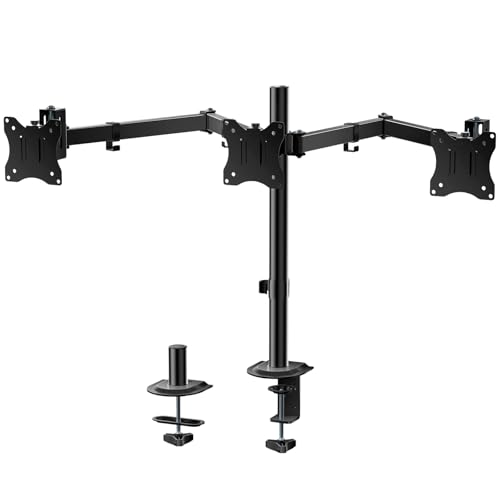
WALI triple monitor mount for 13-27 inch screens
WALI
Mid-Range
WALI Dual Monitor Stand MF002-W (2 monitors up to 27")
WALI
Budget
WALI Tall Monitor Stand Desk Mount M001XL-W (Up to 32")
WALI
BudgetRoundups
Frequently Asked Questions
How do I choose the right monitor arm for my monitor size and weight?
Check your monitor's VESA mount pattern and its weight; choose an arm that supports that VESA pattern and a weight range equal to or greater than your monitor's weight. Also match the arm's recommended screen size range (typically listed in inches) for best stability and articulation
What are the main mounting options and which should I pick?
Monitor arms typically mount via desk clamp, grommet, or wall mount; choose a desk clamp or grommet if you need portability or adjustable placement on a desk, and a wall mount if you need to free desk space or attach to a solid vertical surface. Ensure your desk thickness and grommet hole diameter meet the arm's specifications before buying
Which features affect ergonomics and adjustability?
Key features include height adjustment, tilt, swivel, and rotation (landscape to portrait), gas-spring or spring-assisted lift for smooth movement, and reach/extension length for positioning; higher adjustability lets you set proper eye level, reduce neck strain, and accommodate multiple users
How do I know if a dual or multi-monitor arm is right for me?
Choose a dual/multi-monitor arm if you frequently use two or more displays and need coordinated adjustment; verify combined weight capacity, whether each arm adjusts independently, and that the arm supports the monitors' VESA patterns and sizes for balanced support
What materials and build qualities should I look for for durability?
Look for arms made of steel or aluminum with solid joints and metal mounting hardware; check for a warranty and user reviews about long-term stability and sagging to assess durability under regular repositioning
Can monitor arms accommodate curved or ultrawide monitors?
Many arms support curved and ultrawide monitors if the monitor's weight and VESA pattern fall within the arm's specifications, but very large or unusually shaped ultrawide displays may require specialized heavy-duty or single-arm solutions—verify weight limits and clearance before purchasing
How do I install and maintain a monitor arm safely?
Follow the manufacturer's installation instructions, confirm desk or wall strength and thickness, tighten all fasteners properly, and periodically check and retension gas springs or joints; avoid exceeding rated weight limits and handle adjustments gently to prevent wear