Computer Networking Hubs
This category covers Ethernet and USB networking hubs and powered switch-style devices for expanding wired connections in home and small office setups. Twelve products are indexed, averaging a 4.50 rating and priced from $35 to $212 (avg $79); brands include ICC and Legrand On-Q
Top Products
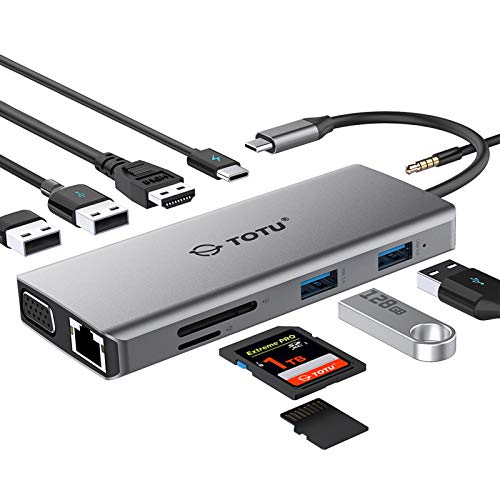
TOTU 11-in-1 USB-C hub with HDMI, VGA, USB 3.0/2.0, Ethernet, SD/TF, audio, PD
TOTU
Mid-Range
Belkin 7-Port USB Hub - Ultra-Slim Desktop 2.0
Belkin
Mid-Range
E-SDS USB 2.0 Extender to RJ45 over Cat5/Cat6 (196 ft)
E-SDS
Mid-Range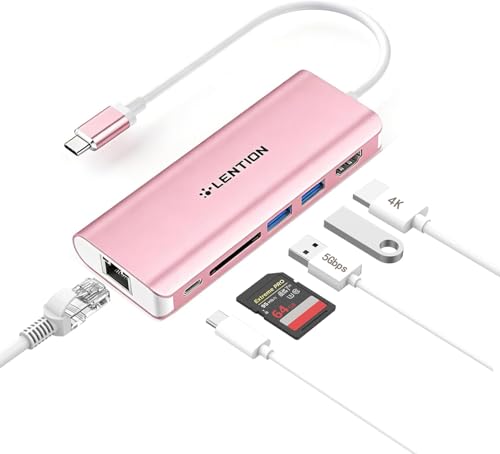
LENTION USB-C Hub with 4K HDMI, USB 3.0, SD Card, Ethernet
LENTION
Mid-Range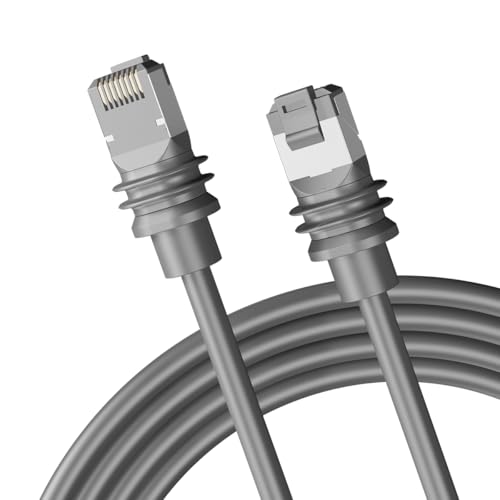
Starlink Gen 3 Ethernet Cable 15m (50ft) RJ45
SZJIAHONG
Mid-Range
USB C Hub 9-in-1 with 4K HDMI, PD 100W, USB-C + 4 USB-A & SD/TF
intpw
Budget
USB-C to HDMI multiport adapter with USB-A & PD charging
Eaton
Mid-Range
ICC CAT6 Data Module, 8 Ports, PoE++ Rated
ICC
Budget
StarTech 7-Port USB 3.0 Hub with mounting options
StarTech
Mid-Range
Legrand On-Q 6-Port Cat6A Patch Panel
Legrand On-Q
Mid-Range
Hub Media Center
Mopar
Premium
ICC 8-Port CAT6 Ethernet Data Module with Universal Adhesive Mount
ICC
PremiumRoundups
Frequently Asked Questions
How do I choose the right networking hub for my home or small office?
Match the hub's port count and speed to your needs (e.g., 5–8 ports for small setups), choose gigabit (1000 Mbps) ports for modern devices, verify whether you need unmanaged (plug-and-play) or managed (configurable) features, and confirm power requirements and physical size fit your rack or workspace
What's the difference between a networking hub, switch, and router?
A hub broadcasts all traffic to every port and is largely obsolete; a switch directs traffic to specific devices at layer 2 for better performance; a router connects different networks (e.g., LAN to WAN) and handles IP routing and NAT—most small-network setups use switches plus a separate router
What features should I look for if I need reliable performance and minimal maintenance?
Look for gigabit Ethernet ports, fanless design for silent operation, quality power delivery (internal PSU or rated external adapter), durable metal housing, and basic traffic features such as QoS or VLAN support if you expect heavy or segmented traffic
Are there power or compatibility considerations I should check before buying?
Confirm the hub's voltage and adapter type match your region, check PoE (Power over Ethernet) support if you plan to power devices over Ethernet, and ensure compatibility with your existing cabling (Cat5e for gigabit, Cat6 recommended for higher margin)
How much should I expect to spend on a networking hub and what affects price?
Entry-level unmanaged switches/hubs commonly fall under $50, mid-range managed or higher-port gigabit models often range from about $50 to $200, and price is driven by port count, managed features, PoE, build quality, and brand
How do I maintain a networking hub to ensure longevity?
Keep vents clear and dust-free, place the unit in a cool, ventilated area, update firmware for managed devices, use surge protection on the power source, and periodically check cables and link LEDs for connection issues
Do I need managed features or will an unmanaged hub suffice?
Unmanaged devices are sufficient for basic plug-and-play connectivity in small networks; choose a managed device if you need VLANs, traffic shaping, SNMP monitoring, or advanced security and troubleshooting tools