Computer Recording MIDI Interfaces
Computer recording MIDI interfaces connect MIDI gear (keyboards, controllers, synths) to computers for sequencing, recording, and MIDI routing. This category (22 products, average rating 4.49) spans budget to mid-range options with brands like CME and Roland represented
Top Products

CME MIDI Thru5 WC 1-to-5 MIDI Thru
CME
Mid-Range
Roland UM-ONE-MK2 MIDI Interface
Roland
Mid-Range
CME U4MIDI WC 2-in-2-out MIDI Interface with Router
CME
Mid-Range
CME WIDI Master Bluetooth MIDI Adapter (5-PIN DIN)
CME
Mid-Range
Camola USB Host MIDI Interface UMH-21
Camola
Mid-Range
CME WIDI Thru6 BT 2-in-6-out MIDI Thru/Split
CME
Mid-Range
MIDI Merge-3 MIDI Interface, 3 In 1 Out, USB-powered
DOREMiDi
Mid-Range
CME WIDI Uhost Bluetooth MIDI Interface & USB Host
CME
Mid-Range
iConnectivity mioXC MIDI Interface (Type-C/Type-A) for Mac/PC/iOS/Android
iConnectivity
Mid-Range
CME H4MIDI WC USB Host MIDI Interface with Router and Mapper
CME
Mid-Range
CME WIDI Jack Wireless MIDI Interface
CME
Mid-Range
CME WIDI Master Blue Bluetooth MIDI Adapter
CME
Mid-Range
DigitalLife Quad-I/O MIDI Interface Stand-Alone Box
DigitalLife
Mid-Range
mioXC MIDI Interface + Roland Cable Bundle
iConnectivity
Mid-Range
DigitalLife USB MIDI Host Bridge Box 1-In/1-Out
DigitalLife
Mid-Range
CME H2MIDI Pro USB Host MIDI Interface
CME
Mid-Range
CME WIDI Bud Pro Bluetooth MIDI Interface
CME
Mid-Range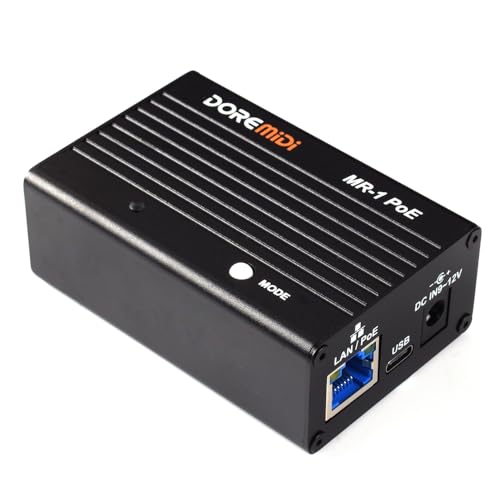
RTP MIDI Network Interface MR-1 PoE
DOREMiDi
Mid-Range
ESI M8U eX: 16-Port USB 3.0 MIDI Interface
ESI
Premium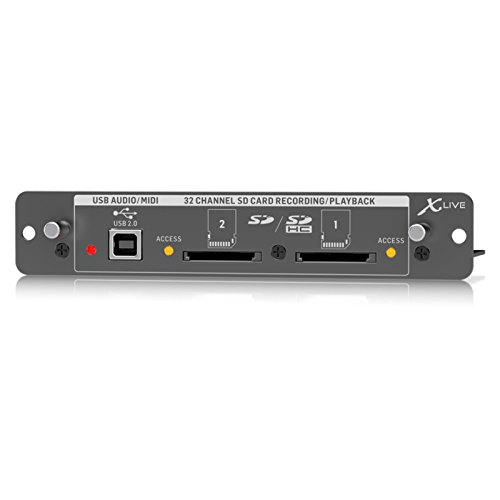
Behringer XLIVE X32 Expansion Card for 32 Channel Live Recording
Behringer
Premium
MIDI Thru-6 Pro Box: Splitter with USB MIDI Output
DOREMiDi
Mid-Range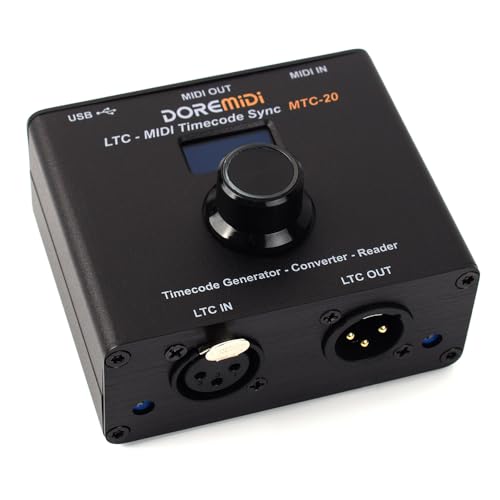
DOREMiDi LTC-MIDI Timecode Sync (MTC-20)
DOREMiDi
Mid-RangeRoundups
Frequently Asked Questions
What is a computer recording MIDI interface and why do I need one?
A MIDI interface connects MIDI hardware (keyboards, controllers, sound modules) to a computer so MIDI data can be recorded, routed, and played back in a DAW; you need one if your computer lacks built-in MIDI ports or if you want multiple MIDI devices or lower-latency, reliable MIDI routing
How do I choose the right number of MIDI ports and channels?
Match the interface's DIN or USB ports and channel count to the number of independent MIDI devices or multitimbral modules you plan to control simultaneously; for most home setups 1-2 ports suffice, while studios or gear-heavy rigs may require 4+ ports or interfaces supporting multiple virtual MIDI ports over USB
Should I pick USB-only, USB+DIN, or network-enabled MIDI interfaces?
Choose USB-only if you connect just to a single computer; choose a unit with 5-pin DIN ports if you need to hook up older MIDI gear directly; network-enabled (Ethernet/Wi‑Fi or MIDI over USB with virtual ports) is useful for routing MIDI between multiple computers or devices with low-latency network transport
How important are latency and jitter for MIDI interfaces, and how can I evaluate them?
Low latency and consistent timing (low jitter) are important when playing virtual instruments live or recording tight performances; evaluate interfaces by looking for USB class compliance, driver support for your OS, and user feedback on timing—interfaces with dedicated drivers often offer lower latency than generic class-compliant ones
Do I need special drivers or software to use a MIDI interface with my DAW?
Many modern MIDI interfaces are class-compliant and work without extra drivers, but some models provide manufacturer drivers or control software for lower latency, advanced routing, or firmware updates; check compatibility with your operating system and DAW before buying
What power and connectivity options should I consider?
Consider whether the interface is bus-powered via USB (convenient for portable use) or requires an external power supply (often needed for multiple ports or 5V/9V device powering); also check the number and types of connectors (USB Type-A vs Type-C, 5-pin DIN, TRS MIDI, Ethernet) to match your gear and computer
How do I maintain and troubleshoot a MIDI interface?
Keep firmware and drivers up to date, use quality MIDI cables, avoid long unshielded runs, test with known-good cables and devices to isolate issues, and verify DAW MIDI settings and port mappings; for persistent problems, consult the manufacturer's support resources and firmware update instructions