Computer Routers
This category covers home and small-business wireless and wired routers, mesh systems, and travel/portable VPN routers for networking and internet sharing. Listings span budget through premium options (average price ~(price varies)) and include brands like TP-Link and NETGEAR among 221 indexed products with an average rating of 4.34
Top Products

TP-Link AX1800 WiFi 6 Router (Archer AX21) V4
TP-Link
Mid-Range
TP-Link AX1500 Travel Router TL-WR1502X
TP-Link
Mid-Range
TP-Link AC1200 WiFi Router Archer A54
TP-Link
Budget
TP-Link Wi‑Fi 6 Router Archer AX55 (Dual-Band AX3000)
TP-Link
Mid-Range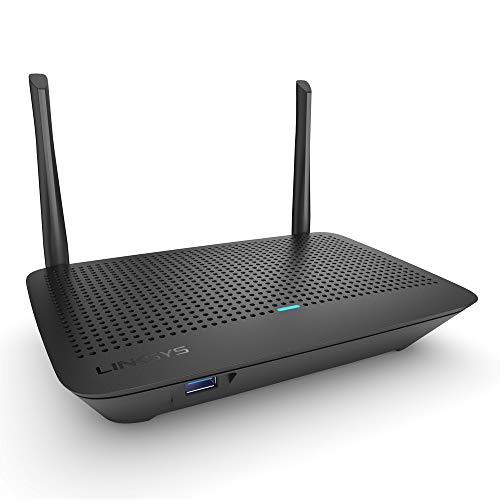
Linksys Mesh Wifi 5 Router (MR6350), Dual-Band, 1200 sq ft
Linksys
Mid-Range
TP-Link Wi-Fi 7 Archer BE230 Dual-Band Router
TP-Link
Mid-Range
GL.iNet GL-MT3000 (Beryl AX) Travel Router
GL.iNet
Mid-Range
TP-Link AX3000 WiFi 6 Router (Archer AX55 Pro) Dual Band
TP-Link
Mid-Range
TP-Link BE5000 Dual-Band WiFi 7 Router Archer BE260
TP-Link
Mid-Range
TP-Link AC1900 Wireless Router (Archer A8)
TP-Link
Mid-Range
TP-Link AX3000 Travel Router TL-WR3002X
TP-Link
Mid-Range
GL.iNet GL-SFT1200 Opal portable WiFi router
GL.iNet
Budget
TP-Link BE3600 Wi-Fi 7 Travel Router TL-WR3602BE
TP-Link
Mid-Range
NETGEAR AX1800 4-Stream WiFi 6 Router (R6700AX)
NETGEAR
Mid-Range
TP-Link Deco BE23 WiFi 7 Mesh Router (BE3600) 4-Stream Dual-Band
TP-Link
Mid-Range
TP-Link Festa FR205 Multi-WAN Router
TP-Link
Mid-Range
TP-Link ER605 V2 wired VPN router (5x gigabit, 3 WAN)
TP-Link
Mid-Range
GL.iNet AXT1800 Slate AX Portable Travel Router
GL.iNet
Mid-Range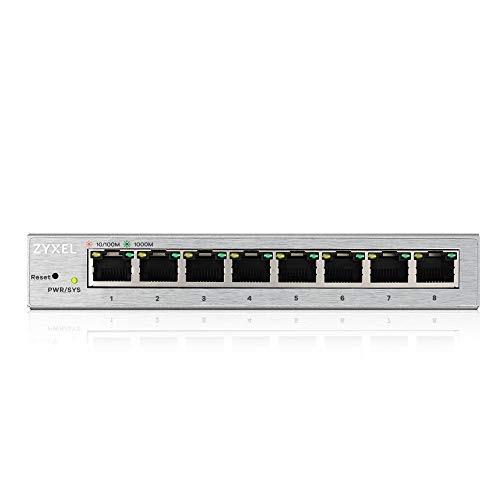
ZyXEL 8-Port Gigabit Web Managed Switch
ZyXEL
Budget
Nest Wifi Router with 1 Point (Mesh)

ASUS N900 WiFi Router RT-N66U dual-band router
ASUS
Mid-Range
Reyee AX3000 Wi-Fi 6 Router (RG-E4) – Dual Band, 3000 sq ft
Reyee
Mid-Range
TP-Link AC1200 Dual Band Router with MU-MIMO
TP-Link
Mid-Range
TP-Link Archer AX20 AX1800 Dual-Band Wi‑Fi 6 Router (Renewed)
TP-Link
Mid-RangeRoundups
Frequently Asked Questions
How do I choose the right router for my home or small office?
Choose based on your internet plan's maximum speed, the size of your coverage area, the number of simultaneous devices, and features you need (Wi‑Fi standard like Wi‑Fi 5/6/6E, MU‑MIMO, QoS, guest networks, and wired ports). Match the router's rated throughput to or above your ISP speed and prioritize models with better antenna/mesh support for larger homes
What are the key differences between Wi‑Fi 5, Wi‑Fi 6, and Wi‑Fi 6E routers?
Wi‑Fi 5 (802.11ac) is adequate for many users; Wi‑Fi 6 (802.11ax) offers higher throughput, better multi‑device performance, and lower latency; Wi‑Fi 6E adds access to the 6 GHz band for less congestion and more channels. Pick Wi‑Fi 6 or 6E if you have many devices, high bandwidth needs, or want more future proofing
Do I need a mesh system or is a single router enough?
A single high‑quality router is fine for small to medium homes with good line‑of‑sight; choose a mesh system if you have a larger home, multiple floors, or persistent dead zones because mesh nodes extend coverage and hand off devices seamlessly between units
Which security and management features should I look for?
Look for WPA3 support, automatic firmware updates, a built‑in firewall, guest networking, and parental controls. For advanced management, consider routers that offer VLAN support, VPN server/client, and detailed traffic/QoS controls
How many Ethernet ports and what port types should the router have?
Ensure at least one Gigabit WAN port and multiple Gigabit LAN ports for wired devices; consider a router with a 2.5 Gbps or multi‑Gbps WAN/LAN port if your ISP plan or local LAN transfers exceed 1 Gbps. USB ports can be useful for network storage or printers
What maintenance or care does a router need to stay secure and reliable?
Keep firmware up to date, change default admin credentials, use strong Wi‑Fi passwords, periodically reboot if you notice issues, and place the router in an open, elevated location away from interference for optimal performance
How much should I expect to spend and what does price generally indicate?
Routers commonly range from budget models under $50 to premium units several hundred dollars; higher prices typically indicate faster chips, better antennas, more features (Wi‑Fi 6/6E, advanced QoS, mesh readiness), and improved build quality for heavier multi‑device use