Computer Tablets
This category covers tablet computers and accessories for media, productivity, and light gaming across budget through premium price points; listings include tablets from brands such as Samsung and Lenovo and average a 4.31 rating. Indexed products range from $32 to $1,800 with an average price near (price varies)
Top Products

Samsung Galaxy Tab A7 10.4" Wi-Fi 32GB Gray
SAMSUNG
Premium
Contixo 7" Kids Tablet with 32GB Android 11 Go
Contixo
Mid-Range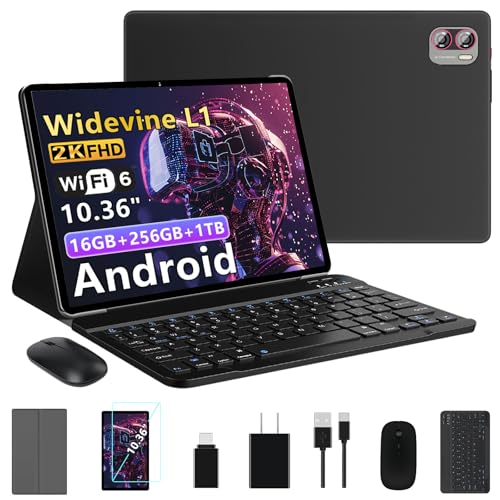
Tablet 10.36" 2K Display Android 13 with 16GB/256GB + 1TB
MEBERRY
Mid-Range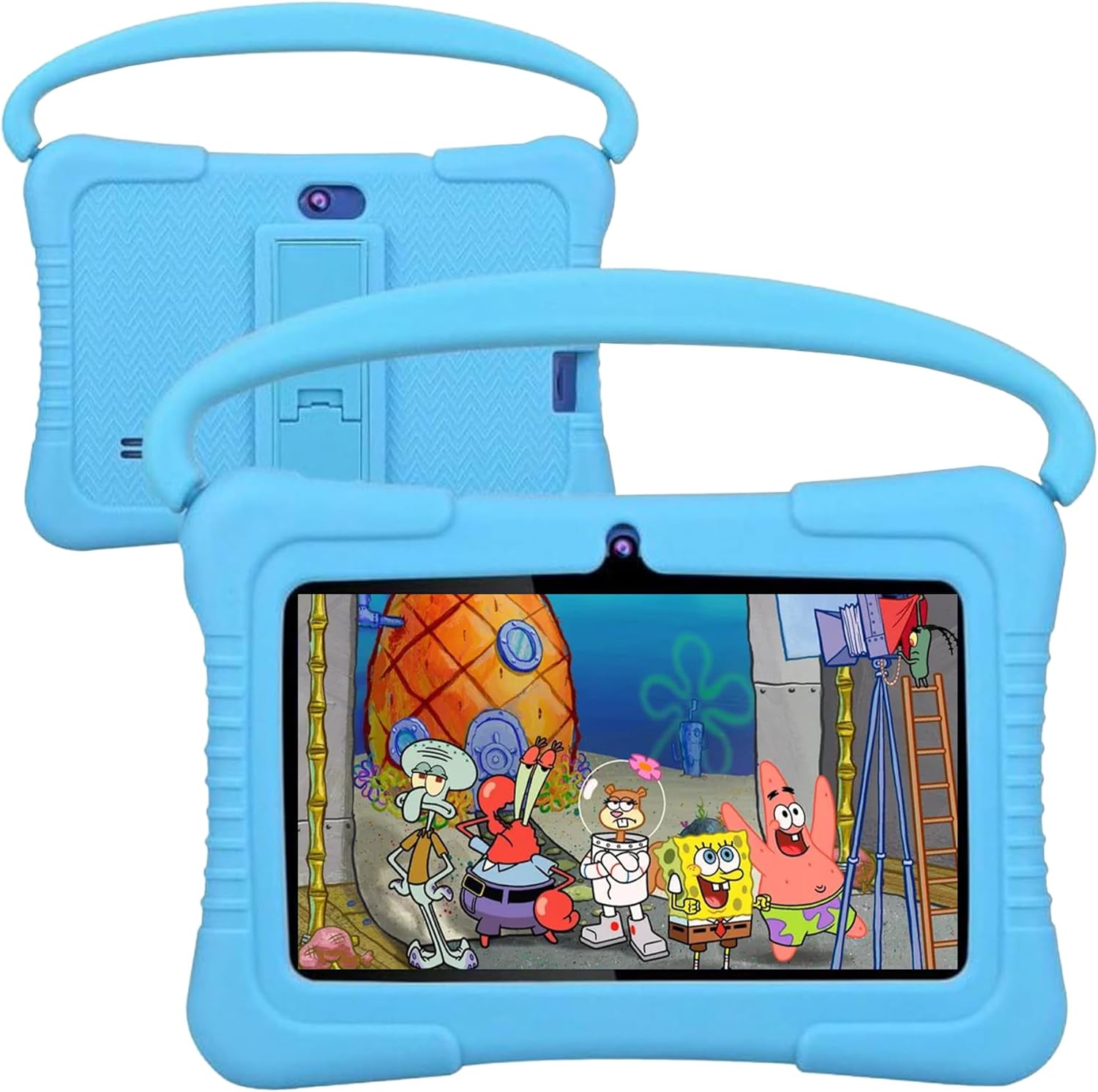
Kids Tablet 7 inch Android Tablet for Kids 32GB Blue
LEERUC
Mid-Range
Kids Tablet 7 inch Android 13 with Parental Controls
BISAIKASOW
Mid-Range
Kids Tablet 7 inch with Android 13, 8GB RAM, 64GB ROM, Parental Control
BISAIKASOW
Mid-Range
Tablet 10.36" 2K Android 13 w/ 16GB RAM + 256GB ROM + 1TB+ TF
MEBERRY
Mid-Range
Android 15 Tablet 11" with 12GB RAM, 128GB ROM
WXUNJA
Mid-Range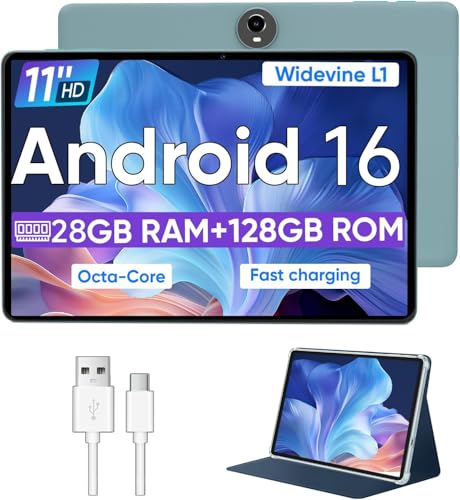
WXUNJA Android 15 Tablet 11" with 12GB RAM, 128GB ROM
WXUNJA
Mid-Range
Xiaomi Redmi Pad Se 128GB 4GB WiFi 11" Tablet
XIAOMI
Premium
Kids Android Tablet 7 inch with shockproof case, 8GB RAM, 64GB ROM
SUMTAB
Mid-Range
Xiaomi Redmi Pad Se 128GB 4GB WiFi 11" Tablet
XIAOMI
Premium
ApoloSign Kids Tablet 2024 10.1" Android 14 kids tablet
ApoloSign
Mid-Range
SAMSUNG Galaxy Tab A8 10.5" 32GB Android Tablet
SAMSUNG
Premium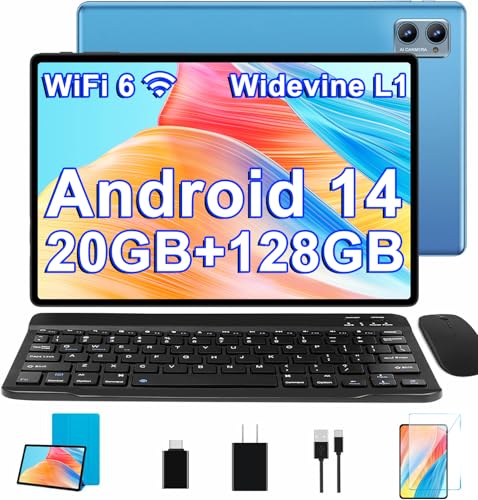
SUAAT 10 inch Android 14 Tablet with Keyboard & Mouse
SUAAT
Mid-Range
Android tablet 2025 with 22GB RAM + 128GB ROM, 1TB expandable, 10.1"
DMOAO
Mid-Range
Contixo 7" Kids Tablet with 32GB Android 11 Go
Contixo
Mid-Range
Contixo 7" Kids Tablet with 32GB Android 11 Go
Contixo
Mid-Range
Android 14 tablet for kids, 10-inch with parental controls
COLORROOM
Mid-Range
Android Tablet 10.1" Octa-core RAM 12GB 64GB (up to 2TB) 8MP camera
Callsky-Tab
Mid-Range
Android 14 tablet for kids, 10-inch, 10GB RAM + 64GB ROM, parental controls
COLORROOM
Mid-Range
CFVOCUY Kids Tablet 10.1" with Parental Controls
CFVOCUY
Mid-Range
Fezawio 2025 10 inch Android Tablet with Keyboard
fezawio
Mid-Range
Fezawio 2025 10" Android 14 Tablet with Keyboard
fezawio
Mid-RangeRoundups
Frequently Asked Questions
How do I choose the right tablet size and display for my needs?
Choose a size based on primary use: 7–8 inches for portability and basic reading, 9–11 inches for media and general productivity, and 12 inches or larger for laptop-like tasks; look for IPS or OLED panels for better color and wide viewing angles and a screen resolution of at least 1920×1080 for sharp video and text
What performance specs matter for apps, gaming, and multitasking?
Key specs are processor type and cores, 3–6+ GB of RAM for general use (6–8+ GB for heavier multitasking or modern games), and sufficient storage (64 GB minimum for many users) or an SD card slot for expansion; also check GPU performance for gaming and whether the OS limits background processes
How should I budget for a tablet and what are typical price tiers?
Tablets commonly fall into budget (under ~$100–$150), mid-range (~$150–$400), and premium (above ~(price varies)) tiers; budget models cover basic browsing and media, mid-range balance performance and features, and premium models offer higher-end displays, processors, and accessories support
Which connectivity and accessory features should I consider?
Look for Wi‑Fi standards (802.11ac or Wi‑Fi 6 for faster, more reliable connections), optional cellular (LTE/5G) if you need mobile data, Bluetooth 5.x for peripherals, a USB-C port for charging and accessories, and official or third‑party keyboard and stylus support if you plan to type or draw
How long do tablet batteries typically last and how can I extend battery life?
Typical battery life ranges from about 6 to 12 hours depending on model and usage; extend life by lowering screen brightness, using Wi‑Fi instead of cellular when possible, closing unused apps, and enabling power‑saving modes
What warranty and post‑purchase support should I look for?
Check for at least a one‑year manufacturer warranty covering defects, availability of replacement parts or authorized repair centers, and whether software updates are provided for multiple years, as long‑term OS and security updates affect device longevity
How do I care for and protect my tablet to maximize its lifespan?
Use a protective case and a screen protector to prevent drops and scratches, keep the tablet away from extreme heat or moisture, charge with the manufacturer‑recommended charger and avoid leaving it at 0% or 100% for prolonged periods, and keep software updated to patch security and performance issues