Computer Touch Pads
This category covers computer touch pads and trackpad replacements and accessories for laptops and desktops, spanning budget through mid-range options. It includes 25 indexed products averaging a 4.58 rating, with prices from $33 to $160 (average about (price varies)) and brands like Willhom represented
Top Products

JOMAA Wired touchpad with multi-gesture control
JOMAA
Budget
JOMAA Wired touchpad with multi-gesture control
JOMAA
Budget
Willhom MacBook Air 13" A1466 Trackpad Replacement
Willhom
Budget
Willhom MacBook Pro 15" Trackpad Replacement Kit
Willhom
Budget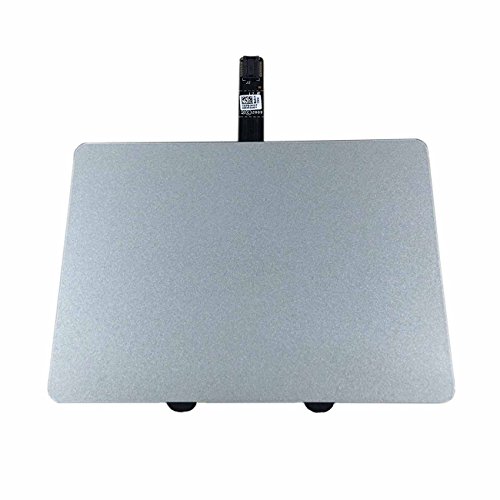
Willhom MacBook Pro 13" A1278 Trackpad Replacement Kit + Cable
Willhom
Budget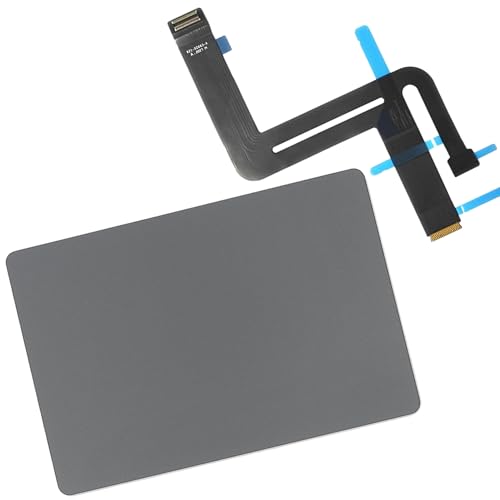
Replacement touch trackpad with cable for MacBook Air 13" Late 2020 A2337
Willhom
Mid-Range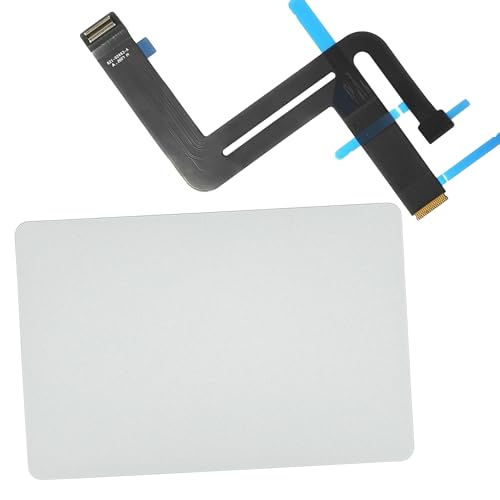
Willhom replacement touch trackpad for MacBook Air 13" Late 2020
Willhom
Mid-Range
MCSaite wired USB touchpad for computers
M MC Saite
Budget
HAWSON A2179 Trackpad for MacBook Air 13.3" A2179 (2020) Space Gray
HAWSON
Budget
Replacement touch trackpad with cable for MacBook Air 13" A1932 Late 2018-2019
willhom
Mid-Range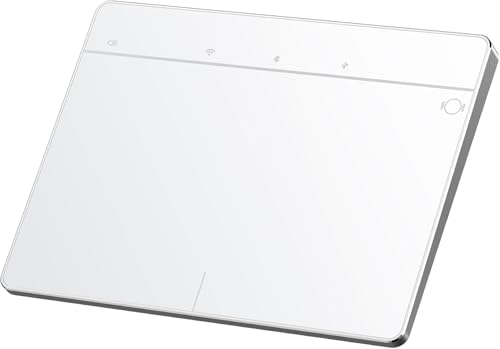
Wireless Bluetooth Trackpad for Windows 10/11
Homiguar
Mid-Range
Wired Trackpad for Windows 10/11 – High-Precision Multi-Touch Pad
Homiguar
Mid-Range
MICROPACK Digitally Yours Wired Trackpad for Windows
MICROPACK Digitally Yours
Mid-Range
Trackpad replacement with flex cable for MacBook Air 13 A1466
Willhom
Mid-Range
Wireless Bluetooth Trackpad for Windows 10 & 11, 3-in-1 Connectivity
Homiguar
Mid-Range
Keenhot Trackpad Frame for iMac with Stylus Pen
Keenhot
Mid-Range
PTK palmrest touchpad keyboard for HP Chromebook 14 G5 L14356-001 L17093-001
Comp XP
Mid-Range
A1502 MacBook Pro Retina 13" Trackpad Replacement
HAWSON
Budget
Wired USB Touchpad with high precision multi-touch controls
TBDBOX
Budget
DIGI MICROPACK Wired Trackpad for Windows (USB, large, 4-finger gestures)
MICROPACK Digitally Yours
Mid-Range
PTK Palmrest TouchPad for HP Notebook 15-DB Series L20386-001 L20449-001
Comp XP
Mid-Range
Trackpad assembly with flex cable for MacBook Air 13" A1466
Nockchawon
Mid-Range
VP9851 SIG PAD II USB with Integrisign
EPADLINK
Mid-Range
PTK Laptop Palmrest Touchpad with Keyboard for HP Chromebook 14-CA021NR
Comp XP
Mid-RangeRoundups
Frequently Asked Questions
How do I choose the right touch pad for my computer?
Select a touch pad based on compatibility (operating system and connection type USB, Bluetooth, or PS/2), size and surface area for comfort, sensitivity and gesture support for multi-touch functions, and build quality for durability
What connection types and compatibility should I check before buying?
Check whether the touch pad connects via USB, Bluetooth, or wireless dongle and confirm driver support for your operating system (Windows, macOS, Linux); some pads use generic HID drivers while others require vendor drivers for full gesture support
Are there differences in sensitivity and gesture support I should know about?
Yes; models vary in touch sensitivity, palm rejection, multi-touch gesture recognition (two-finger scroll, pinch-to-zoom, three-finger swipe), and whether those gestures are configurable through drivers or system settings
What is a reasonable price range for a good computer touch pad?
Touch pads typically range from budget options under $30 to higher-end units over $100, with many reliable, mid-range products commonly priced around $30–$80; price often reflects build quality, connectivity, and gesture features
How do I maintain and clean a touch pad safely?
Turn off or unplug the device, use a soft microfiber cloth lightly dampened with water or 70% isopropyl alcohol to wipe the surface, avoid abrasive cleaners and excess moisture, and allow it to dry fully before reconnecting
What warranty or support should I expect when buying a touch pad?
Manufacturers commonly offer limited warranties covering defects for a period (often one year); check the product listing for warranty length, return policy, and whether driver updates or technical support are provided
Will a touch pad work well for extended or professional use?
For extended use, choose a model with a larger active area, reliable palm rejection, durable materials, and good driver support; read user reviews and look for models with ergonomic design and consistent sensitivity