External Blu-ray Drives
External Blu-ray drives are portable optical disc readers/writers for laptops and desktops, supporting playback, ripping, and data backup. The category spans budget through premium models (about $50–$247, avg ~(price varies)) with brands like LG and Produplicator represented among 28 indexed products and an average rating of 4.24
Top Products

External Blu-ray Drive with USB 3.0 for Desktop & Notebook
Tangxi
Mid-Range![Deadwood: The Complete Series [Blu-ray]](https://m.media-amazon.com/images/I/51FCQdltT3L._SL500_.jpg)
Deadwood: The Complete Series [Blu-ray]
ENTEKE
Mid-Range
External Blu-ray Drive with 2 USB ports & SD/TF slots
BUNUD
Mid-Range
OWC Mercury Pro external Blu-ray/DVD/CD reader-writer
OWC
Premium
External Blu-ray Drive with USB 3.0 & Type-C, Windows/mac compatible
aelrsoch
Mid-Range
8-in-1 external Blu-ray/DVD drive for PC and Mac
Yaeonku
Mid-Range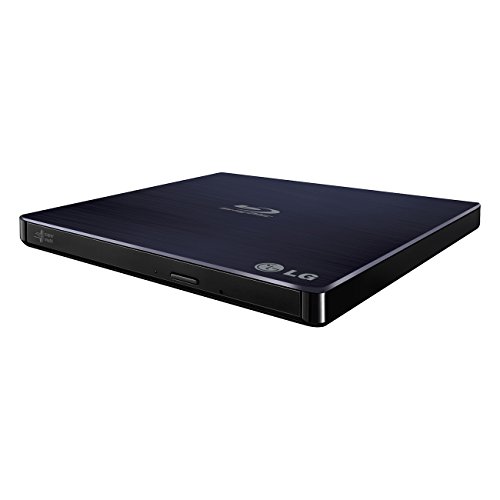
LG Ultra Slim Portable Blu-ray Writer with M-DISC (Black)
LG
Mid-Range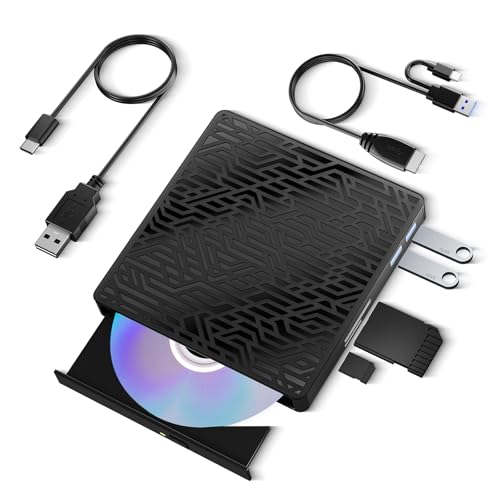
5-in-1 external Blu-ray drive for laptop
wintale
Mid-Range
External USB 3.0 UHD 4K Blu-Ray Writer
SEA TECH
Mid-Range
4 in 1 external Blu-ray drive with USB 3.0/Type-C
mthstec
Mid-Range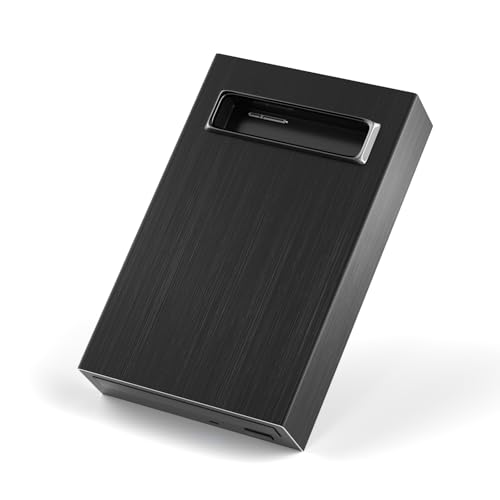
4 in 1 external bluray drive with USB 3.0/Type-C and HDD enclosure
MthsTec
Mid-Range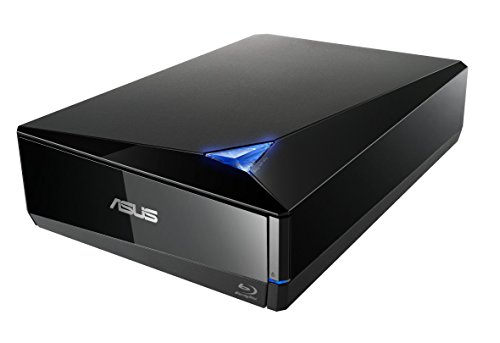
ASUS Blu-ray Drive with 16x write, USB 3.0, external BW-16D1X-U
ASUS
Premium
4 in 1 External Blu-ray Drive with HDD Docking Station (USB 3.0/C)
Wbacon
Mid-Range
External Blu-ray Drive for Laptop with USB 3.0/Type-C
juwuoi
Mid-Range
External 4k Blu Ray Drive for PC with Carry Case
XRTFORE
Mid-Range
External Blu-ray Drive for laptop 5-in-1 USB 3.0 reader
APPINESSEY
Mid-Range
External Blu-ray Drive with USB 3.0 & Type-C
Alphami
Mid-Range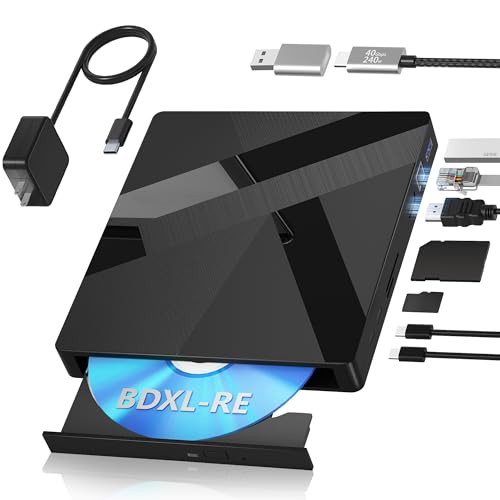
External Blu-ray Drive with 100GB disc support and ports
Wbacon
Mid-Range
LG ultra slim external blu-ray burner with 100GB BDXL disc
LG
Premium
5 in 1 external blu-ray burner drive with usb 3.0 & type-c
Haiway
Mid-Range
4-in-1 external Blu-ray drive with USB-C/USB-A
Wbacon
Mid-Range
USB3.0 External Blu-Ray Drive, slim portable writer
Xglysmyc
Mid-Range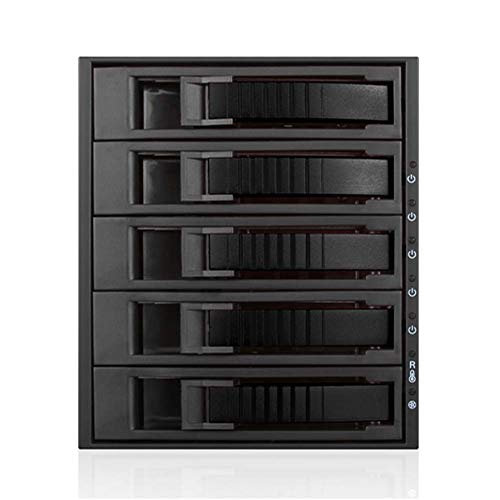
iStarUSA 3x 5.25 to 5x 3.5 2.5" HDD/SSD Hot-swap Rack
iStarUSA
Premium
Produplicator LG BP60NB10 Portable UHD Blu-ray Burner
Produplicator
PremiumRoundups
Frequently Asked Questions
How do I choose the right external Blu-ray drive for my computer?
Choose a drive based on interface compatibility (USB-A or USB-C), operating system support (Windows, macOS, Linux), read/write needs (BD-ROM read-only vs. BD-R writable), and supported disc formats (BD-R/RE, DVD, CD). Also consider power method (bus-powered vs. external adapter) and whether you need portable slim or desktop-sized drives
Will an external Blu-ray drive work with my laptop or desktop?
Most external Blu-ray drives connect over USB and work with PCs and Macs that support USB mass storage; check the drive’s OS compatibility and whether your computer requires additional drivers. Some laptops may need an adapter for USB-C ports or a powered USB hub if the drive is not fully bus-powered
Do I need special software to play or burn Blu-ray discs?
Yes: playing commercial Blu-ray movies typically requires Blu-ray playback software that supports disc encryption and menus, while burning/authoring requires disc-burning or media-authoring software compatible with BD-R/BD-RE formats. Some drives include basic software, but you can also use third-party applications
What should I expect to pay for an external Blu-ray drive?
External Blu-ray drives generally range from budget options under $50 for basic read-only models to higher-priced writable drives; in this category the average price is around $100–$130. Prices vary with features like write capability, USB-C connectivity, and bundled software
How fast are external Blu-ray drives and does speed matter?
Speeds are specified as read/write multiples (e.g., 6x, 12x) for Blu-ray and separate speeds for DVD/CD; higher speeds reduce transfer times but actual performance depends on disc quality and system USB bandwidth. For most uses, moderate speeds are sufficient; choose higher speeds if you frequently burn large BD-R discs
Are external Blu-ray drives plug-and-play and portable?
Many slim external drives are plug-and-play for basic file access and are bus-powered via USB for portability, while some desktop models require external power and are less portable. Verify whether the model is explicitly described as portable and whether it needs an AC adapter
How should I care for and maintain an external Blu-ray drive?
Keep discs and the drive clean and dust-free, store discs in cases, eject media before transport, avoid excessive heat or shock, and use manufacturer firmware updates for reliability. If discs fail to read, try cleaning the disc and lens with appropriate tools before seeking support