Laptop Cooling Pads
Laptop cooling pads and stands that improve airflow and ergonomics for notebooks, ranging from simple passive risers to multi-fan, USB-powered models. The category includes about 62 indexed products, average rating 4.35, and mid-range pricing (roughly $32–$187, avg $63); brands include SHUWEI among others
Top Products
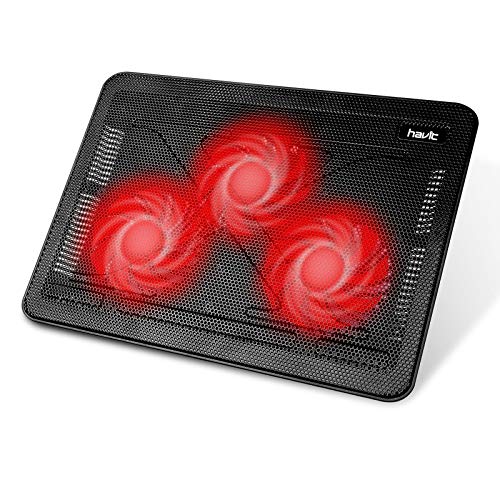
Havit 15.6-17 in laptop cooler with 3 fans, slim USB powered
havit
Mid-Range
Havit 15.6-17 inch Laptop Cooler with 3 Quiet Fans
havit
Mid-Range
ICE COOREL gaming laptop cooling pad with 8 fans
ICE COOREL
Budget
AICHESON S035 Laptop Cooler 5 Fans for up to 17.3"
AICHESON
Budget
KLIM Ultimate RGB Laptop Cooling Pad
KLIM
Mid-Range
Kootek Laptop Cooling Pad with 5 Fans and LED, blue
Kootek
Budget
Kootek 5-Fan Laptop Cooling Pad (12-17") Purple
Kootek
Budget
Targus 17-Inch Dual Fan Lap Chill Mat
Targus
Mid-Range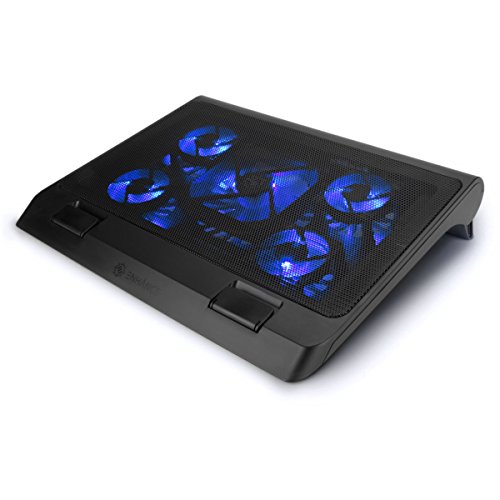
ENHANCE Gaming Laptop Cooling Pad with 5 fans, adjustable height
ENHANCE
Budget
Laptop cooling stand with 3-speed fan and adjustable height
SHUWEI
Budget
SHUWEI Laptop Cooling Stand with 3 Fan Speeds
SHUWEI
Budget
ChillCore RGB Gaming Laptop Cooling Pad (K1 5V) with 5.5" Turbofan
ChillCore
Mid-Range
SHUWEI laptop cooling stand with 3 speed fan
SHUWEI
Budget
DEPGI Laptop Cooling Pad with Movable 5.5" Fan, RGB Lights, Auto Temp Sensor
DEPGI
Budget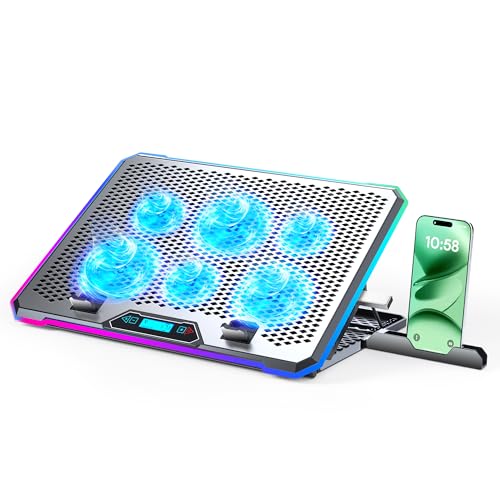
Aluminum gaming laptop cooler with 6 fans and LCD
KYOLLY
Budget
SHUWEI Laptop Cooling Stand with 3 Speed Fan
SHUWEI
Mid-Range
ChillCore 9-Fan RGB Laptop Cooling Pad A21
ChillCore
Mid-Range
SHUWEI Gaming Laptop Cooling Pad with 360° Rotation
SHUWEI
Mid-Range
SHUWEI Laptop Cooling Stand with 3 Speed Fan, Adjustable Height & Angle
SHUWEI
Budget
AICHESON Gaming Laptop Cooling Pad with 15 Fans
AICHESON
Mid-Range
KeiBn Gaming Laptop Cooling Pad with 5.5" fan and 7 height levels
KeiBn
Mid-Range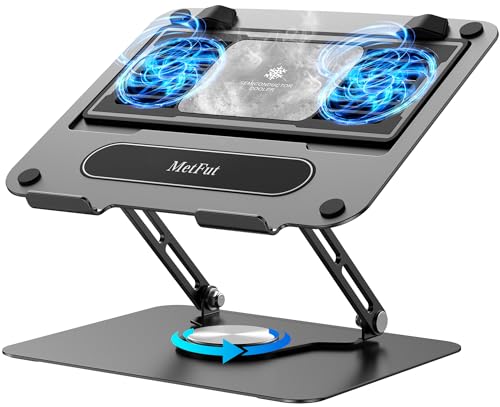
Laptop cooling stand with detachable cooler, adjustable height
MetFut
Mid-Range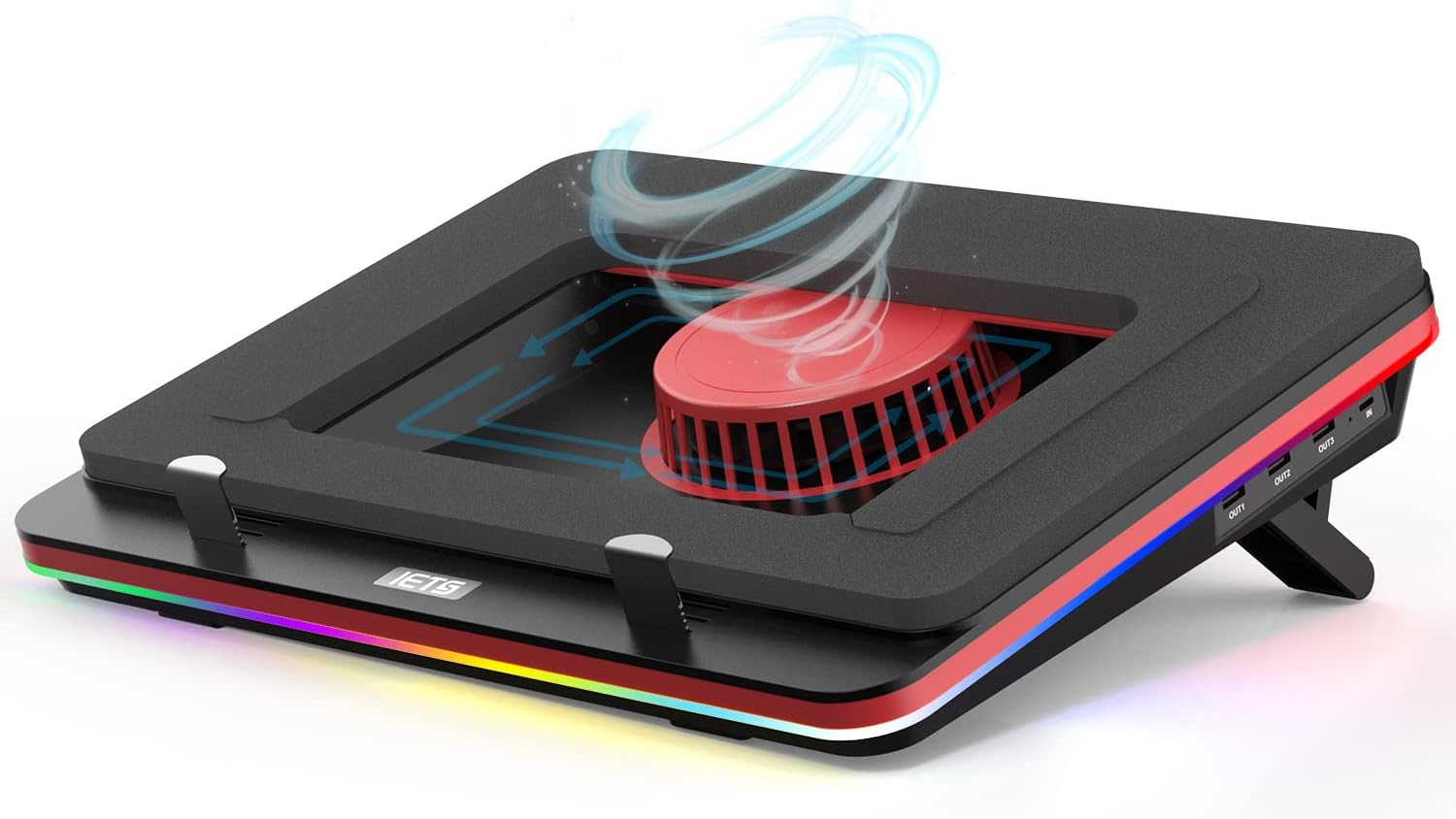
IETS GT500 Laptop Cooling Pad with 5000RPM Turbo-Fan
IETS
Mid-Range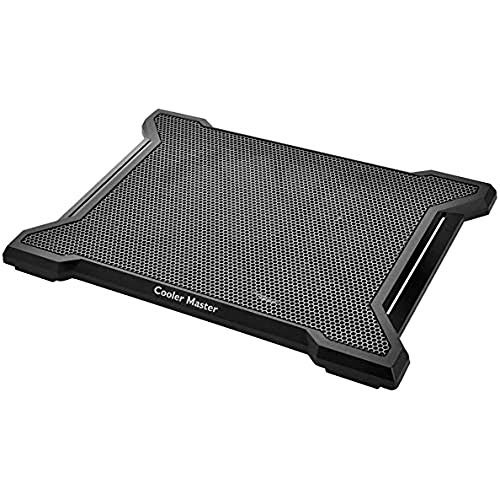
NotePal X-Slim II Laptop Cooling Pad with 200mm silent fan
Cooler Master
Mid-RangeRoundups
Frequently Asked Questions
How do I choose the right laptop cooling pad for my laptop?
Match the cooling pad size to your laptop (typically 13–17 inches), check fan layout and airflow (single large fan vs multiple smaller fans), ensure the pad supports your laptop's weight and has a stable surface and adequate ventilation holes
What cooling performance differences should I expect between models?
Higher airflow models with larger or multiple fans and higher RPMs generally move more air and reduce surface temperatures more, while low-profile or passive pads provide modest cooling; effectiveness also depends on laptop thermal design and how you use it
Are there important features to look for besides cooling?
Look for adjustable height/tilt for ergonomics, USB passthrough or powered hubs for connectivity, built-in fan speed controls, noise level specifications, and non-slip surfaces or rubber feet to secure the laptop
What is a reasonable budget for a good cooling pad?
Budget options are commonly available under $50; mid-range pads with better fans, metal surfaces, and extra features are often in the $50–$100 range, while higher-priced models add premium materials or advanced controls
How noisy are cooling pads and how can I minimize noise?
Noise varies by fan count, size, and RPM; larger slow-spinning fans are generally quieter than many small high-RPM fans, and choosing models with speed controls or low-noise ratings helps reduce audible sound
How do I maintain and care for a cooling pad?
Unplug before cleaning, remove dust from fans and vents with compressed air or a soft brush, wipe surfaces with a damp cloth, and avoid spilling liquids or exposing the pad to extreme temperatures to prolong motor and material life
Will a cooling pad improve my laptop's internal temperatures and performance?
A cooling pad can lower external chassis temperatures and improve airflow to intake vents, which may help thermal throttling in some systems, but its effectiveness depends on the laptop's internal cooling design and workload