Laptop Security Locks
Security cables, combination and keyed locks, and docking/anchor solutions for securing laptops and other portable electronics. Mid-range to premium options are represented (35 products, average rating 4.49), with brands like Kensington among the top-listed makers. Prices span roughly $33–$190 across budget to premium tiers
Top Products

Kensington 3-in-1 Laptop Lock (K62316WW) resettable
Kensington
Budget
Kensington Combination Ultra Cable Lock for Laptops
Kensington
Mid-Range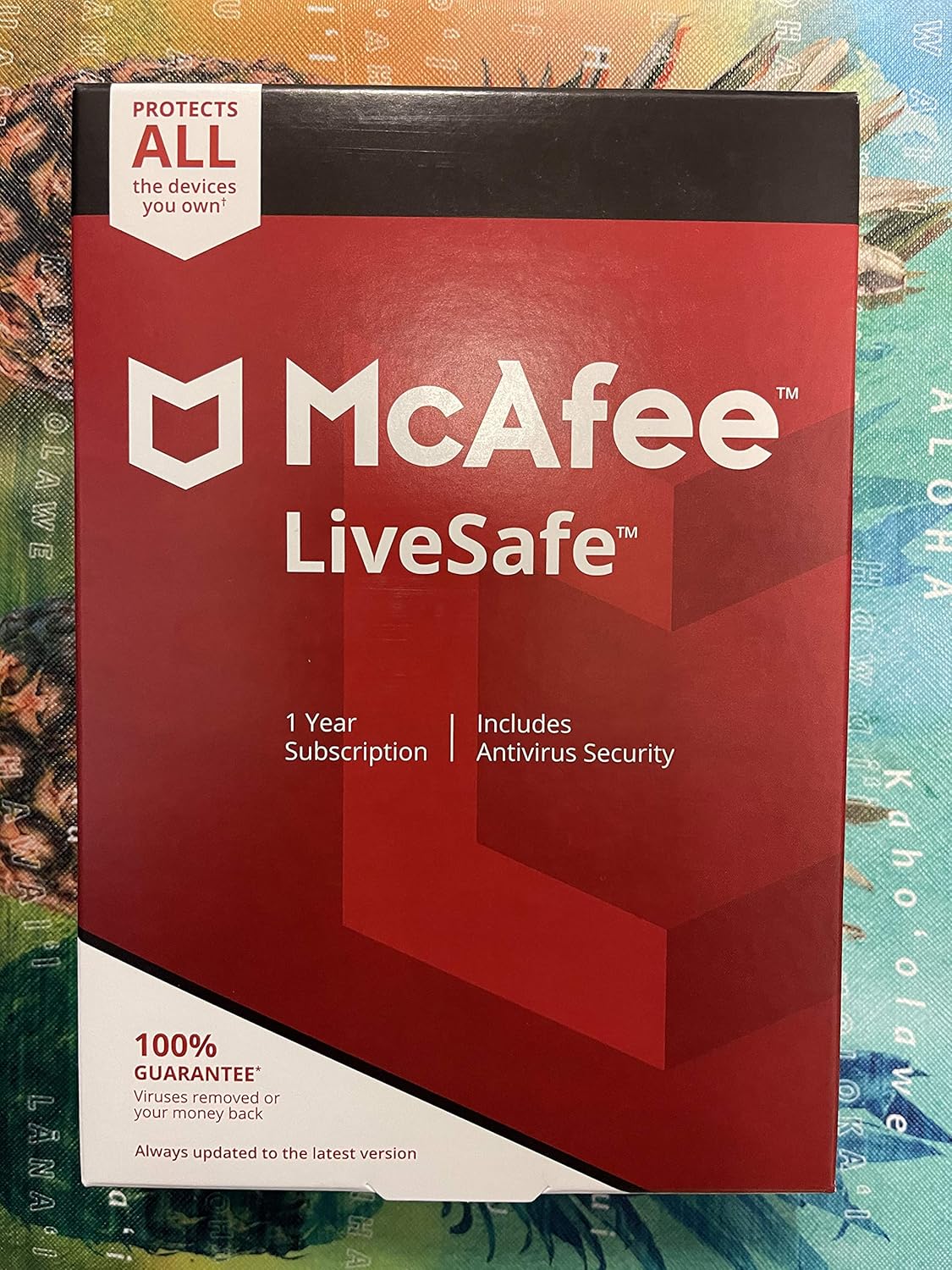
McAfee LiveSafe: multi-device security for PC, Mac, iOS, Android
MCAFEE, INC.
Mid-Range
I3C laptop cable lock with anchor plate & 2 keys (2 pack)
I3C
Budget
Kensington Slim N17 2.0 Combination Laptop Lock for wedge-shaped slots
Kensington
Budget
Kensington NanoSaver Keyed Laptop Lock for HP & Lenovo
Kensington
Mid-Range
Noble Locks TZ08T Low Profile Wedge Lock with Flat Key
Noble Locks
Budget
Kensington N17 Dell Laptop Lock - Keyed (K64440WW)
Kensington
Mid-Range
StarTech 3-in-1 Universal Laptop Cable Lock 4-Digit Combination
StarTech
Budget
Kensington 3-in-1 Keyed Laptop Locking Cable
Kensington
Mid-Range
Compulocks Mac mini Security Mount
Compulocks
Mid-Range
Noble Locks TZ07T Resettable Wedge Lock
Noble Locks
Budget
SecuX PUFido USB-C security key with PUF tech
SecuX
Mid-Range
RJ45 Port Lock with 3 Key - Dust Protector (35 pcs)
PoParttg
Mid-Range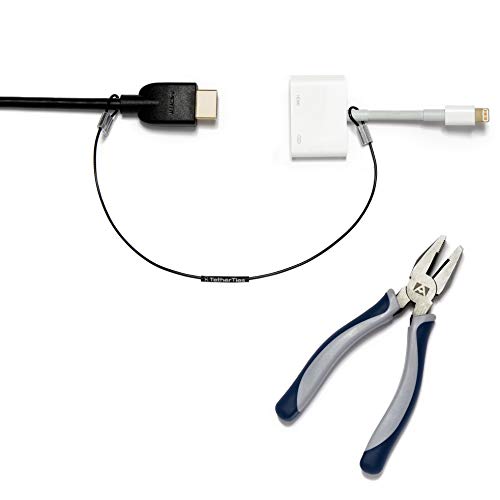
Patented Pre-Assembled Adapter Ties for Anti-Theft Cable Locks
TetherTies
Mid-Range
Kensington N17 2.0 Keyed Laptop Lock for Dell & Alienware
Kensington
Mid-Range
Mac mini M4 Secure Mount with Keyed Cable Lock
Compulocks
Mid-Range
Keyed Alike 5Pack Security Cable Lock Kit, 6.2Ft
LORADAR
Mid-Range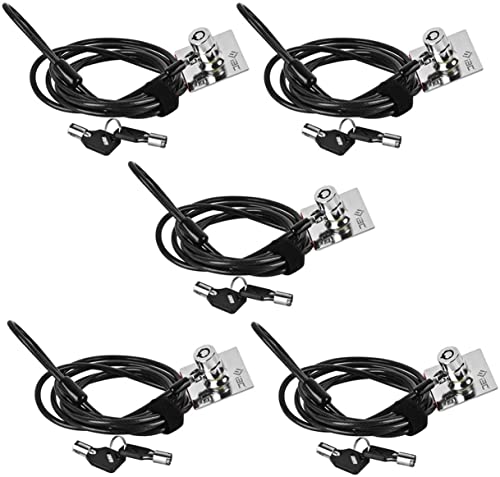
I3C laptop cable lock with anchor plate (5Pack)
I3C
Mid-Range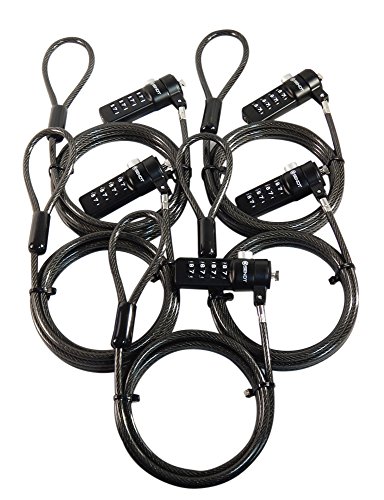
Sendt Black Notebook/Laptop Lock Cables (5-pack) with 6 ft cable
Sendt
Mid-Range
StarTech Nano Laptop Cable Lock, 6.6ft, Keyed Anti-Theft
StarTech
Mid-Range
Kensington laptop locking station with keyed lock cable
Kensington
Mid-Range
Noble Wedge Lock with Flat Key for Dell Laptops
Noble Security Inc.
Budget
Sendt 10 Pack Black Notebook Locks with 6 ft cables
Sendt
Mid-RangeRoundups
Frequently Asked Questions
How do I choose the right laptop security lock for my computer?
Match the lock type to your laptop: check for a Kensington-compatible security slot or choose an external cable lock or anchor if your device lacks a slot; consider lock size, cable length, and whether you prefer keyed or combination mechanisms
What are the main types of laptop security locks and their pros and cons?
Common types are T-bar/Kensington-style slot locks (reliable and compact), universal clamp or anchor locks for slotless devices (more adaptable but bulkier), and docking-station or tether locks for peripherals; slot locks are simple and low-profile, while universal anchors work with thin or unusual chassis but may add weight and complexity
How much should I expect to spend on a good laptop security lock?
Prices vary by type and build: basic cable locks and combination models often fall under $50, more robust keyed or patented high-security locks typically range from about $50 to $150, and specialty mountings or heavy-duty anchors can cost more; average category prices are around mid-range levels
Are keyed locks better than combination locks?
Keyed locks generally offer slightly higher mechanical security and are quicker to open if you have the key, while combination locks eliminate the need to carry a key but can be slower to operate and risk being forgotten; choose based on convenience and whether multiple users need access
Can a laptop security lock prevent theft completely?
A physical lock is a strong deterrent and greatly increases the effort required to steal a laptop, but no lock is entirely theft-proof; combine a lock with situational precautions like not leaving devices unattended, using asset tagging, and enabling software tracking/encryption for best protection
How do I maintain and care for my laptop lock?
Keep moving parts clean and lubricated per manufacturer guidance, store keys and combination codes securely, inspect the cable and locking head for wear periodically, and replace the lock if you notice fraying, corrosion, or mechanical failure
What should I check about compatibility and installation before buying?
Confirm your laptop has a compatible security slot or note chassis dimensions for clamp-style anchors, verify cable length and anchor point options for your workspace, and review installation steps to ensure you can mount or thread the lock where you plan to use it