Mac Accessories
Accessories for Mac computers and laptops including keyboards, monitors, gaming controllers, stands and docking hubs across budget through mid-range price points. The category spans 14 indexed products with an average rating of 4.41 and average price around $70. Top brands represented include HK GAMING and Keychron
Top Products
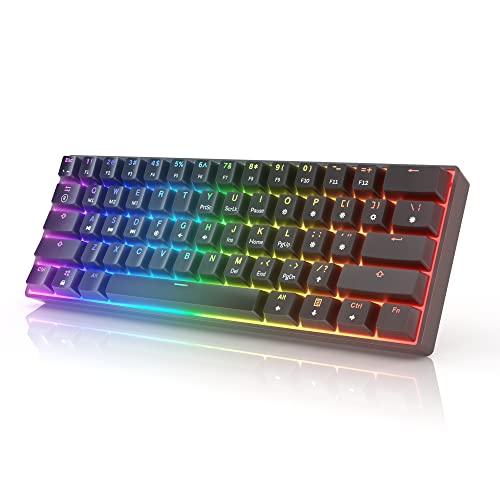
HK GAMING GK61 Mechanical Keyboard (61 keys) with RGB backlight
HK GAMING
Budget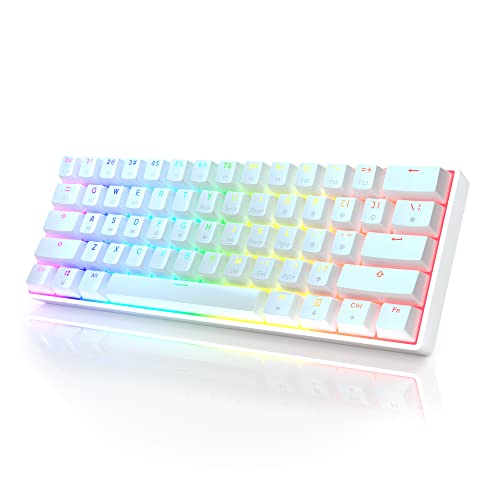
HK Gaming GK61 60% Mechanical Keyboard with RGB
HK GAMING
Mid-Range
HK GAMING GK61 Keyboard with Gateron Optical Yellow switches
HK GAMING
Mid-Range
NUBWO wireless gaming headset with mic gray
NUBWO
Budget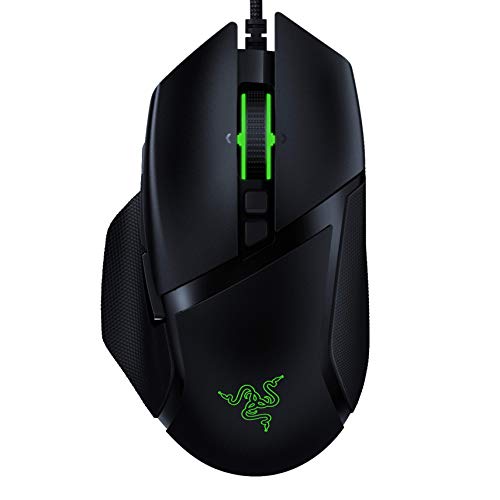
Razer Basilisk v2 wired gaming mouse
Razer
Mid-Range
Wireless PS4 controller with back paddles and turbo
Enstixsm
Budget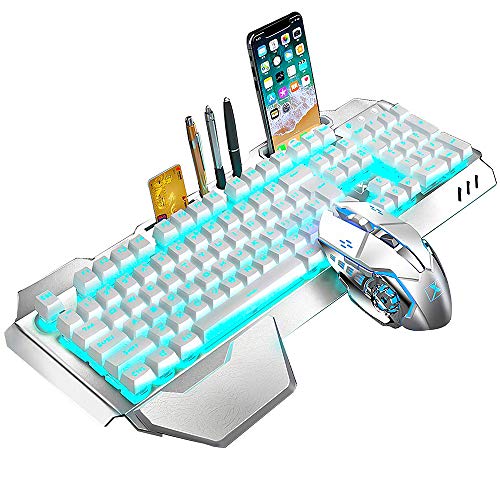
Wireless Keyboard and Mouse with blue LED backlight
LexonElec
Mid-Range
G-STORY Laptop Cooling Pad with Movable Fan (140mm) and RGB
G-STORY
Mid-Range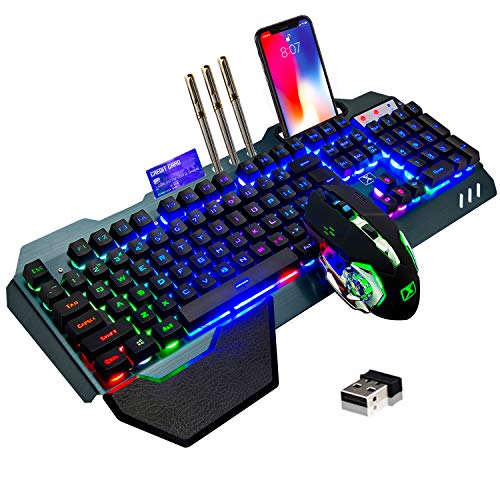
Wireless Gaming Keyboard and Mouse with RGB Backlit, Rechargeable
LexonElec
Mid-Range
Keychron K2 75% Wireless Mechanical Keyboard (Mac/Windows)
Keychron
Mid-Range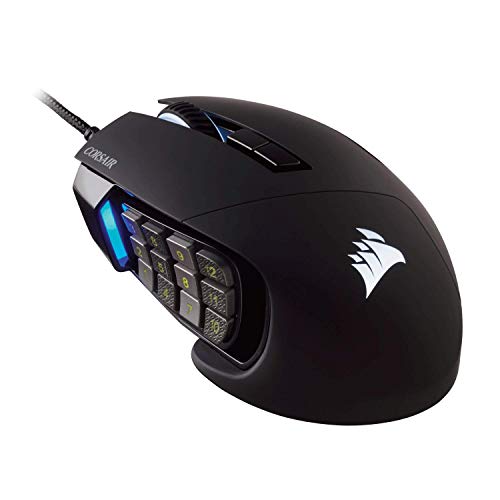
Corsair Scimitar Pro RGB Optical MMO Gaming Mouse
Corsair
Mid-Range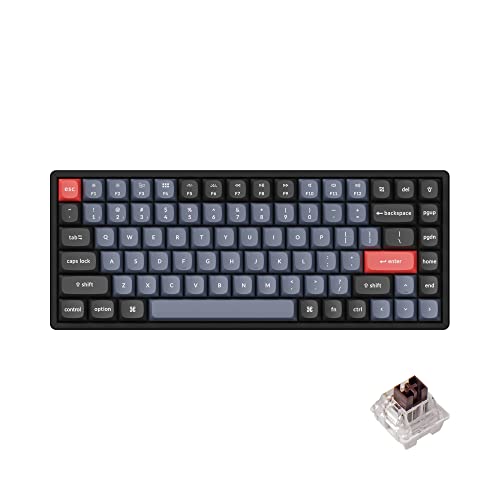
Keychron K2 Pro Wireless & Wired Mechanical Keyboard
Keychron
Mid-Range
GTLite Junior Simulator Cockpit for kids 5-12
Next Level Racing
Premium
Control
FAREMOCI
Mid-RangeRoundups
Frequently Asked Questions
How do I choose the right Mac accessory for my needs?
Identify the problem you need to solve (power, connectivity, input, display, or protection), check compatibility with your Mac model and macOS version, prioritize build quality and supported standards (USB-C, Thunderbolt, Bluetooth), and read reviews for reliability and driver requirements
What should I consider when buying USB-C or Thunderbolt hubs and docks for a Mac?
Match the port type and bandwidth to your Mac (USB-C vs Thunderbolt), verify supported video outputs and maximum resolution/refresh rates, confirm pass-through charging wattage if you want power delivery, and look for compliance with DisplayPort Alt Mode and power delivery standards
Are third-party keyboards and mice compatible with Macs?
Many third-party keyboards and mice work with macOS via Bluetooth or USB; check for macOS key mapping support, presence of macOS-specific function keys, and whether the manufacturer provides macOS drivers or config software for full functionality
What are typical price ranges and quality expectations for Mac accessories?
Mac accessory prices commonly range from budget options under $30 for basic cables and adapters to $50–$200 for higher-quality hubs, keyboards, and protective cases; average product ratings in this category indicate generally good user satisfaction, so compare features and reviews for value
How can I protect and prolong the life of Mac accessories?
Use surge-protected power sources for chargers and docks, avoid extreme temperatures and moisture, store cables without tight bends, keep firmware and drivers updated where applicable, and follow manufacturer cleaning recommendations for fabrics and electronics
Do I need special adapters to connect older peripherals to a newer Mac?
Yes; newer Macs often use USB-C/Thunderbolt ports, so older USB-A, HDMI, VGA, or SD peripherals typically require passive adapters or active converters that support the necessary signal translation and power requirements
What warranty and return considerations should I check before buying?
Review the manufacturer's warranty length and what it covers (defects vs. wear), check the seller's return policy period and restocking fees, and confirm availability of firmware updates and customer support contact channels