Mac Game Headsets
Headsets designed for gaming on Mac systems, including wired and wireless models with built-in mics and USB/3.5mm or Bluetooth connectivity; inventory spans budget to premium options and features brands like SteelSeries. Average rating 4.33 across 11 indexed products and prices range from $37 to $280
Top Products

Razer Base Station V2 Chroma Headphone Stand
Razer
Mid-Range
COOLV 2.4GHz Wireless Gaming Headset with RGB Light
COOLV
Mid-Range
Corsair HS35 v2 Multiplatform Wired Gaming Headset
Corsair
Mid-Range
Arctis Prime SteelSeries headset for multiplatform use
SteelSeries
Budget
Logitech G PRO X Gaming Headset with Blue VO!CE
Logitech G
Mid-Range
Arctis Nova 3 multi-platform gaming headset
SteelSeries
Mid-Range
ASUS ROG Delta S Core Wired Gaming Headset
ASUS
Mid-Range
ASTRO Gaming Zelda Breath of the Wild A10 Headset
Logitech
Mid-Range
SteelSeries Arctis Nova 7 Wireless Headset
SteelSeries
Premium
SteelSeries Arctis Pro Wireless Gaming Headset
SteelSeries
Premium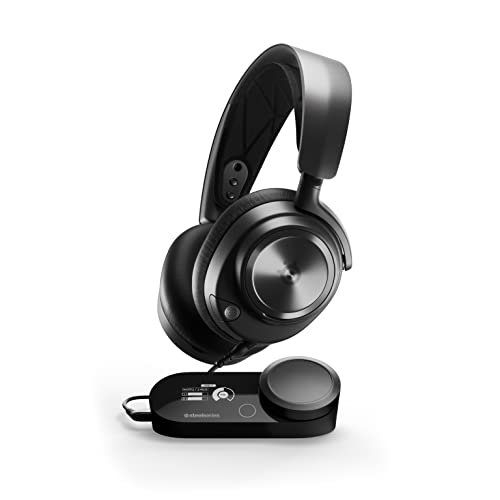
SteelSeries Arctis Nova Pro Multi-System Gaming Headset
SteelSeries
PremiumRoundups
Frequently Asked Questions
How do I choose a Mac-compatible gaming headset?
Look for headsets that explicitly list macOS compatibility or use standard USB audio or a 3.5mm jack; check whether they require software for full features and confirm that companion apps support macOS or provide core functionality without it
Do Mac game headsets work with both MacBooks and iMacs?
Yes if they connect via USB, USB-C (with an adapter), Bluetooth, or a 3.5mm audio jack; verify the port type on your Mac and whether the headset needs a driver or app that runs on macOS
Should I buy wired, USB, or wireless (Bluetooth/2.4GHz) for Mac gaming?
Wired or USB headsets offer lower latency and plug-and-play audio, USB may provide virtual surround and mic features, while Bluetooth provides convenience but can have higher latency and limited microphone support—choose based on priority of latency versus mobility
What microphone and sound features should I prioritize for gaming on Mac?
Prioritize a clear unidirectional or noise-reducing mic for voice chat and look for good drivers or macOS-compatible software for EQ, plus features like virtual surround or wide frequency response if positional audio is important
Are there good headset options for tight budgets and what price range should I expect?
Budget gaming headsets for Macs can be found under $50 for basic wired or Bluetooth models; mid-range options with better microphones and comfort typically fall between $50 and $150, which aligns with common averages in this category
How important is comfort and build quality for long gaming sessions?
Very important—look for adjustable headbands, memory-foam or breathable ear pads, and a lightweight but durable frame; check measurements and user reviews for fit, especially if you wear glasses or have a smaller/larger head size
How should I maintain a Mac gaming headset to extend its lifespan?
Keep ear pads and microphone clean using a soft cloth and mild cleaner, store the headset in a protective case when not in use, avoid extreme heat or moisture, and check cables and connectors regularly for wear; replace detachable pads or cables when worn