Mac Gamepads & Standard Controllers
This category covers wired and wireless gamepads and standard controllers compatible with Mac, including Bluetooth and USB options for gaming and productivity. About 30 products average 4.27 stars, with prices ranging roughly $35–$240 and brands like 8Bitdo and Modded Zone represented
Top Products

QcK Gaming Mouse Pad - Medium RGB Prism Cloth
SteelSeries
Mid-Range
8Bitdo SN30 Pro Wireless Controller (Crystal Purple) with Hall Effect Joystick
8Bitdo
Mid-Range
Sn30 Pro Bluetooth Gamepad (G Classic Edition) with Hall Effect Joysticks
RunSnail
Mid-Range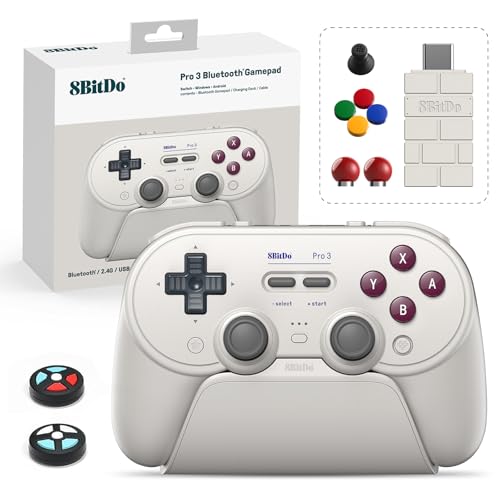
8Bitdo Pro 3 Bluetooth Controller for Switch, PC, Mac
8Bitdo
Mid-Range
EasySMX X15 PC Controller – Wireless Bluetooth
EasySMX
Mid-Range
Enstixsm Luna Controller for Fire TV and Luna
Enstixsm
Budget
8BitDo Ultimate 2 Wireless Controller for Windows, Steam & Android
8BitDo
Mid-Range
MystNova Hall Effect Switch Controller for Nintendo Switch
JC303-ZX-US
Mid-Range
BITFUNX Flatbox Leverless Arcade Controller 12Keys
BITFUNX
Mid-Range
Machenike G3V2 Bluetooth Controller for PC/Switch/iOS/Android
Machenike
Mid-Range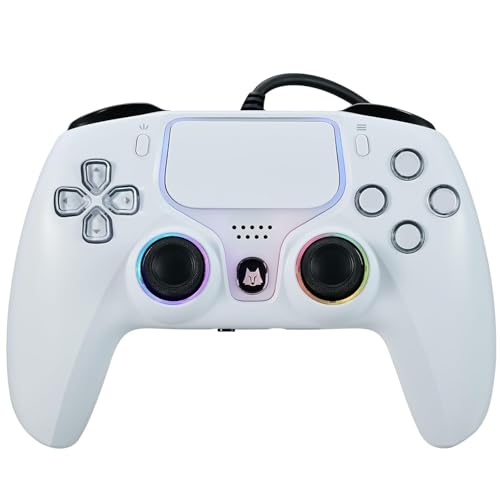
NBCP Wired PS5 Controller for PS5/PS4/PC
NBCP
Mid-Range
8BitDo Ultimate 3-mode Wireless Controller (Rare 40th Anniversary Edition)
8BitDo
Mid-Range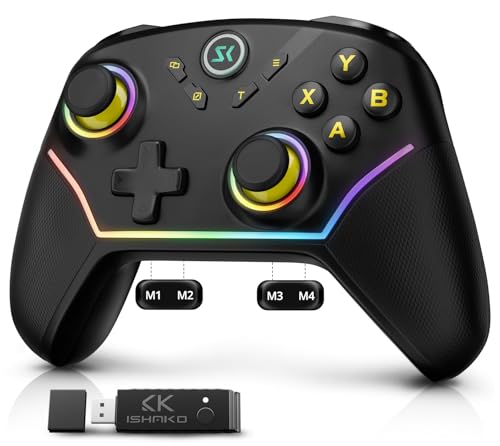
ISHAKO AG43 PC Controller – Wireless multi‑platform gamepad
ISHAKO
Budget
Machenike G5PRO Max SE Wireless Controller for NS/PC/iOS/Android
Machenike
Mid-Range
BITFUNX Gaming Keypad 12Keys with RGB & Turbo
BITFUNX
Budget
Machenike G5PRO Max SE 1000Hz Wireless Controller for NS/PC/iOS/Android
Machenike
Mid-Range
BLESSOURCE PC Controller with Bluetooth, Hall Triggers & RGB
BLESSOURCE
Mid-Range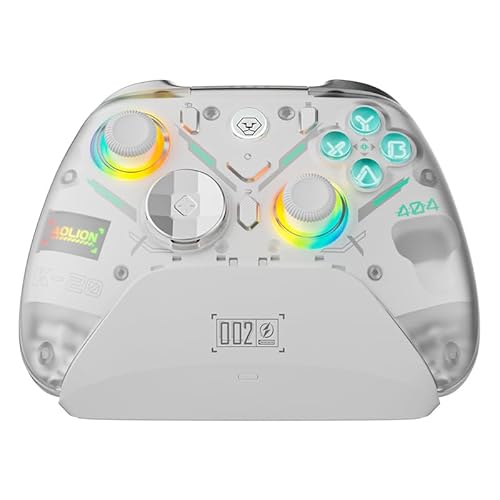
BLESSOURCE PC Controller with hall triggers and RGB lighting
BLESSOURCE
Mid-Range
leadjoy M1B iPhone game controller (Lightning) for iOS
leadjoy
Mid-Range
ISHAKO AG43 Wireless Gaming Controller – 2.4G & Bluetooth
ISHAKO
Budget
NBCP Gaming 2 Pack for PS5 Wired Controllers
NBCP
Mid-Range
Blue Fire UN-MODDED Custom Controller for Xbox One Elite Series 2
Modded Zone
Premium
Carbon UN-MODDED Custom Controller for Xbox One Elite 2
Modded Zone
Premium
Soft Touch Orange UN-MODDED Controller for XBOX ONE ELITE Series 2
Modded Zone
PremiumRoundups
- Best Mac Gamepads & Standard Controllers for Pc Gaming (2026)
- Best Mac Gamepads & Standard Controllers for Long Gaming Sessions (2026)
- Best Mac Gamepads & Standard Controllers for Android Gaming (2026)
- Best Mac Gamepads & Standard Controllers Under $200 (2026)
- Best Mac Gamepads & Standard Controllers Under $100 (2026)
- Best Mac Gamepads & Standard Controllers Under $50 (2026)
- Best Mac Gamepads & Standard Controllers (2026 Guide)
Frequently Asked Questions
How do I choose between a Mac-compatible gamepad and a standard controller?
Check explicit macOS compatibility, driver support, and whether the controller uses native HID profiles or requires third-party drivers; prefer controllers listed as macOS-compatible for plug-and-play, and verify button mapping and stick layout match the games you play
What connection type should I pick: USB wired, Bluetooth, or wireless dongle?
Wired USB offers lowest latency and no pairing, Bluetooth provides convenience and portability but may have higher latency and battery requirements, and proprietary wireless dongles often balance low latency with easy pairing; choose based on latency needs and whether you prefer battery-free use
Which features matter most for gameplay and compatibility on Mac?
Key features include standard button mapping (face buttons, triggers, bumpers), analog stick precision and dead-zone control, trigger analog sensitivity, haptic or vibration support, and profile or macro customization; ensure the controller exposes these features to macOS either natively or via supported software
What should I expect for price and value in this category?
Controllers range from budget options under $50 to higher-end units over $150, with an average around $100; higher-priced models typically add build quality, customization, lower-latency wireless options, or official platform support
How do I maintain and care for a gamepad to extend its lifespan?
Keep the controller clean and dry, avoid exposing it to extreme temperatures, recharge or remove batteries when storing long-term, update firmware when available, and gently clean analog sticks and buttons to prevent grime buildup
Are third-party controllers reliable for compatibility with Mac games and Steam?
Many third-party controllers work well, but reliability depends on macOS driver support and whether Steam Input or the game itself recognizes the controller; consult compatibility notes and user reviews for macOS-specific behavior before buying
Do controllers require software for button remapping or macros on Mac?
Some controllers offer built-in remapping through firmware or cross-platform apps, but macOS support varies; if remapping on Mac is essential, confirm the manufacturer provides macOS software or that the controller supports standard input profiles compatible with third-party macOS tools