Mac Gaming Keyboards
Mechanical and membrane keyboards designed for macOS layouts and compatibility, including wired and wireless gaming models with customizable keys and RGB lighting. 147 products indexed, average rating 4.45, price range $32–$275, with brands like Keychron represented
Top Products
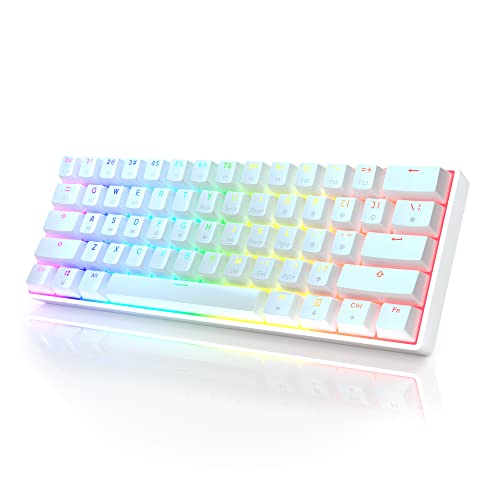
HK GAMING GK61 Mechanical Gaming Keyboard (61 Keys, RGB, Gateron Optical Yellow)
HK GAMING
Mid-Range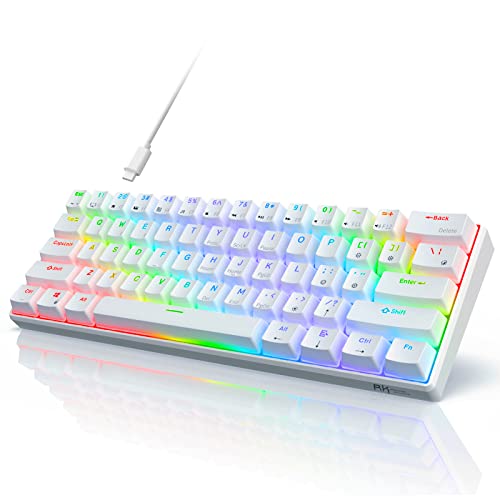
RK61 60% mechanical keyboard, wireless? (wired) 61 keys, blue switch, RGB
RK ROYAL KLUDGE
Mid-Range
RK61 60% wired RGB mechanical keyboard
RK ROYAL KLUDGE
Mid-Range
Redragon S101-3 Pro Gaming Keyboard and Mouse Combo
Redragon
Mid-Range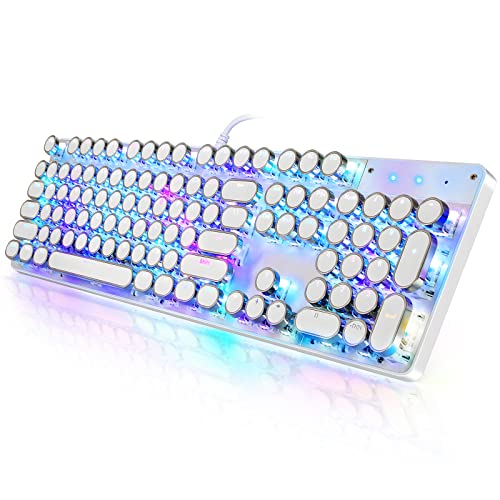
Typewriter-style mechanical gaming keyboard with RGB backdrop (104-key, white)
YSCP
Budget
UBOTIE Colorful Wireless Keyboard & Mouse Combo (Green-White)
UBOTIE
Budget
Typewriter-style mechanical gaming keyboard with blue switch
YSCP
Mid-Range
Cimetech Wireless Keyboard and Mouse (Rechargeable, Silent Scissor Switch) Ultra Slim, Easy Setup
cimetech
Budget
DIERYA 68-key T68SE compact mechanical keyboard
DIERYA
Budget
Typewriter style mechanical gaming keyboard with blue switches
YSCP
Budget
E-Yooso Z-88 mechanical keyboard with round keycaps
HUO JI
Mid-Range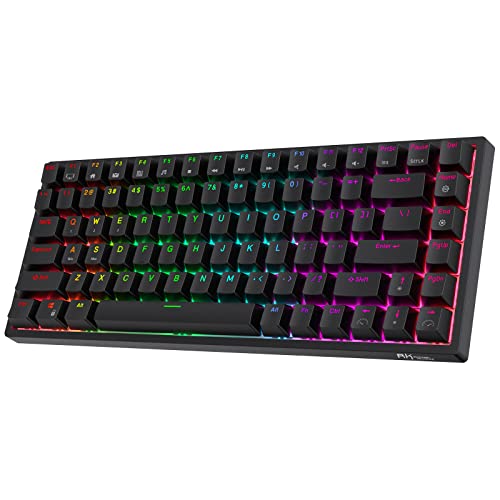
RK84 RGB 75% wireless mechanical keyboard
RK ROYAL KLUDGE
Mid-Range
Keychron K8 Wireless Mac keyboard (Tenkeyless, white backlight)
Keychron
Mid-Range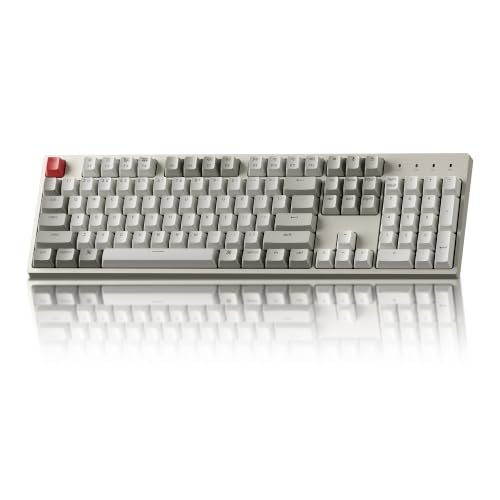
Keychron C2 Wired Mechanical Keyboard, 104-keys Mac/Windows
Keychron
Mid-Range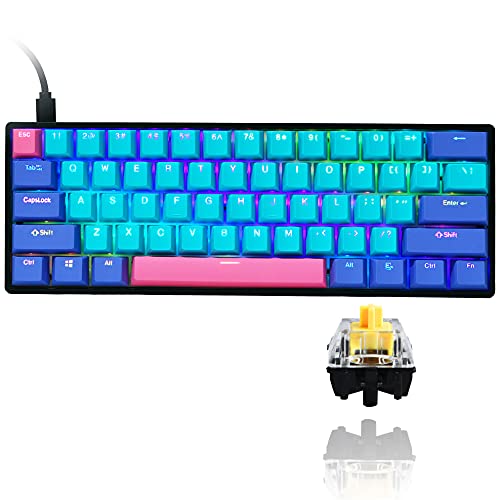
GT61 60% mechanical keyboard with hot-swappable optical switches
Guffercty kred
Budget
Keychron C2 104-key wired mechanical keyboard for Mac/Windows
Keychron
Mid-Range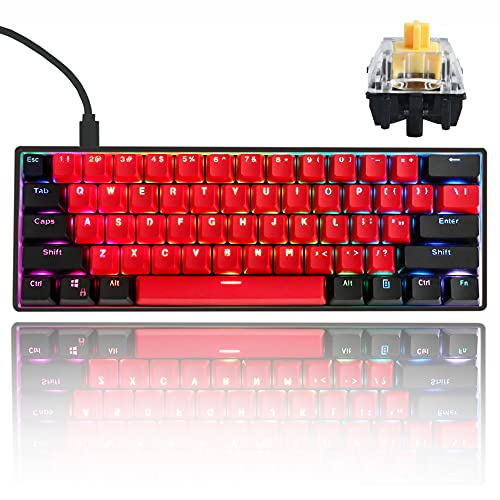
GTSP Gk61 SK61 60% Mechanical Keyboard with RGB & hot-swappable switches
Guffercty kred
Mid-Range
Guffercty kred SK61 60% Mechanical Keyboard
Guffercty kred
Mid-Range
YUNZII ACTTO B503 Wireless Typewriter Keyboard (Baby Pink)
YUNZII
Mid-Range
Fogruaden 75% Wired Mechanical Keyboard with hot-swappable 75% layout
Fogruaden
Mid-Range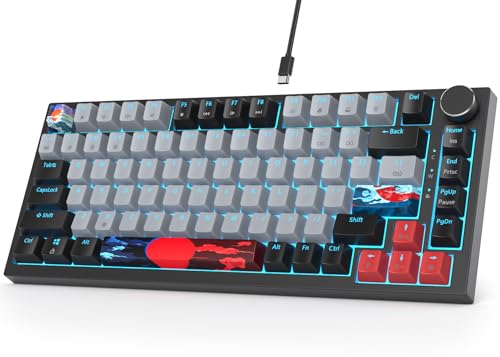
Fogruaden 75% Mechanical Keyboard with Hot-Swap Gasket Mount
Fogruaden
Mid-Range
Keychron C1 Mac keyboard, 87 keys, USB-C wired, RGB backlight
Keychron
Mid-Range
Fogruaden 75% Wired Mechanical Keyboard, 75% TKL, hot-swappable gasket mount
Fogruaden
Mid-Range
Fogruaden 104-key mechanical keyboard with RGB backlight
Fogruaden
Mid-RangeRoundups
Frequently Asked Questions
How do I choose a Mac-compatible gaming keyboard?
Look for keyboards that explicitly list Mac or macOS compatibility, include Mac-specific key legends or keycap sets, and offer driver or software support for Mac. Also check connection type (USB-C, USB-A, or Bluetooth) and whether the layout includes or can map Command, Option/Alt, and Control keys
Should I get a wired or wireless Mac gaming keyboard?
Wired keyboards typically offer lower latency and don’t need charging, while wireless (Bluetooth or 2.4 GHz) provides cleaner desk setup and portability; choose wired if you prioritize responsiveness for competitive play and wireless if you value mobility and cable-free aesthetics
Do mechanical switches matter for Mac gaming keyboards, and which types should I consider?
Yes—switch type affects feel, sound, and actuation: linear switches give smooth keypresses for fast repeating, tactile switches provide a bump for feedback, and clicky switches add audible clicks. Pick switch type based on preference for silence versus feedback and consider hot-swappable models if you want to try different switches later
What features should I look for if I want good macOS key mapping and macros?
Choose keyboards with Mac-compatible firmware or companion apps that run on macOS, support custom key remapping and macro programming, and offer onboard profile storage if you switch systems. Verify whether the software supports Function key behavior, media controls, and per-key customization on macOS
Are Mac gaming keyboards durable and how do I maintain them?
Durability depends on build materials (aluminum or high-quality plastic), switch lifespan (often rated in tens of millions of actuations), and keycap material (PBT is more wear-resistant than ABS). Maintain by keeping the keyboard clean—use compressed air for debris, wipe with a damp cloth for surface dirt, and remove keycaps for deeper cleaning if the model allows it
What price range should I expect for Mac gaming keyboards and what do different budgets buy?
Budget options often fall under $50 and typically offer membrane or entry mechanical switches with basic features; mid-range keyboards (roughly $50–$150) commonly provide mechanical switches, better build quality, and macOS support; higher-end models usually add premium materials, hot-swap capability, advanced lighting, and more extensive software control
How important is layout and size (full-size, TKL, 65%, 60%) for Mac gaming keyboards?
Layout affects desk space, ergonomics, and access to keys: full-size keeps number pad for productivity, TKL saves space while retaining arrows and function keys, and compact 65%/60% layouts maximize portability but often require modifier-layer access for some keys; choose based on your balance of gaming needs and frequent use of navigation or numeric keys