Network Attached Storage Devices
Network Attached Storage (NAS) devices for home and small-office use, including multi-bay file servers, backup appliances, and media streamers. This category lists 26 products across budget through premium price tiers (avg $760) with top brands like QNAP represented
Top Products

UGREEN NASync DXP2800 2-Bay Desktop NAS
UGREEN
Premium
Mini PC NAS N100 with 4x2.5GbE, DDR5, 2x NVMe, dual display
Generic
Premium
QNAP TS-264-8G-24WD-US 2-Bay NAS with RAID1 + 4TB
QNAP
Premium
Buffalo LinkStation 220 4TB NAS
BUFFALO
Premium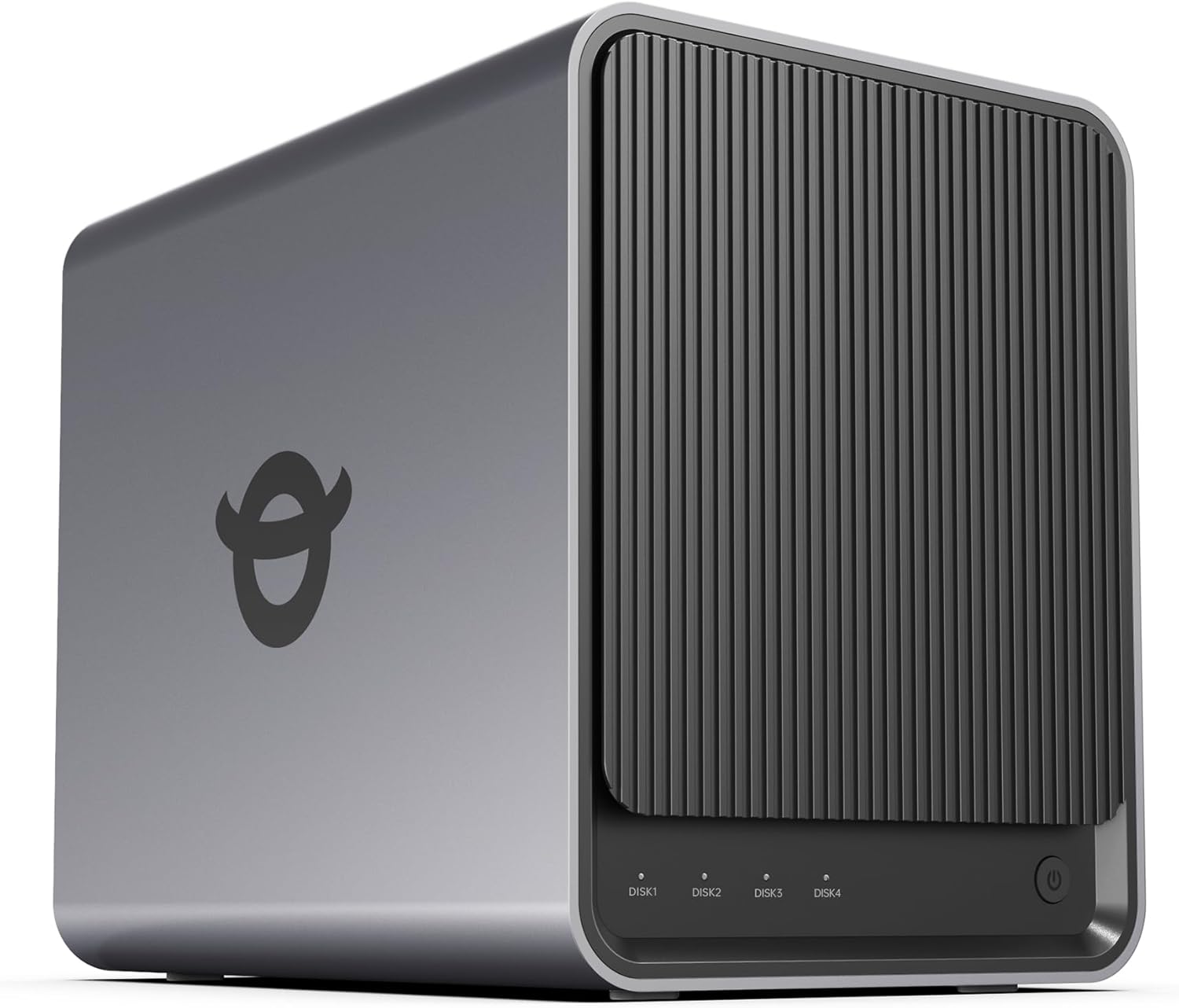
Yxk Zero1 4-Bay Desktop NAS (Diskless) with Dual 2.5GbE
Yxk
Premium
QNAP TR-004U 4 Bay Rackmount NAS Expansion
QNAP
Premium
QNAP TS-133-US 1-Bay Desktop NAS with ARM Cortex-A55, 2GB RAM
QNAP
Mid-Range
QNAP TS-664-8G-US 6-bay NAS with 2.5GbE network
QNAP
Premium
QNAP TS-932PX-4G NAS with 10GbE & 2.5GbE ports
QNAP
Premium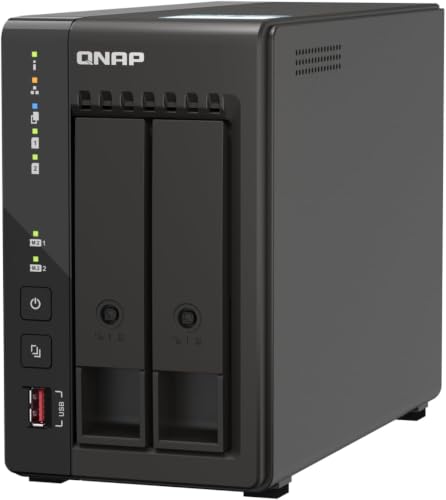
QNAP TS-253E-8G-US 2-Bay Desktop NAS
QNAP
Premium
QNAP TS-433-4G-US 4-Bay NAS with 2.5GbE & 4GB RAM
QNAP
Premium
Mini PC NAS N150 5 M.2 Micro PC with 4x2.5GbE LAN
Generic
Premium
QNAP TS-453E-8G-US 4-Bay NAS with Dual 2.5GbE
QNAP
Premium
Mini PC NAS N100 16GB RAM 256GB SSD 4x2.5GbE LAN
Generic
Premium
Mini PC NAS N150 with 4x2.5GbE LAN and 4K display support
Generic
Premium
Synology 4-Bay RackStation RS822+ (Diskless)
Synology
Premium
Mini PC NAS N355 5M.2 Pocket NAS with 4x2.5GbE LAN
Generic
Premium
Mini PC NAS N150 5 M.2 Micro Desktop with 4x2.5GbE LAN
Generic
Premium
Buffalo TeraStation Essentials 4-Bay Desktop NAS with 16TB (4x4TB)
BUFFALO
Premium
QNAP TVS-h474-PT-8G-US 4-Bay NAS with 2.5GbE & PCIe Gen4
QNAP
Premium
Asustor Lockerstor 10 Gen3 NAS (10 Bay) with Ryzen Quad-Core
Asustor
Premium
Asustor FlashStor 6 Gen2 FS6806X 6-Bay NAS with 10GbE
Asustor
Premium
UGREEN NASync DXP6800 Pro 6-Bay Desktop NAS
UGREEN
Premium
UGREEN NASync DXP8800 Plus 8-Bay Desktop NAS
UGREEN
PremiumRoundups
Frequently Asked Questions
How do I choose the right NAS capacity and drive configuration for home or small office use?
Estimate total storage needed today and for 3–5 years based on file types (photos, video, backups), then add 20–30% headroom; choose number of drive bays to support that capacity and redundancy (e.g., 2-bay for RAID1 mirroring, 4+ bays for RAID5/6) and pick NAS-compatible HDDs or SSDs rated for 24/7 use
What performance factors should I consider for multimedia streaming or virtualization?
Look at CPU class, RAM size and upgradeability, network interfaces (1GbE vs 2.5/5/10GbE or link aggregation), and drive type (SSDs or SSD cache) because these determine concurrent stream counts, read/write speeds, and VM/container performance
How important is data redundancy and which RAID level should I use?
Redundancy protects against drive failure but is not a substitute for backups; RAID1 protects against one drive loss in 2-bay units, RAID5 allows one drive failure in 3+ bays, and RAID6 allows two drive failures in 4+ bays—choose RAID level based on tolerance for downtime and rebuild time
What network and connectivity options should I look for?
Prefer NAS units with at least gigabit Ethernet; consider 2.5/5/10GbE or SFP+ if you need higher throughput, multiple ports for link aggregation, and USB/HDMI ports if you require direct backups, local console access, or peripheral connectivity
How do I plan for backup and disaster recovery with a NAS?
Implement a 3-2-1 strategy: keep primary data on the NAS, maintain at least one local backup (another NAS or external drive), and one off-site or cloud backup; enable scheduled snapshots and replication to protect against accidental deletion and ransomware
What maintenance and care does a NAS require?
Regularly update the NAS firmware and apps, monitor SMART drive health and system logs, replace failing drives promptly, maintain adequate ventilation and dust control, and test backups and restore procedures periodically
How much should I expect to spend and what affects price most?
Entry-level 2-bay models tend to cost significantly less than multi-bay, high-performance units; price is primarily driven by bay count, CPU/RAM specs, built-in network speed, and brand—expect a wide range from lower-cost basic devices up to higher-cost business-class systems