Nintendo Switch Accessories
Accessories for the Nintendo Switch including controllers, carrying cases, charging docks, screen protectors and storage solutions; offerings span budget through mid-range price points (avg $44, range $33–$140). Catalog includes first-party Nintendo items alongside third-party brands such as NBCP and DOBE FOMIS ELECTRONICS
Top Products
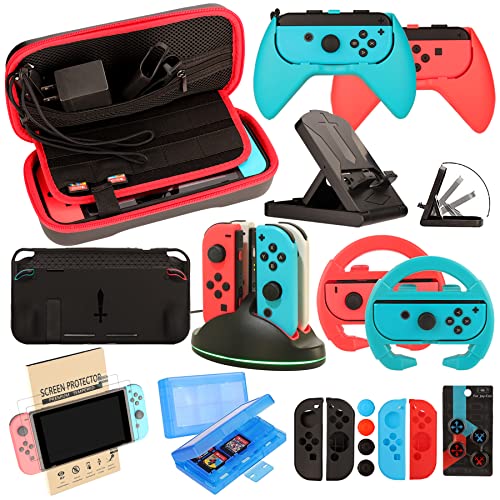
Accessories Kit for Nintendo Switch & OLED: case, wheel grip, charging dock
EOVOLA
Budget
Amiibo Link (Link's Awakening) for Nintendo Switch
Nintendo
Budget
GUTIAL 11-in-1 Nintendo Switch accessories kit – pink
GUTIAL
Budget
Switch accessories bundle kit with case, steering wheels, grips
WEILE
Budget
Nintendo Paper Mario: The Origami King (Switch)
Nintendo
Mid-Range
Corrin amiibo (Player 2) for Nintendo Switch
Nintendo of America
Budget
Uxilep Switch Sports Games Accessories Bundle for Nintendo Switch 2
Uxilep
Mid-Range
Nintendo Switch 2 AC Adapter
Nintendo
Budget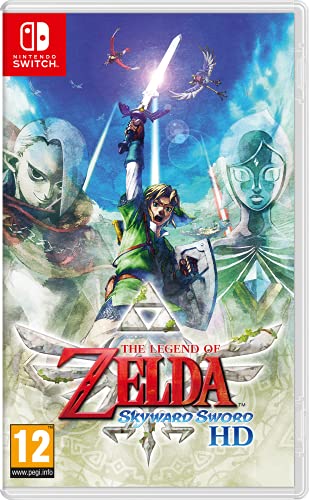
The Legend Of Zelda Skyward Sword HD (Nintendo Switch) European
Nintendo
Mid-Range
Amiibo Splatoon 3 3-in-1 Pack (Nintendo)
Nintendo
Mid-Range
TIKOdirect Switch carrying case 7in1 with screen protectors
TIKOdirect
Budget
Plants vs Zombies Battle for Neighborville Complete Edition - Nintendo Switch
Electronic Arts
Budget
SiWiQU Dock Station for Nintendo Switch 2 (2025) - 4K@120Hz TV/Tabletop
SiWiQU
Budget
Accessories Bundle Pack for Nintendo Switch OLED (2021) – 23 in 1
WEILE
Budget
Nintendo Joy-Con (L)/(R) Pastel Pink
Nintendo
Mid-Range
Nintendo Animal Crossing Amiibo Cards Pack Series 1-4 (4 Pack, 12 Cards)
Video Game
Budget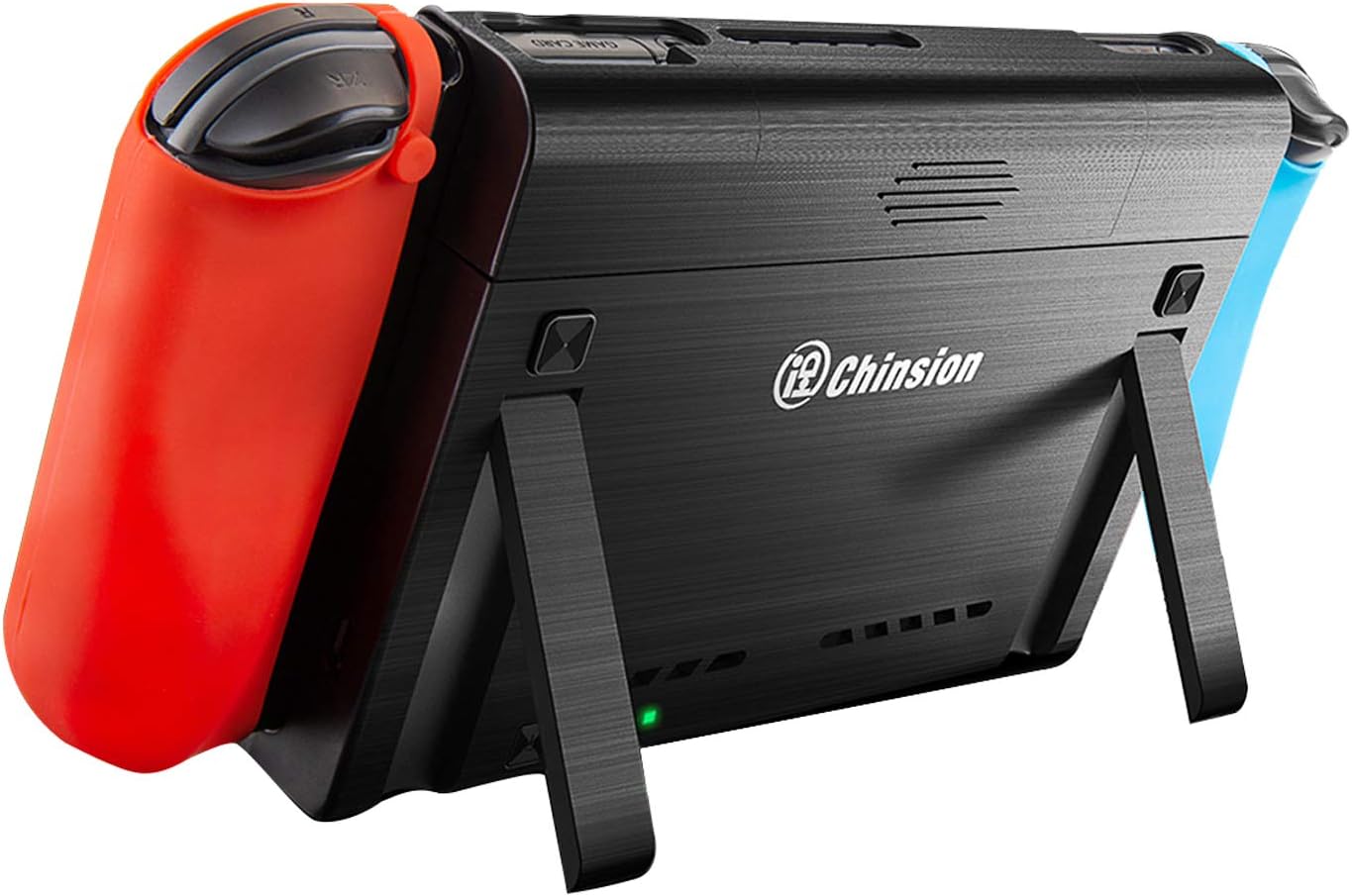
10000mAh Battery Pack for Nintendo Switch & OLED
ID CHINSION
Budget
amiibo Noah + Mio 2-Pack (Xenoblade Chronicles 3) - Nintendo
Nintendo
Mid-Range
15-in-1 Switch sports accessories bundle with storage bag
DOBE FOMIS ELECTRONICS
Budget
BRHE 12-in-1 Nintendo Switch Sports Accessories Bundle
BRHE
Budget
TV Dock Station for Switch 2 (Docking Station) 4K HDMI Output
DGBOSEN
Budget
Nintendo Amiibo Pichu (Smash Bros.) - Switch
Nintendo
Mid-Range
Joy-Con 2 Charging Grip for Nintendo Switch
Nintendo
Mid-Range
Samsung microSD Express Card 256GB for Nintendo Switch 2
Nintendo
Mid-RangeRoundups
Frequently Asked Questions
How do I choose the right accessories for my Nintendo Switch model (Switch, Switch Lite, OLED)?
Check compatibility labels: some accessories are made for the original Switch and OLED (which have detachable Joy-Con), while others are specific to Switch Lite's integrated controls. Look for size/port compatibility (dock, screen size, Joy‑Con rails) and product descriptions that list supported models
What are the essential accessories I should consider first?
Essentials typically include a protective case or shell, a tempered glass screen protector, a spare charger or USB‑C cable, and a carrying case for travel. If you play docked often, consider an extra HDMI cable or a third‑party dock designed for safe charging and display
Are third‑party controllers and docks safe to use with the Switch?
Many reputable third‑party controllers and docks work fine, but check for user reviews, warranty information, and compatibility with your Switch model. Avoid unbranded power adapters that lack USB‑C PD (Power Delivery) certification to reduce risk of damage
How can I extend battery life during long play sessions?
Options include a high‑capacity power bank with USB‑C PD, a replacement battery grip/charging grip that supports the Switch, or swapping in a charged docked setup. Also reduce screen brightness and close background wireless features when not needed
What should I look for in a screen protector or case to ensure durability?
For screen protectors, choose tempered glass with edge‑to‑edge coverage and high hardness ratings (e.g., 9H). For cases, look for shock‑absorbing materials (EVA or hard shells), reinforced corners, and secure closures; read reviews for real‑world fit and wear resistance
Do memory cards and storage accessories vary in performance for games and saves?
Yes—microSD cards differ in capacity and speed; choose cards rated UHS‑I or higher with good write speeds to reduce load times and avoid install failures. Game saves are stored on internal system memory unless a backup solution is used, so consider cloud save options if you have a subscription
How do I maintain and clean my Switch and its accessories safely?
Power off and unplug devices before cleaning. Use a soft, lint‑free cloth slightly dampened with water or 70% isopropyl alcohol for exterior surfaces; avoid getting liquids into ports. For Joy‑Con rails and vents, use dry compressed air or a soft brush to remove debris