PC Accessories
This category covers PC accessories and peripherals such as keyboards, mice, headsets, controllers, and docking stations, spanning budget through premium options. It includes 40 indexed products with an average rating of 4.41 and an average price around $168. Top represented brands include Logitech G and HyperX
Top Products

Logitech G213 Prodigy Keyboard & G203 Mouse Bundle
Logitech G
Mid-Range
Logitech G203 Wired Gaming Mouse + G213 Keyboard Bundle
Logitech G
Mid-Range
Logitech G203 Wired Gaming Mouse + G213 Keyboard Bundle
Logitech G
Mid-Range
Logitech G305 Lightspeed Wireless Mouse + G515 Keyboard Bundle (White)
Logitech G
Premium
Logitech G305 Lightspeed Wireless Mouse + G515 Keyboard Bundle
Logitech G
Premium
HandheldDIY TMR Hall Joystick for ROG Ally X
HandheldDIY
Budget
Logitech G305 + G515 Wireless Gaming Bundle
Logitech G
Premium
XEGIMOR Silicone & Carrying Case for Logitech G Cloud (Black/Red)
XEGIMOR
Budget
XEGIMOR Silicone + Carrying Case for Logitech G Cloud
XEGIMOR
Budget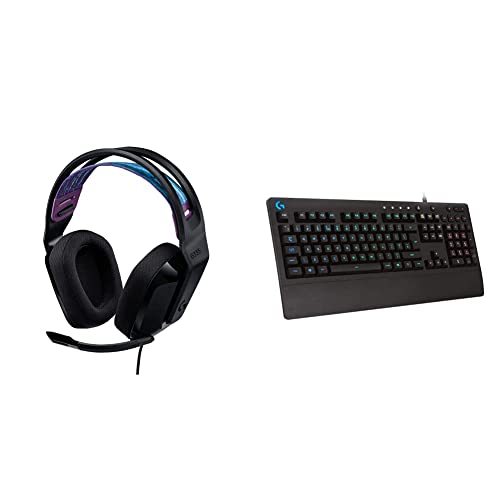
Logitech G335 wired headset + G213 keyboard
Logitech G
Mid-Range
Logitech G413 SE Full-Size Keyboard + G305 Mouse
Logitech G
Mid-Range
Max Wireless Earbuds with Bluetooth 5.3, IPX-rated, magnetic case
UItrapods
Mid-Range
Logitech USB Receiver for Wireless G533 Gaming Headset
Logitech
Mid-Range
Logitech G413 TKL SE Keyboard + G335 Wired Headset (Black)
Logitech G
Premium
Logitech G413 SE Full-Size Keyboard + G335 Wired Headset
Logitech G
Premium
Logitech G502 Lightspeed Wireless Mouse + G515 TKL Wireless Keyboard Bundle
Logitech G
Premium
QcK gaming mousepad World of Warcraft edition
SteelSeries
Mid-Range
Racing Wheel Stand for G29 G920 G923 G27 G25 and Thrustmaster (foldable, adjustable)
RACGTING
Mid-Range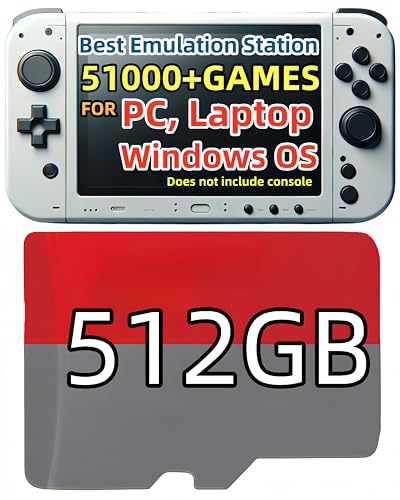
512GB RetroBat Game Card for Windows OS (No Console Included)
POWERNEWS
Mid-Range
Logitech G keyboard, G305 mouse, G335 headset bundle
Logitech G
Premium
Qanba Gravity KS Mechanical Button 30mm (Boxed, 8pcs)
qanba
Mid-Range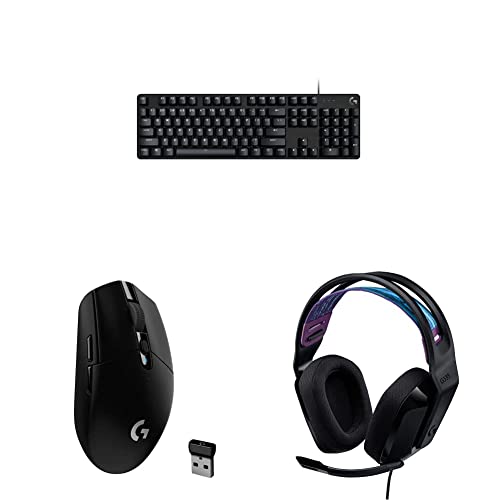
Logitech G413 SE Keyboard + G305 Mouse + G335 Headset Bundle (Black)
Logitech G
Premium
8Bitdo Ultimate 2 Wireless Gamepad (TMR Joystick Update) White
8Bitdo
Mid-Range
Trackstrap Plus Vive Tracker Straps for VR (2.0/3.0/Tundra) with 20h play
Rebuff Reality
PremiumRoundups
Frequently Asked Questions
How do I choose the right PC accessory for my needs?
Decide the primary use (gaming, productivity, streaming, or general use), check compatibility with your PC (OS, ports, and drivers), prioritize features that matter to you (e.g., low-latency for gaming, ergonomic design for long use, or high-precision sensors for mice), and read aggregated ratings and reviews to confirm reliability
What budget should I expect for common PC accessories?
Entry-level accessories like basic mice, keyboards, or headsets often fall under $50, mid-range options typically range from $50–$200, and high-end or specialty items can exceed (price varies); the category average price is around the mid-hundreds across varied products
Which key features should I compare for gaming peripherals?
Compare sensor type and DPI for mice, switch type and actuation for keyboards, polling rate and latency for responsiveness, audio driver and microphone quality for headsets, and build/materials for durability and comfort
How do I ensure compatibility with my computer before buying?
Check the accessory's system requirements for supported operating systems, required ports (USB-A, USB-C, Bluetooth), any needed drivers or software, and whether it notes platform-specific limitations (some features may be Windows-only)
What should I look for regarding warranty and support?
Look for manufacturer warranty length and scope (parts and labor), availability of driver/software updates, and clear manufacturer or seller support channels; longer warranties and active software support indicate easier long-term maintenance
How can I assess build quality and ergonomics before purchasing?
Review product materials and weight, read user feedback about comfort during extended use, check dimensions and layout (keyboard key spacing, mouse shape), and prefer accessories with adjustable settings or modular components for customization
What care or maintenance do PC accessories typically require?
Regular cleaning of surfaces and connectors, keeping firmware and drivers updated, storing cables to avoid kinks, replacing consumable parts like keycaps or mouse feet as needed, and avoiding exposure to liquids and extreme temperatures will prolong lifespan