PC Virtual Reality Headsets
PC virtual reality headsets for gaming and simulation on desktop computers, ranging from budget to premium models; 83 products indexed with an average rating of 4.45 and top brands like YRXVW
Top Products

Meta Quest carrying case for Quest 3/3S, includes accessories
Meta
Mid-Range
FOREGOER Hard carrying case for Quest 3/2 VR headsets
FOREGOER
Mid-Range
Globular Cluster CMP2 VR Comfort Mod for PS VR2
Globular Cluster
Mid-Range
DESTEK QH3 Upgrade Pressure-Free Head Strap for Quest 3S/3
DESTEK
Mid-Range
Silicone Cover Set for Meta Quest 3 with Lens & Controller Grips
YRXVW
Budget
Saqico 5000mAh Battery Pack for Oculus Quest 2/3/3S (Two Pack) with RGB Lights
Saqico
Mid-Range
Saqico Battery Pack for Oculus Quest 2/3/3s
Saqico
Mid-Range
Silicone VR Cover Set for Meta Quest 3 - Face, Shell, Lens & Controller Grips
YRXVW
Budget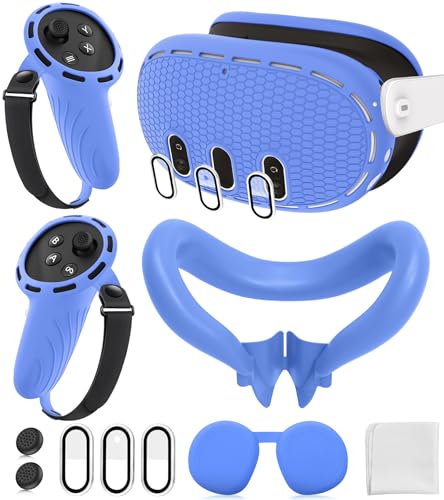
Silicone VR Cover Set for Meta Quest 3 accessories
YRXVW
Budget
CASEMATIX Slim Hard Shell VR Case for Meta Quest 3/3S
CASEMATIX
Mid-Range
Battery head strap for Quest 2 with earphones
SUPERUS
Budget
Foregoer hard carrying case for Quest 2/3 with large capacity
FOREGOER
Mid-Range
FOREGOER hard carrying case for Quest 3/Quest 2
FOREGOER
Mid-Range
Hard carrying case for multiple VR headsets and straps
Shenzhen Toenneson Technology Co.,Ltd.
Mid-Range
Silicone VR cover set for Meta Quest 3 accessories
YRXVW
Budget
Carrying case for Meta Quest 3/2, waterproof & drop-resistant
YRXVW
Mid-Range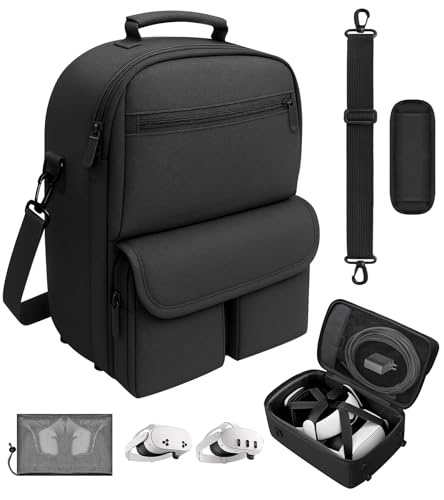
Carrying case for Meta Quest 3/2 with accessories
YRXVW
Mid-Range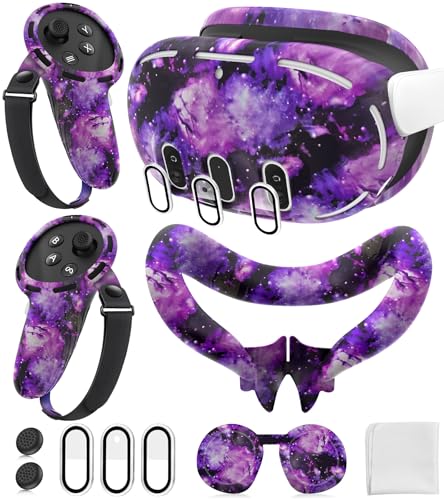
Silicone Cover Set for Meta Quest 3 controllers and headset
YRXVW
Budget
Hurra Head Strap with Battery for Quest 2
Hurra
Budget
Carrying case for Meta Quest 3/Quest 2/ Vision Pro with accessories
skadell
Mid-Range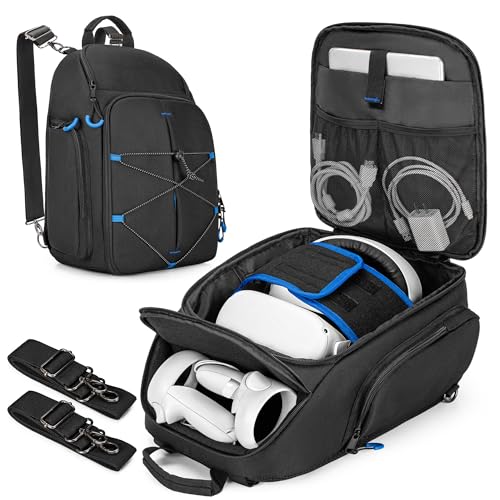
Carrying case for Oculus Quest VR headsets with controller storage
PGmoon
Mid-Range
FOREGOER hard carrying case for Quest 2/3 with large capacity
FOREGOER
Mid-Range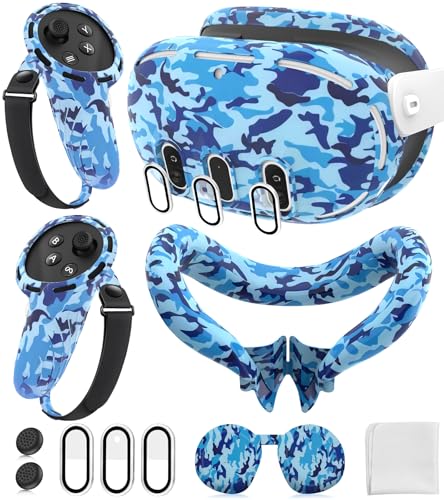
Silicone Face & Shell Cover Set for Meta Quest 3
YRXVW
Budget
Silicone Cover Set for Meta Quest 3s accessories
MS.CLEO
BudgetRoundups
Frequently Asked Questions
How do I choose a PC VR headset for my computer?
Check system requirements for GPU, CPU, RAM, and available ports; confirm your PC meets or exceeds the recommended specs. Consider display resolution, refresh rate, and tracking method (inside-out vs external sensors) for the experience you want, and factor in headset weight and strap fit for comfort
What price ranges should I expect for PC VR headsets and what do they mean?
PC VR headsets range from budget models under $100 that offer basic displays and simpler tracking, to mid-range units around $100–$300 with better resolution and comfort; higher-end setups generally cost more and may require external tracking hardware and a powerful PC. The category average is around $75–$85, reflecting many affordable options
What are the key features that affect visual quality and motion smoothness?
Visual quality depends on headset resolution, display type, and lens quality; higher resolution reduces screen-door effect. Motion smoothness depends on refresh rate (90 Hz or higher is smoother) and your PC’s GPU performance to keep frame rates stable, both of which reduce motion sickness
Do I need external sensors or base stations for tracking?
Some PC VR headsets use inside-out tracking with built-in cameras, requiring no extra sensors; others use external sensors or base stations for more precise room-scale tracking. Choose based on whether you prefer easier setup (inside-out) or potentially more accurate full-room tracking (external)
How important is comfort and fit, and what should I look for?
Comfort is crucial for long sessions: look for adjustable head straps, balanced weight distribution, replaceable face padding, and lens spacing adjustments (IPD). Lightweight designs and good ventilation reduce pressure and fogging during use
What connectivity and cable considerations should I check before buying?
Verify the headset’s connection type (USB-C, DisplayPort, HDMI) and that your PC has compatible ports; also check cable length and whether a detachable or extension cable is supported for room-scale movement. Some models offer wireless adapters or native wireless options but may require additional hardware and bandwidth
How do I maintain and care for a PC VR headset?
Keep lenses clean with a microfiber cloth, remove facial oils by using removable/washable face pads, store the headset in a cool dry place away from direct sunlight, and regularly update firmware and drivers to ensure optimal performance