Portable DVD Players
Portable DVD players: compact, battery-powered disc players with integrated screens and inputs for DVDs, CDs and USB/SD media. This category includes about 65 models averaging a 4.33 rating, with prices from $40 to $250 (avg ~(price varies)) and brands like SQQBZZ represented
Top Products

DBPOWER 11.5" Portable DVD Player with 5-Hour Battery
DBPOWER
Mid-Range
DBPOWER 12" Portable DVD Player with 5-Hour Battery & 10" Swivel Display
DBPOWER
Mid-Range
DBPOWER 11.5" Portable DVD Player with 5-Hour Battery
DBPOWER
Mid-Range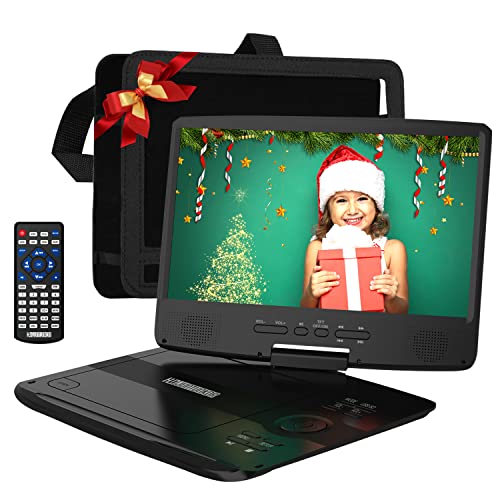
12" Portable DVD Player with 5-Hour Battery and 10.1" Swivel Screen
HDJUNTUNKOR
Mid-Range
9.5
pofoto
Mid-Range
YOTON 9.5" Portable DVD Player with 7.5" swivel screen
YOTON
Mid-Range
Yoton portable DVD player 9.5" with swivel screen
YOTON
Mid-Range
SUNPIN 11" Portable DVD Player with 9.5" swivel screen
SUNPIN
Mid-Range
YOTON 16.9" Portable DVD Player with 14.1" swivel screen
YOTON
Mid-Range
Magnavox 7-inch TFT Portable DVD Player with Remote
Magnavox
Mid-Range
11.5
SQQBZZ
Mid-Range
11.5" Portable DVD Player with 9.5" swivel screen
SQQBZZ
Mid-Range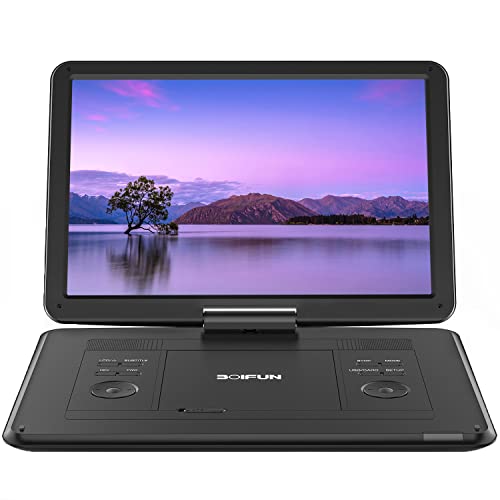
BOIFUN 17.5" portable DVD player with 15.6" HD screen
BOIFUN
Mid-Range
11.5" portable dvd player with 9.5" swivel screen
SQQBZZ
Mid-Range
11.5
SQQBZZ
Mid-Range
SUNPIN portable DVD player with 15.6" swivel screen
SUNPIN
Mid-Range
ieGeek 15.9'' portable dvd player with 14.1'' swivel screen
ieGeek
Mid-Range
12.5in portable dvd player with ips screen & 360 remote
magofly
Mid-Range
12.5" portable dvd player with 360 remote and ips screen
magofly
Mid-Range
9.5" Portable DVD Player with Swivel Screen
PJGCWB
Mid-Range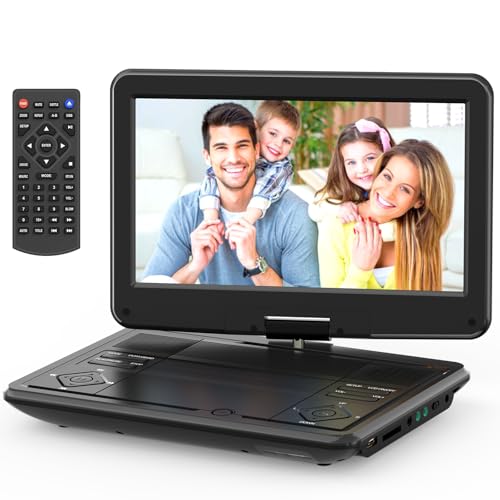
12.5-inch portable dvd player with swivel screen
SQQBZZ
Mid-Range
Magnavox 7 inch portable DVD/CD player with remote
Magnavox
Mid-Range
MEGATEK 12.5" Portable DVD Player with 10.5" Screen
MEGATEK
Mid-Range
9.5" Portable DVD Player for Car with 7.5" Screen
pofoto
Mid-RangeRoundups
Frequently Asked Questions
How do I choose the right screen size and resolution for a portable DVD player?
Pick a screen size based on use: 7–10 inches is common for single-person viewing, while 10–12 inches is better for shared viewing. Look for at least 800×480 resolution for clear DVD playback; higher resolutions improve clarity for upscaled content but add cost and drain battery faster
What battery life should I expect and how is it measured?
Battery life is typically listed as 2–6 hours depending on screen size, brightness, and whether external speakers or Wi‑Fi are used. Manufacturers report playback time under specific conditions—real-world runtime will be lower if you use higher brightness, headphone volume, or power-hungry features
Which media and disc formats do portable DVD players usually support?
Most players support standard DVD-Video, audio CDs, and common data formats like MP3, JPEG, and MPEG-4. Some models add support for DVD+R/RW and USB or SD card playback; check the specifications for exact supported codecs and region-code compatibility
How important are inputs and outputs (HDMI, USB, AV) when comparing models?
Inputs/outputs affect versatility: USB and SD slots let you play digital files without a disc, AV/aux outputs allow connection to external speakers, and an HDMI output enables connection to a larger TV if available. Choose based on whether you need file playback, external audio, or TV mirroring
Are portable DVD players suitable for children in cars and on trips?
Yes—many models are designed for travel with features like swivel screens, car chargers, and long battery life; look for durable housings and easy-to-use controls. Consider models with headphone jacks or dual screens for back-seat viewing and pre-loaded parental controls if available
What should I know about video region codes and DVD compatibility?
DVDs are often encoded with region codes that can restrict playback to players from the same region; some portable players are region-free or offer region-unlock features. Verify region compatibility in product specs if you plan to play discs from other regions
How can I maintain and clean a portable DVD player to extend its life?
Keep the lens and disc surface free of dust by storing the player in a case and using lens-cleaning discs sparingly; clean the exterior with a soft, dry cloth and avoid harsh liquids. Remove discs before transport, avoid extreme temperatures, and follow the manufacturer's instructions for battery care and firmware updates