Powerline Network Adapters
Powerline network adapters use a building’s electrical wiring to extend Ethernet connectivity without new cabling, including basic adapters, gigabit models, and PoE-capable units for cameras and access points. This category indexes 98 products (avg rating 4.45) across budget through premium price tiers (avg ~(price varies)), with brands like TP-Link commonly represented
Top Products

TRENDnet 60W PoE++ Injector TPE-117GI (IEEE 802.3af/at)
TRENDnet
Mid-Range
TP-Link AV600 Powerline Adapter Kit with Gigabit Port
TP-Link
Mid-Range
DECA Ethernet to Coax Adapter 2 Pack Gen3
SatelliteSale
Budget
60W PoE++ Injector with Gigabit Ethernet Output
ThePoEstore
Budget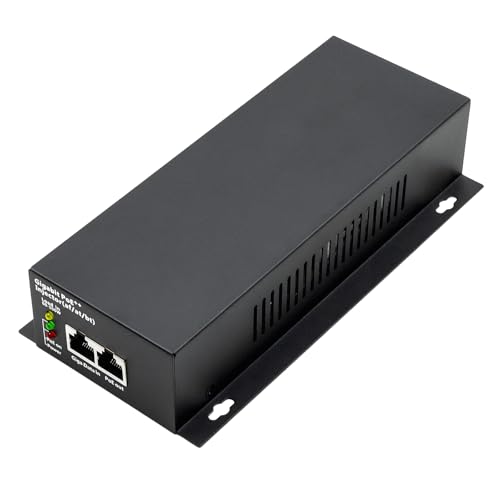
Gigabit PoE++ injector with integrated power supply
ThePoEstore
Mid-Range
TP-Link PoE injector 2.5G adapter (TL-PI30G-M2)
TP-Link
Mid-Range
TP-Link 2.5GE PoE+ Injector (TL-PoE260S) 802.3at/af, 100m, wall-mount
TP-Link
Mid-Range![[OEM] Starlink Ethernet Adapter Gen 2 - 1 Gbps, Third-Party Router Integration](https://m.media-amazon.com/images/I/41pfzrhJn0L._SL500_.jpg)
[OEM] Starlink Ethernet Adapter Gen 2 - 1 Gbps, Third-Party Router Integration
WAYXYZ
Mid-Range
TP-Link AV1000 Powerline Ethernet Adapter Kit
TP-Link
Mid-Range
TP-Link AV1000 Powerline Ethernet Adapter Kit TL-PA7017P
TP-Link
Mid-Range
5G PoE++ Injector 60W 802.3bt/af/at, 5G+2.5G Biz PoE Adapter
iCreatin
Budget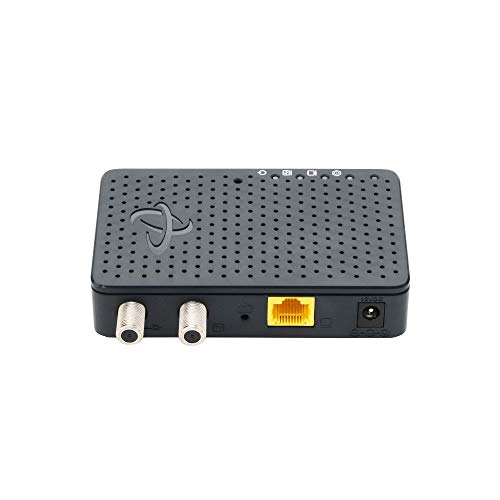
Hitron MoCA 2.5 Adapter (Single Unit) – Ethernet Over Coax
Hitron
Mid-Range
TRENDnet Powerline 500 AV Nano Adapter Kit
TRENDnet
Mid-Range
Multi Ports Starlink Ethernet Adapter (4 ports) for Gen3/Mini
Hugener
Mid-Range
Amcrest PoE Injector Adapter (Gigabit, IEEE 802.3)
Amcrest
Mid-Range
TP-Link AV500 Nano Powerline Adapter (TL-PA4010)
TP-Link
Mid-Range
Tenda AV1000 Powerline Adapter Kit with Gigabit Ports
Tenda
Mid-Range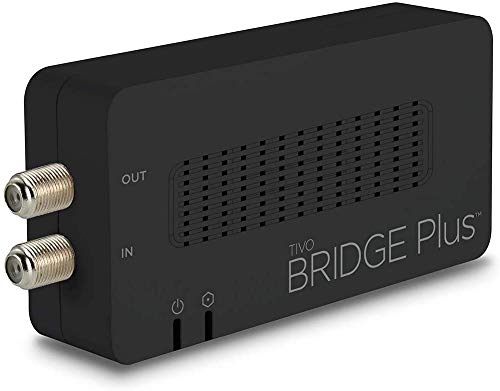
MOCA Ethernet Adapter ECB6200 (Coax to LAN) 1 Gbps
WeaKnees
Mid-Range
10Gbps PoE+ Injector 30W IEEE802.3at/af for PoE data + power
PROCET PoE System
Budget
2.5G PoE++ injector for PoE/PoE+/PoE++ on 2.5G port
iCreatin
Mid-Range
TRENDnet MoCA 2.5 Ethernet Adapter TMO-312C
TRENDnet
Mid-Range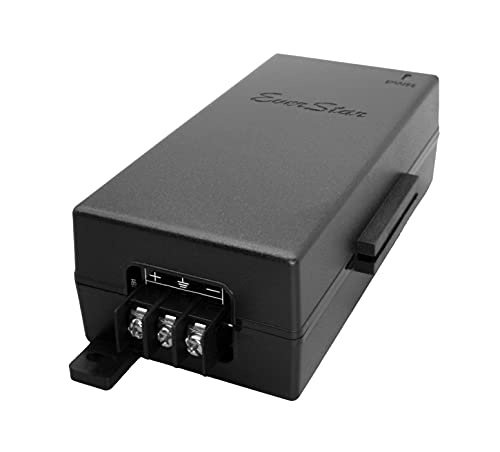
EverStar PoE Injector/Adapter 24W 48V DC 100Mbps
EverStar
Mid-Range
ScreenBeam ECB6200K02 MoCA 2.0 Network Adapter Starter Kit
ScreenBeam
Mid-Range
TP-Link Powerline Wi-Fi 6 Extender TL-WPA7817 KIT
TP-Link
Mid-RangeRoundups
Frequently Asked Questions
What is a powerline network adapter and how does it work?
A powerline network adapter uses your home's existing electrical wiring to send Ethernet data between adapters plugged into power outlets, creating a wired network connection without running new cables; you typically pair a main adapter near your router and one or more remote adapters near devices
How do I choose the right speed and standard for my needs?
Pick adapters with rated throughput that meets your use—AV600/AV1000 are common for basic web and HD streaming, while AV2000+ suits multi-room 4K streaming or gaming; note that real-world speeds are lower than rated values and depend on wiring quality and distance
Do I need models with pass-through power sockets or built-in PoE?
A pass-through socket is helpful if outlet availability is limited because it preserves the outlet for other devices; built-in PoE (Power over Ethernet) is useful if you need to power PoE devices like cameras or access points directly from the adapter
How reliable is a powerline connection compared with Wi‑Fi and Ethernet?
Powerline is generally more stable than Wi‑Fi in electrically noisy or thick-walled environments, but less consistent than a dedicated Ethernet cable; performance can be affected by circuit layout, distance, and interference from appliances
What security features should I look for?
Look for AES encryption (usually 128-bit) and support for secure pairing buttons to prevent unauthorized access between adapters; some units also offer admin password protection and network isolation features
How many adapters can I use and will mixed-brand sets work?
Most home setups support multiple adapters on the same electrical circuit, but performance declines as you add devices; mixed-brand adapters can work if they share the same HomePlug AV/AV2 standard, though compatibility and features may vary
What maintenance or setup tips improve performance and lifespan?
Plug adapters directly into wall outlets (avoid surge protectors or extension cords), keep firmware updated, use the pairing procedure to secure the network, and place adapters away from large appliances or interference sources