Recording Studio Racks
Recording Studio Racks covers rackmount enclosures, powered and passive rack cases, road racks, and mounting accessories for audio and broadcast gear. The 45 indexed products span budget through mid-range prices (avg $209) and include brands like Sound Town. Average customer rating is about 4.44
Top Products

NavePoint Cantilever Server Shelf 1U 19'' Vented Rack
NavePoint
Mid-Range
URT2 Universal Rack Tray by Shure
Shure
Budget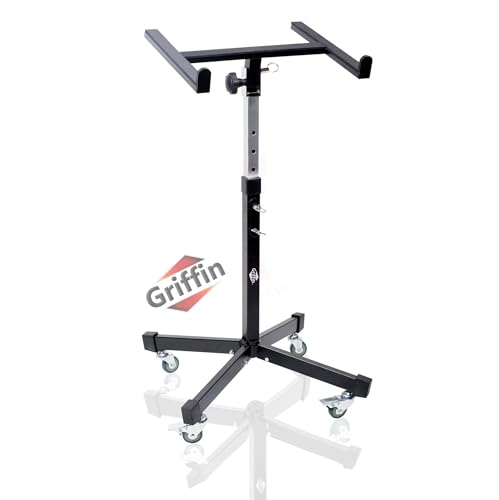
Griffin rolling studio mixer stand (mobileTILT) with adjustable height
Griffin
Mid-Range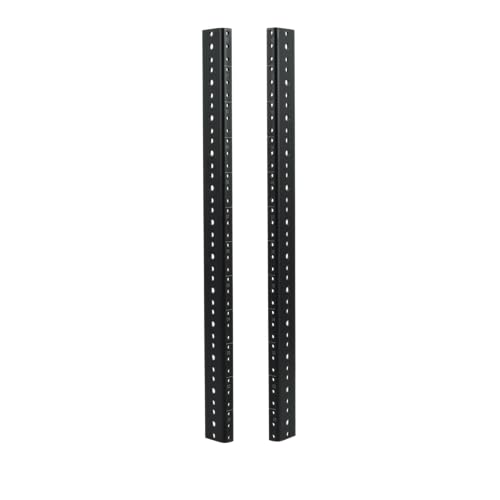
Gator Rackworks 12U Heavy Duty Steel Rack Rail Set
Gator
Budget
Sound Town 2U DIY Studio Rack (Baltic Birch, Weathered Brown)
Sound Town
Mid-Range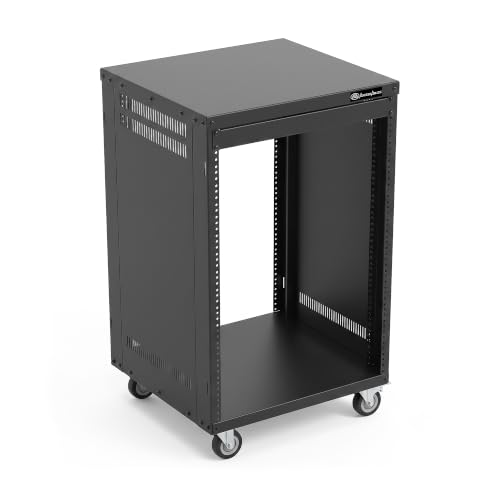
AxcessAbles 16U AV Case with Wheels – 19" rack cabinet
AXA AXCESSABLES
Premium
Diandian 6U Rack Case – 11" Depth, Shallow 19" Rack Mount
Diandian
Mid-Range
RK 30U rack-mount cabinet with casters for 19-inch gear
AXA AXCESSABLES
Premium
Diandian 2U Rack Case - 17" Depth, 19" Rackmount Flight Case
Diandian
Mid-Range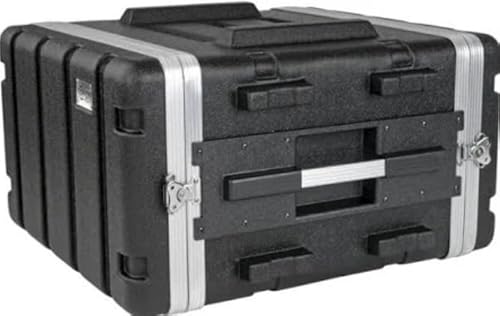
Stackable 17" Depth 19" ABS Rack Flight Case (6U)
multicomp PRO
Mid-Range
Sound Town 4U PA DJ Pro Audio Rack Case 11U Slant Top
Sound Town
Premium
Gator Frameworks Elite Furniture Series 2U Wood Desktop Studio Rack
Gator Frameworks
Premium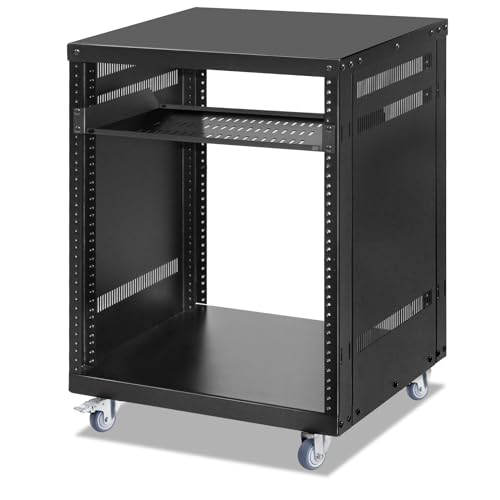
12U Open Frame Server Rack with Casters
EasyVibe
Premium
Phenyx Pro 4U shallow rack case 19" rackmount
Phenyx Pro
Mid-Range
Seismic Audio SALWR2S 2U Lightweight ABS Rack Case
Seismic Audio
Mid-Range
Sound Town 4U PA DJ Rack Case with ABS, 19" depth, 4U
Sound Town
Mid-Range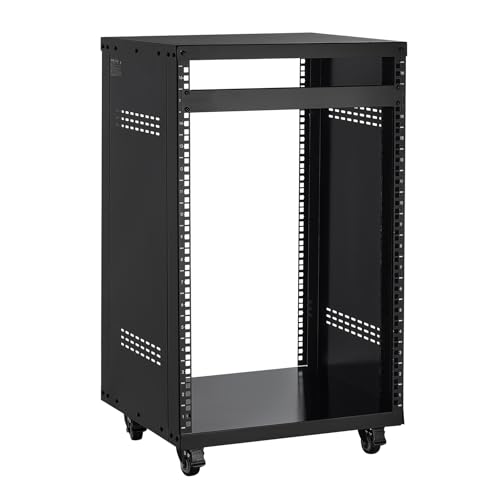
VEVOR 16U AV Rack with Locking Casters, 19" Open Frame Cabinet
VEVOR
Mid-Range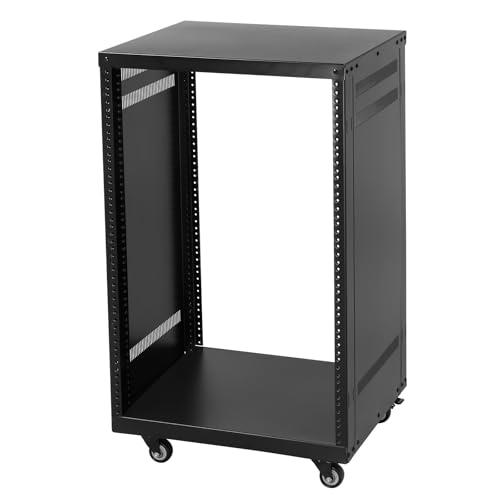
Ktaxon 16U AV Rack with Lockable Casters
Ktaxon
Premium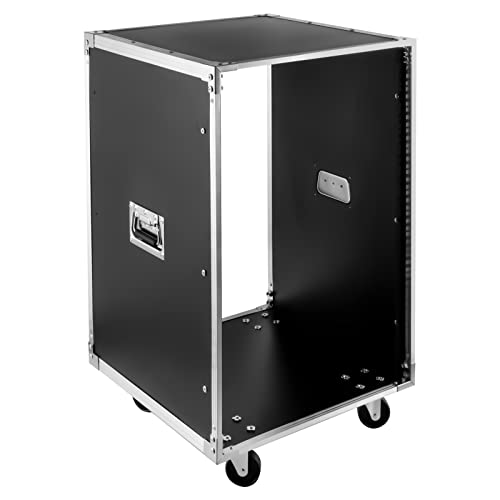
16U Network & Audio Rack with Feet & Wheels
HGRROE
Mid-Range
VEVOR 12U AV Rack Stand with Caster Wheels
VEVOR
Mid-Range
Gator Wooden Studio Rack 4U, 15.25" depth, black
Gator
Mid-Range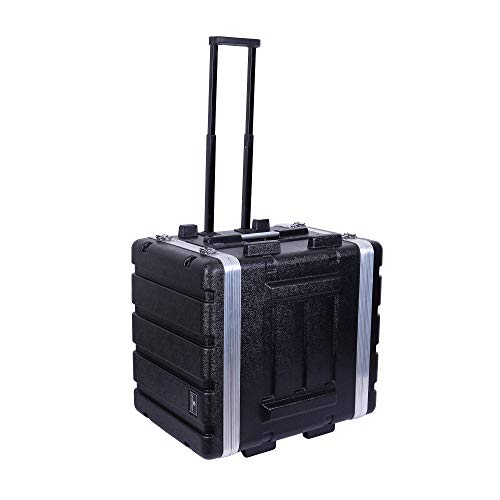
Crossrock 7U rack case with wheels, 19.25 depth, black
Crossrock
Premium
Seismic Audio 4U ABS rack case, 4-space, mid-size
Seismic Audio
Premium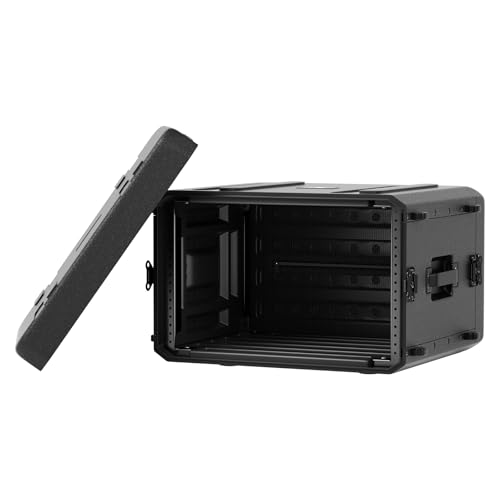
Phenyx Pro 6U Rack Case PRCSE-6UD
Phenyx Pro
PremiumRoundups
Frequently Asked Questions
How do I choose the right size and rack units (U) for my recording studio rack?
Measure the total rack units (1U = 1.75 inches) of the gear you plan to mount, add space for future growth and airflow, and choose a rack depth that accommodates the deepest device; common choices are 6U–12U for small setups and 20U+ for larger rigs
What are the differences between open-frame, partially enclosed, and fully enclosed racks?
Open-frame racks offer maximum cooling and easy access but less protection; partially enclosed racks provide front/back panels for cable access with some protection; fully enclosed racks give the most dust, noise, and tamper protection but require planned ventilation or cooling
Which features should I prioritize for cable management and airflow?
Look for racks with rear cable channels or removable panels, integrated vertical cable managers, perforated panels or vented doors for airflow, and mounting points for fan trays or rack-mounted fans to maintain cooling and tidy cable runs
How much weight capacity and build material do I need?
Match the rack’s stated static load capacity to the combined weight of mounted equipment plus margin; steel racks typically support heavier pro gear, while lightweight aluminum racks are easier to move but may have lower load limits
Do I need vibration isolation or shock protection for studio gear?
If you plan to mount mechanical hard drives, turntables, or delicate analog gear, consider racks with rubber grommets, isolating shelves, or dedicated rack pads to reduce vibration; standard studio electronics and rackmount units often do fine without extra isolation
What should I consider for power distribution and grounding in a rack?
Use a rackmount power distribution unit (PDU) with enough outlets and proper current rating, ensure the PDU includes surge protection or integrate a separate surge unit, and confirm the rack and PDU are properly grounded to avoid hum and electrical hazards
How do I maintain and prolong the life of a recording studio rack?
Keep airflow paths clear, periodically dust vents and equipment, tighten mounting hardware to prevent loosening from vibrations, check grounding and cable strain relief, and inspect fans and filters for replacement as needed