Remote Control Extenders
Remote control extenders and IR/ RF signal repeaters extend remote control range for home theater and pro AV setups, covering IR, RF, and over-IP solutions. The category spans budget through premium options (36 products, average rating 4.37) with brands like J-Tech Digital represented. Average price is about (price varies), range $35–$380
Top Products

J-Tech HDMI Extender over cat5e/6 1080P Balun
J-Tech Digital
Mid-Range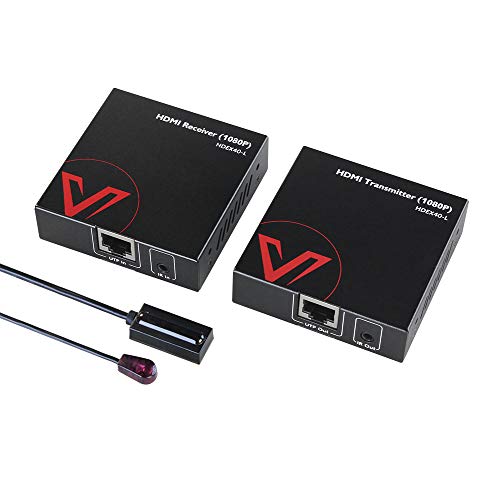
AV Access HDMI Extender over Cat5e/6a/7 1080P@60Hz
v AV Access
Mid-Range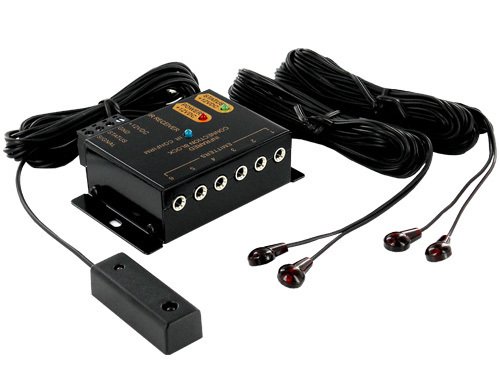
IR remote extender kit for cabinet or room control
HdtvHookup
Mid-Range
Upgraded Wireless HDMI Transmitter & Receiver (328ft) Plug & Play
BRAIDOL
Mid-Range
Cable Matters Receiver Box for HDMI Extender (TCP/IP) 300 ft
Cable Matters
Mid-Range
Remote Control Tether 6.5 ft with adjustable lock strap
Fancat
Budget
IR Repeater Kit with Dual Sensors - Up to 100 ft
Ensigear
Mid-Range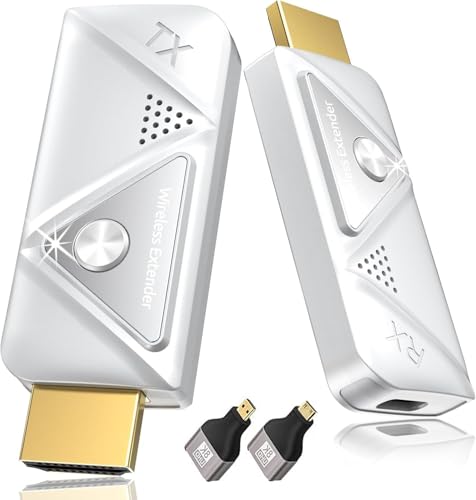
Wireless HDMI Transmitter & Receiver Kit 382FT/100M
Elalight
Mid-Range
HDMI KVM USB Extender over Cat5e/6/7 (164ft) with Loop-Out
avedio links
Budget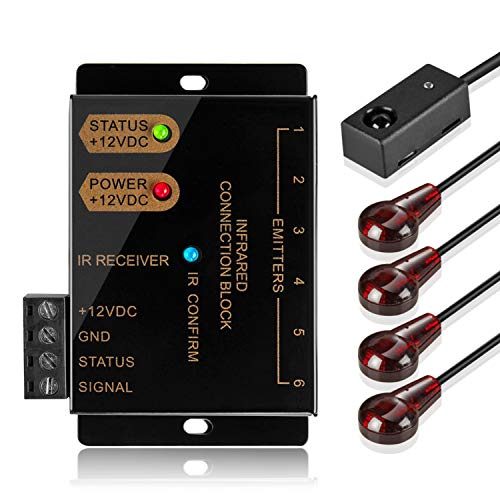
TNP IR Repeater Extender Kit for Hidden A/V components
TNP Products
Budget
Sewell Direct BlastIR Wireless Pro IR Repeater
Sewell
Mid-Range
Infrared wireless IR repeater kit (emitter and receiver) by Fourair
Fourair
Mid-Range
AVedio Links HDMI KVM Extender over Cat5e/6/7/8 (196ft / 60m) with USB
avedio links
Mid-Range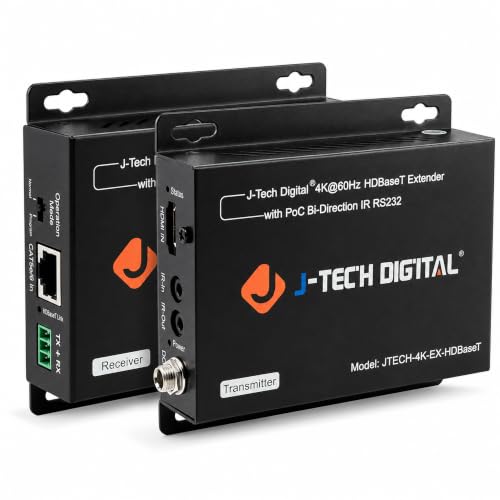
J-Tech 4K HDBaseT HDMI Extender over Cat5e/6
J-Tech Digital
Mid-Range
OREI HDMI Extender Over IP Receiver (EX-330-K) 1080p@60Hz
OREI
Budget
10 Pack Control Tether 6.5 ft Remote Leash
Fancat
Mid-Range
HDBaseT 4K HDMI Extender with IR/RS-232 over Cat5e/6
OREI
Mid-Range
1x2 HDMI Extender Splitter over Ethernet (1080P@60Hz) - 165 ft
cenmate
Mid-Range
OREI HDMI over Ethernet Extender (HDMI over IP) 330 ft
OREI
Mid-Range
Wireless HDMI Transmitter & Receiver 4K 30Hz (TX to 3 RX)
Graige
Premium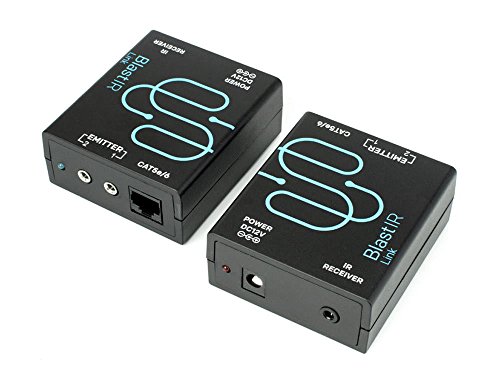
Bi-directional IR extender over Cat5e/6
Sewell
Mid-Range
IR Repeater Kit for Infrared Remotes
Tmoksue
Budget
Wireless HDMI Extender Receiver (RX Only), 5.8GHz, 1080P, 656ft
weeryyi
Mid-Range
OREI HDMI Extender over Cat5e/6 (EX-500IR) 1080p
Orei
Mid-RangeRoundups
Frequently Asked Questions
What is a remote control extender and when do I need one?
A remote control extender (IR/RF extender) forwards remote signals from your remote to devices that are out of line-of-sight or in another room; choose one when your devices are hidden in a cabinet, wall-mounted behind a TV, or located in a different room than the remote
How do I choose between IR and RF extenders?
IR extenders relay infrared signals and require transmitters/receivers placed in line with the device, while RF extenders convert or transmit radio-frequency signals through walls without line-of-sight; pick IR for traditional infrared remotes and RF if you need through-wall control or wider range
What compatibility and range factors should I check before buying?
Verify the extender supports your remote type (IR frequency and codes or RF protocol), the number of emitters and outputs needed for multiple devices, and the stated operating range (typically from several meters for IR to tens of meters or whole-house for RF/over-IP solutions)
Can I use a remote extender with a smart home hub or multiple rooms?
Many extenders support network (Ethernet/Wi‑Fi) or RF bridging to integrate with control systems and multiroom setups, but confirm the product's network protocols, API/IR learning capabilities, and whether it supports controlling multiple zones or emitters simultaneously
What installation and setup should I expect?
Setup usually involves placing an external receiver near the remote, connecting the base unit to the device(s) via emitter cables or IR blasters, powering the units, and pairing/teaching the extender to your remote; network-enabled extenders may require IP configuration or an app
Are there differences in audio/video quality or latency when using an extender?
IR/RF extenders only pass control signals and do not alter audio/video quality; network-based extenders that also carry AV streams can introduce latency depending on network performance, so separate AV distribution solutions are recommended for video fidelity
How should I maintain and troubleshoot a remote extender?
Keep IR emitters and receivers free of dust and direct sunlight, check power supplies and cable connections, ensure emitters align with device IR windows, reset or re-teach remotes if signals fail, and review network settings for IP-based extenders