Security Monitors & Displays
Security Monitors & Displays covers standalone LCD/LED screens and dedicated surveillance monitors used for CCTV, DVR/NVR setups, and video wall applications. The 44 indexed products average a 4.33 rating and range roughly $39–$371, with brands like 101 AV Inc represented
Top Products
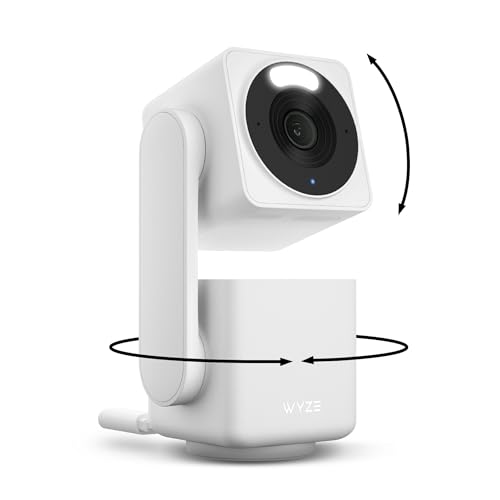
WYZE Cam Pan v4 4K Security Camera with AI Motion Tracking
WYZE
Mid-Range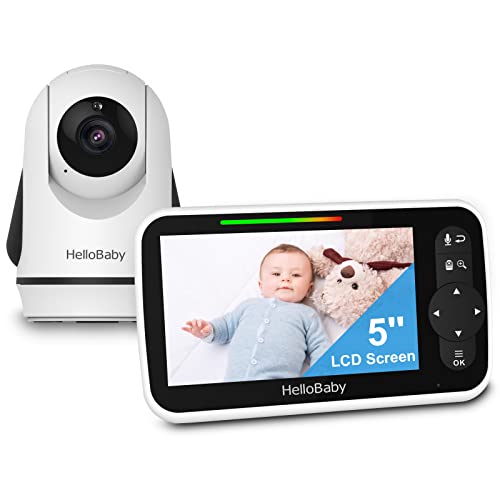
HelloBaby 5" Video Baby Monitor with Camera and Audio
HelloBaby
Mid-Range
8" Mini Security Monitor with HDMI/VGA/AV/BNC inputs
JINSWY
Mid-Range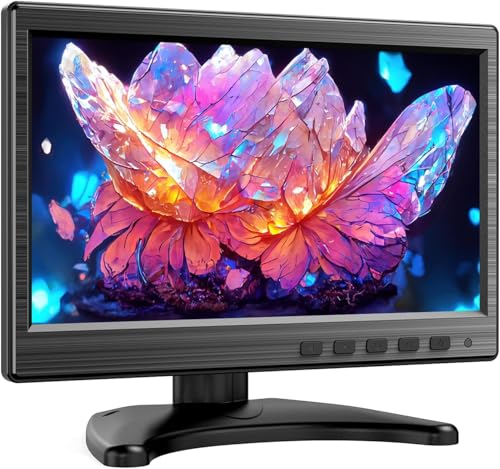
10 inch IPS monitor with HDMI VGA BNC AV inputs
Miktver
Mid-Range
10.1" IPS CCTV Monitor with HDMI/VGA/BNC input
WHOLEV
Mid-Range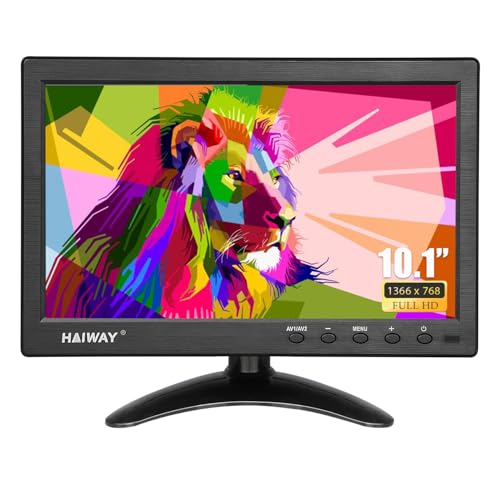
10.1 inch security monitor with multi-inputs
Haiway
Mid-Range
7 inch mini monitor with HDMI VGA AV ports
Haiway
Mid-Range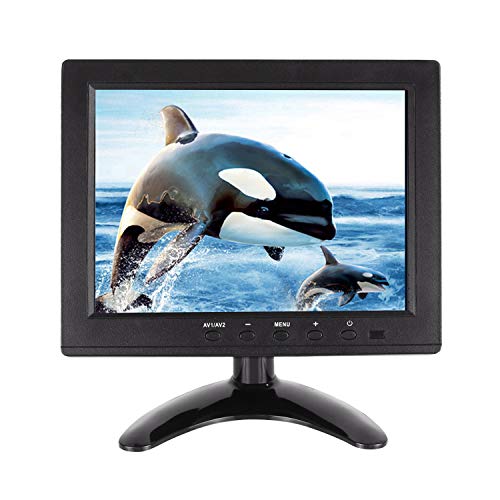
Security Monitor 8" FHD with multiple inputs and remote
WHOLEV
Mid-Range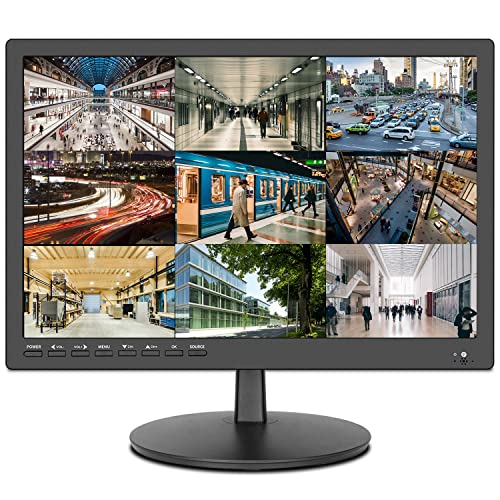
17inch security monitor with USB playback and multi-ports
ZOSHING
Mid-Range
15.6-inch HDMI monitor with multiple ports
Haiway
Mid-Range
HelloBaby Video Baby Monitor with 2 Cameras
HelloBaby
Mid-Range
10.1-inch Security Monitor with multiple inputs
Qcvoruno
Mid-Range
Rsrteng CCTV Tester Monitor 4K/8MP Coaxial Camera Tester 5"
Rsrteng
Mid-Range
10.1 inch CCTV/ Raspberry Pi monitor with HDMI VGA, dual speakers
EVERSECU
Mid-Range
15.6 inch FHD IPS monitor with multiple inputs
HTNZIR
Mid-Range
8 inch monitor with multiple inputs for CCTV and more
Qcvoruno
Mid-Range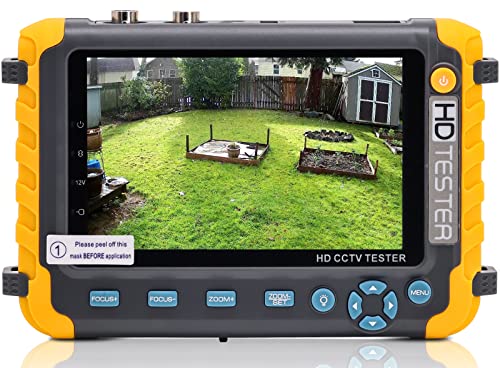
Anpviz 5 Inch CCTV Monitor Tester for 1080P/5MP TVI/8MP Coaxial Analog
Anpviz
Mid-Range
9-inch security monitor with HDMI VGA input
AISHICHEN
Mid-Range
Real HD 22 inch 1080P CCTV Monitor with HDMI VGA
Real HD
Mid-Range
Portable Wrist CCTV Tester with 5'' LCD, HDMI/VGA input
SGEF
Mid-Range
7 inch mini monitor with HDMI/VGA/AV input by CUQI
CUQI
Budget
Amcrest 24" 1080p surveillance monitor (AM-LM24)
Amcrest
Mid-Range
Eyoyo 10.1 inch HDMI security monitor EM101AD
Eyoyo
Mid-Range
16-inch security monitor with HDMI/AV/VGA input
Jexiop
Mid-RangeRoundups
Frequently Asked Questions
How do I choose the right screen size and resolution for a security monitor?
Choose a screen size that matches the viewing distance and number of camera feeds you plan to monitor; 7–22 inches commonly fit desktop or wall-mounted setups. Prioritize at least 1080p (Full HD) resolution for clear detail; higher resolutions (1440p or 4K) help when viewing multiple feeds or for zooming into footage
What connections and compatibility should I check before buying a security display?
Confirm the monitor supports the video outputs used by your recorder or cameras (HDMI, VGA, BNC, DisplayPort) and the signal formats (analog, TVI, CVI, AHD, IP). Also verify power options (DC adapter, PoE through compatible hardware) and that the monitor works with your NVR/DVR or network camera system
Are there specialized features I should look for in security monitors?
Look for multi-view or split-screen capability, on-screen display (OSD) controls for camera switching, low-latency video input, adjustable mounting (VESA), and durable casing for 24/7 operation. Anti-glare panels and wide viewing angles are useful for shared monitoring stations
How much should I expect to spend on a security monitor?
Security monitors in electronics and gadgets typically range from budget options under $100 to professional displays several hundred dollars; average prices for midrange models are near the low hundreds. Higher-cost units often add better panels, higher resolution, and rugged components for continuous use
What maintenance and care do security monitors require for reliable operation?
Keep vents clear and dust-free, use a soft microfiber cloth with a mild screen cleaner for the display, and avoid prolonged exposure to direct sunlight. Ensure firmware or OSD software (if applicable) is updated and use a surge protector to guard against power spikes
Can I use a regular computer monitor or TV as a security display?
Yes, a regular monitor or TV can work if it supports the needed input connections and can operate for long periods without overheating; however, purpose-built security monitors may offer features like continuous-duty design, native BNC inputs, or optimized multi-camera viewing that standard consumer displays lack
What should I consider for mounting and placement of security monitors?
Ensure the monitor has VESA mounting compatibility and choose a mount rated for the display size and weight; position displays to minimize glare and provide comfortable viewing height for operators. For multi-monitor setups, plan cable routing and ventilation to prevent overheating