Tablet Accessories
This Tablet Accessories category covers protective cases, stands, keyboards, chargers, and screen protectors for tablets across budget through mid-range options. It indexes 31 products with an average rating of 4.51 and average price around $66; notable brands include LHM and SRJTEK
Top Products

Original replacement marker pen stylus tips for Remarkable 2 (pack of 9) – black
Group Vertical
Mid-Range
Original Remarkable Paper Pro Pen replacement tips (6-pack) for precise writing and sketching
Group Vertical
Mid-Range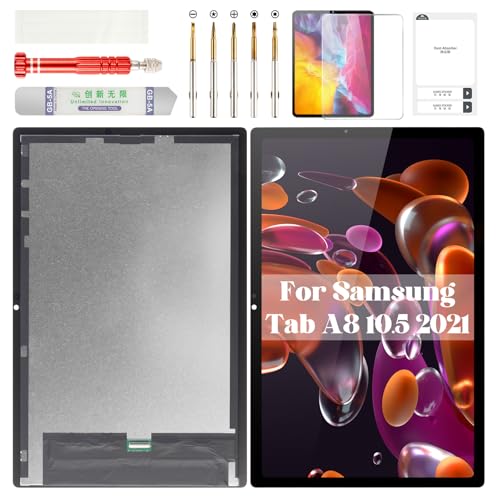
Samsung Galaxy Tab A8 10.5 screen replacement (SM-X200, SM-X205) digitizer kit
BEXUPULL
Budget
Lenovo Tab M10 HD Gen 2 LCD digitizer replacement
SRJTEK
Mid-Range
Microsoft Surface Go 2/3 LCD digitizer screen assembly
SRJTEK
Mid-Range
Navitech 15.6-Inch Laptop Case for Dell Inspiron
Navitech
Mid-Range
Samsung Galaxy Tab A 8.0 2019 Screen Replacement - LCD + Touch Digitizer with Frame (Black)
Double Sure
Budget
Navitech red 15.6in laptop bag for Acer Aspire series
Navitech
Budget
LCD Touch digitizer assembly for Galaxy Tab Active Pro SM-T540 (Wi-Fi) 10.1"
sunways
Mid-Range
LCD Screen with Digitizer Full Assembly for Lenovo Tab M10 3rd Gen
XIAPIPRO
Mid-Range
LCD Display Touch Screen Digitizer + Frame Assembly for Galaxy Tab A 8.0 (2019) SM-T290
ePartSolution
Budget
LCD touch screen digitizer assembly replacement for Galaxy Tab S6 Lite
Eaglewireless
Mid-Range
Samsung Galaxy Tab A9+ screen replacement LCD assembly
AGCUT
Budget
ARKON Car Cup Holder Tablet Mount, 360° Swivel
ARKON
Mid-Range
LCD Display + Touch Digitizer Assembly with Housing Frame for Galaxy Tab A7 Lite
Eaglewireless
Mid-Range
iPad LCD replacement display assembly (5th/6th gen, Air 1 9.7", model A1822/A1823/A1474/A1475/A1476/A1893/A1954) by LHM
LHM
Mid-Range
Replacement LCD Display Touch Screen Digitizer for Samsung Galaxy Tab A 10.1 (SM-P580/P585) white
ePartSolution
Mid-Range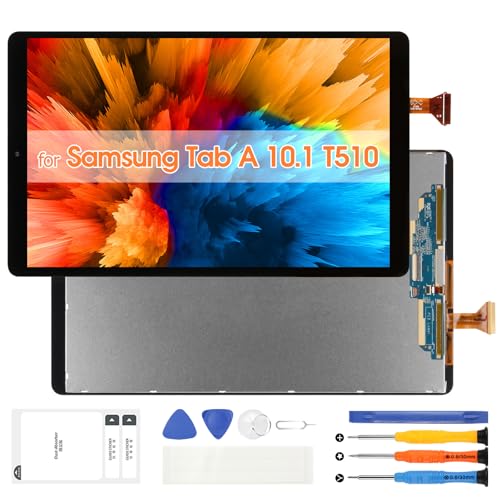
Samsung Galaxy Tab A 10.1 (2019) LCD Screen Replacement - T510/T515
ARSSLY
Budget
LCD Screen Replacement Digitizer Full Assembly for Huawei MediaPad M5 Lite 10
CHENYAN
Mid-Range
Goodyitou LCD Display Touch Digitizer for Galaxy Tab S7 11.0"
Goodyitou
Budget
iPad mini 5 (2019) 7.9" LCD replacement display kit
LHM
Mid-Range
iPad 7th/8th/9th Gen 10.2" LCD Display Assembly Repair Kit + Tools
YUSE
Mid-Range
Replacement LCD Display Touch Screen Digitizer for Samsung Galaxy Tab A 7.0 (SM-T280/T285) White
For Unbranded
Mid-Range
Samsung Galaxy Tab S9 FE screen replacement (SM-X510/SM-X516) 10.9" LCD/digitizer
ZTOOYO
Mid-RangeRoundups
Frequently Asked Questions
How do I choose the right tablet case or cover for my device?
Match the case to your tablet's exact model and screen size, decide between protective levels (sleeve, folio, rugged), and consider material, weight, and whether you need a built-in stand or keyboard compatibility
What should I look for when buying a tablet keyboard or keyboard case?
Check compatibility with your tablet's OS and connector type (Bluetooth or magnetic), key layout and travel, battery life for wireless keyboards, and whether the case provides a stable typing angle and adequate protection
Are stylus pens universal or do I need a specific one for my tablet?
Some active styluses use proprietary protocols and are model-specific, while many passive capacitive styluses and Bluetooth active styluses work across multiple devices; verify compatibility with your tablet's touch technology and pressure/tilt support if you need those features
How can I protect my tablet screen and keep it responsive?
Use a screen protector made for your screen size (tempered glass or PET/TPU film), ensure proper installation to avoid bubbles, and choose a protector that maintains touch sensitivity and any stylus functionality you rely on
What accessories are most important for travel or commuting?
Prioritize a protective yet lightweight case, a portable charger or power bank compatible with your tablet's charging input, a compact keyboard or stand, and a secure way to carry cables and small peripherals
How can I extend the lifespan of tablet accessories like cases, keyboards, and styluses?
Clean accessories regularly following manufacturer guidance, store them away from extreme heat or moisture, replace worn screen protectors, and avoid dropping or flexing keyboards and styluses to prevent mechanical and electronic damage