Televisions
This category covers consumer televisions and smart TVs across sizes and resolutions, including LED, OLED, and QLED models suitable for budget through premium setups. Fifteen products are indexed with an average rating of 4.42 and top brands such as Samsung and Sony represented
Top Products

Insignia 32" Class LED HD Smart TV with Voice Remote
INSIGNIA
Mid-Range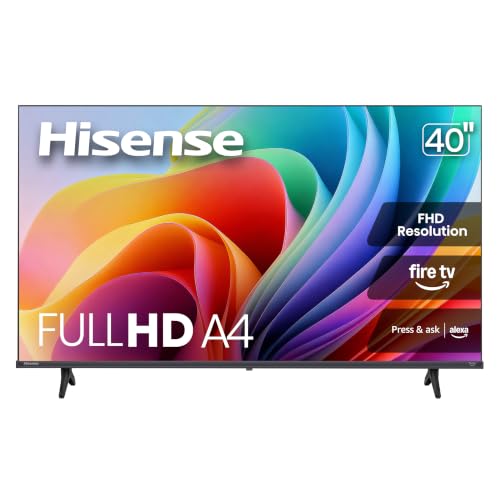
Hisense 32-Inch Class A4 Series FHD Smart TV (2025)
Hisense
Mid-Range
Insignia 50" Class LED 4K UHD Smart TV with Fire TV remote
INSIGNIA
Premium
Insignia 32" Class F40 Series LED TV with Fire TV Remote
INSIGNIA
Mid-Range
TCL 32-Inch Q3K Series QLED Smart TV
TCL
Mid-Range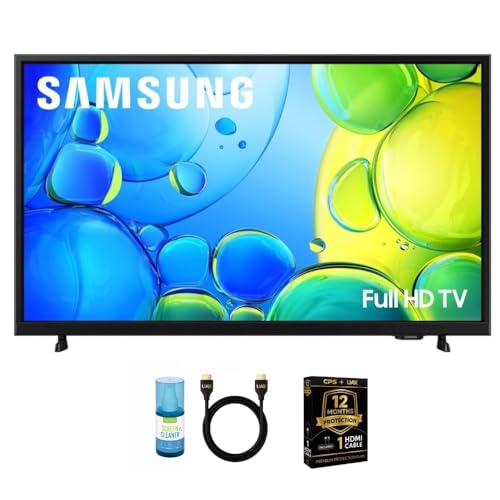
Samsung 40-Inch Smart LED TV Bundle
Samsung
Premium
Samsung 42-Inch OLED S90F 4K TV w/Music Frame
SAMSUNG
Premium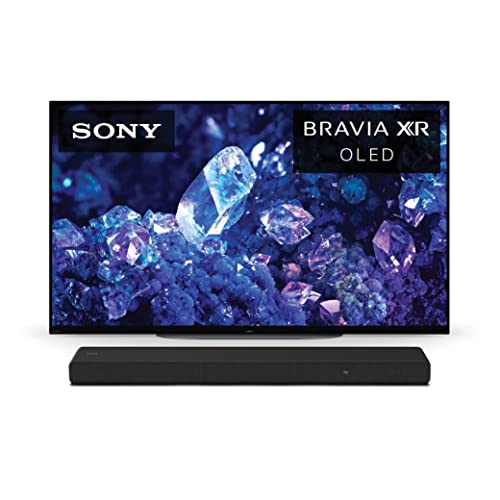
Sony 48-inch 4K OLED TV XR A90K Series
Sony
Premium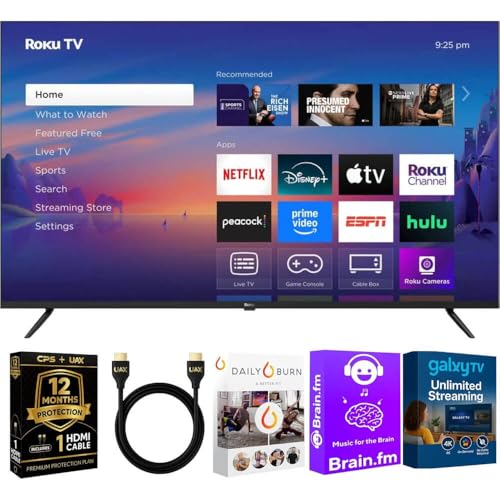
Roku 43-Inch 4K UHD Smart TV with HDR
Roku
Premium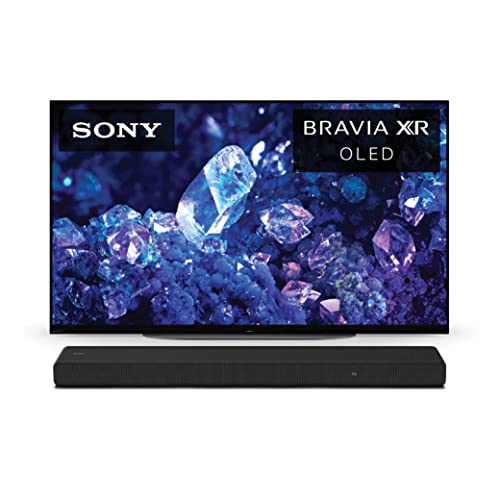
Sony 42-inch 4K OLED Google TV with Dolby Vision
Sony
Premium
Panasonic W95 75" Mini LED 4K Smart TV with WN10 speaker
Panasonic
Premium
Panasonic 55Z85A OLED 4K TV with Protection Bundle
Panasonic
Premium
Samsung 55-Inch Neo QLED 4K TV + Q Series Soundbar (2025)
Samsung
Premium
Sony 77 inch QD-OLED BRAVIA XR A95L TV
Sony
Premium
Samsung 65-Inch OLED TV with glare-free 4K
Samsung
PremiumRoundups
Frequently Asked Questions
How do I choose the right screen size for my room?
Measure the viewing distance from the seating area to the screen and multiply by 0.6–1.2 for a comfortable diagonal size; for example, a 6.5–10 foot distance typically corresponds to roughly a 65–85 inch TV depending on preferred immersion and resolution
What resolution and HDR specs should I look for?
Choose 4K (Ultra HD) for most living rooms to get sharp detail on larger screens; look for TVs that support at least one HDR format (HDR10 is common), and consider models with Dolby Vision or HDR10+ if you want wider dynamic range and color on compatible content
How important is refresh rate and motion handling?
A higher native refresh rate (120 Hz vs 60 Hz) and effective motion-processing improve sports and gaming clarity; also check for low input lag if you plan to play fast-paced video games
What smart TV platform or connectivity features should I prioritize?
Ensure the TV has the apps and streaming platforms you use, at least three HDMI ports (one with HDMI 2.1 if you need 4K 120Hz or advanced game console features), optical or HDMI eARC for soundbars, and reliable Wi‑Fi or Ethernet for streaming
How do OLED, QLED, and LED/LCD screens compare?
OLED panels offer the best black levels and contrast due to pixel-level dimming, QLED (LED with quantum dots) provides brighter images and vivid colors, and standard LED/LCD is generally more affordable with varied performance depending on backlight technology
What should I know about warranty and picture burn-in?
Check the manufacturer's warranty length and what it covers; OLED can be susceptible to burn-in with static images over many hours, so use built-in pixel-shift/screensaver features and varied content to minimize risk
How can I set up and maintain picture quality over time?
Perform an initial basic calibration or use preset modes (Cinema/Standard) for accurate color, keep firmware updated, avoid prolonged static logos, and position the TV away from direct sunlight to reduce glare and potential panel wear