Tower Computers
Tower desktop computers for home, office, and gaming use, including mini-ATX to full-tower systems and barebones units. The category spans budget through premium options (1,183 products indexed) with an average rating of 4.40 and top brands like HP and Dell
Top Products

CyberPowerPC Gamer Master PC with Ryzen 5 5500 & RX 6400
CyberpowerPC
Premium
Dell Optiplex 7010 SFF Quad Core i5 16GB RAM 2TB HDD + 24in Monitor
Dell
Premium
HP EliteDesk 805 G9 SFF Desktop PC, Ryzen 5 8500G
HP
Premium
Dell OptiPlex 5050 Micro i5-7600T, 8GB RAM, 256GB SSD, Windows 10 Pro (Renewed)
Dell
Mid-Range
Dell Optiplex 3050 SFF desktop with 21.5" FHD monitor
Dell
Premium
Dell OptiPlex 7040 SFF Desktop i5-6500 16GB 512GB NVMe + 2TB HDD
Dell
Premium
HP EliteDesk 805 G9 SFF Desktop PC with Ryzen 5 8500G
HP
Premium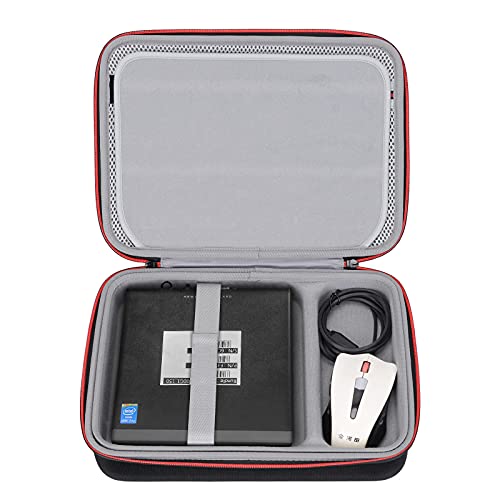
RLSOCO Case for Mini PC Desktops & ThinkCentre/Dell Optiplex/ASUS Chromebox
RLSOCO
Budget
Dell OptiPlex 7050 Desktop i5 7500 16GB RAM 1TB SSD Wi-Fi Windows 11 Pro
Dell
Premium
Dell Optiplex 5050 Desktop PC quad-core i5; 16GB RAM, 250GB NVMe
Dell
Premium
HP Tower PC Desktop Computer with 12th Gen i5, 16GB RAM, 512GB SSD
HP
Premium
Dell Optiplex 3060 Desktop i5-8500 32GB RAM 1TB SSD
Dell
Premium
Dell Vostro 3910 Desktop with 12th Gen Intel
Dell
Premium
HP Elite Desktop PC with i5, 8GB RAM, 1TB HDD + DVDRW, 19" monitor
HP
Premium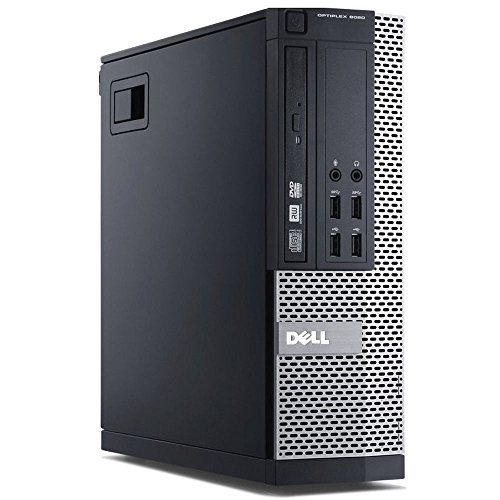
Dell Optiplex 9020 SFF with Core i7-4770, 32GB RAM, 1TB SSD
Dell
Premium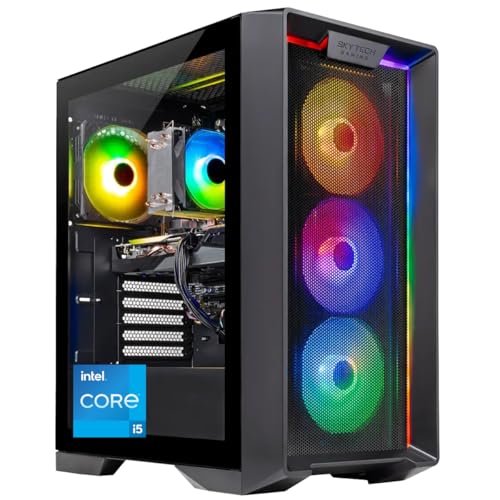
Skytech Nebula Gaming PC Desktop with i5-14400F, RTX 5060, 16GB DDR5
Skytech Gaming
Premium
DELL Optiplex 7060 SFF Desktop PC i7-8700, 16GB RAM, 1TB NVMe
Dell
Premium
iBUYPOWER Scale Gaming PC with Ryzen 5 & RTX 5050
iBUYPOWER
Premium
HP ProDesk 600 G2 SFF Desktop PC with i7, 32GB RAM, 1TB SSD
HP
Premium
HP EliteDesk 800 G2 i7 6700 32GB RAM 1TB SSD (Renewed)
HP
Premium
HP ProDesk 600G4 Desktop i5, 8GB RAM, 1TB SSD (Renewed)
HP
Premium
HP ProDesk 600G4 Desktop - Hexa Core i5, 16GB RAM, 500GB SSD
HP
Premium
Dell OptiPlex 3050 Desktop with 32GB RAM, 512GB NVMe (Refurbished)
Dell
Premium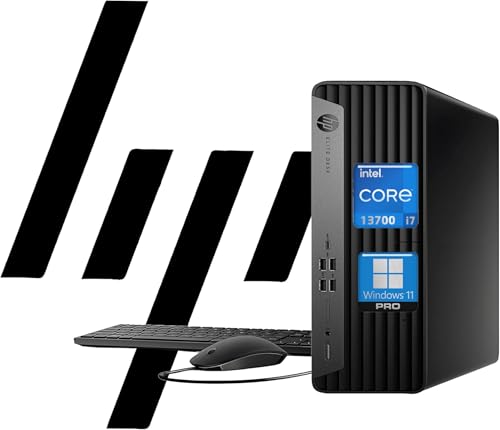
HP EliteDesk 600 G9 SFF Desktop PC with 16-core i7-13700
HP
PremiumRoundups
Frequently Asked Questions
How do I choose the right tower computer for my needs?
Match the CPU, RAM, storage, and GPU to your primary use: productivity and web tasks need a midrange CPU and 8–16 GB RAM; photo/video editing and gaming benefit from stronger CPUs, 16–32 GB RAM, SSD storage and a discrete GPU; professional workstations may require high-core CPUs and ECC memory. Also consider ports, upgradability (extra drive bays and RAM slots), and physical size to fit your workspace
What budget should I expect for a reliable tower computer?
Entry-level tower desktops for basic office and web use commonly fall into the lower price tiers, while mainstream systems for multitasking and light editing are in the midrange; gaming and content-creation towers cost more due to discrete GPUs and faster storage. Across the category, average prices often sit around the mid-thousand-dollar range, with wide variation depending on specs and brand
Which components matter most for gaming versus office tasks?
Gaming performance is driven primarily by the GPU and then CPU, with sufficient RAM (16 GB recommended) and fast storage improving load times; office and web tasks rely more on CPU and memory, where a modest integrated GPU is usually adequate and 8–16 GB RAM is typically sufficient
How can I tell if a tower is easy to upgrade or repair?
Look for tool-less or standard screws, clear internal layout, available RAM slots and drive bays, a standard ATX power supply, and accessible expansion slots; manufacturer documentation or internal photos can confirm upgrade friendliness
What storage and memory configurations should I consider?
A common modern setup pairs an NVMe or SATA SSD for the operating system and apps with an optional larger HDD for bulk storage; aim for at least 256–512 GB SSD for everyday use and 8–16 GB RAM for general tasks, increasing both for gaming or professional workloads
Which connectivity and port types are important to check before buying?
Confirm the tower has the ports you need: multiple USB-A and USB-C (including USB 3.x), HDMI or DisplayPort outputs for monitors if using integrated/board video, an Ethernet port for wired networking, audio jacks, and any legacy ports your peripherals require. Also check wireless options (Wi‑Fi version and Bluetooth) if you rely on wireless peripherals
How should I maintain a tower computer to maximize longevity?
Keep ventilation paths clear, clean dust from fans and filters every few months, ensure good airflow inside the case, apply OS and driver updates regularly, and use surge protection; monitor temperatures and replace thermal paste or failing fans as needed to prevent overheating