Traditional Laptop Computers
Traditional laptop computers for general-purpose use, including notebooks and clamshell models across productivity, multimedia, and basic gaming. Category aggregates 5,665 indexed products with average rating 4.49 and prices ranging from $119 to $5,900, featuring brands like HP and Lenovo
Top Products
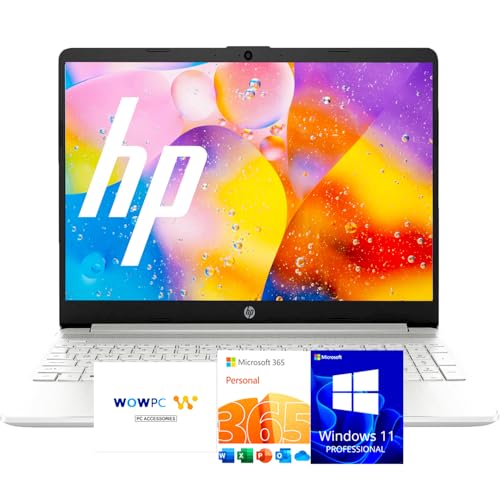
HP 15.6" laptop with Microsoft 365, 8GB RAM, 128GB
HP
Premium
HP 15.6" FHD Business Laptop with i3, 8GB RAM, 256GB SSD
HP
Premium
HP 250 G9 15" Laptop with 16GB RAM & 512GB SSD
HP
Premium
ZOLWAYTAC Gaming Laptop with 16:10 FHD IPS display
Z ZOLWAYTAC
Premium
HP 15.6" FHD laptop with i5-1335U, 16GB RAM, 1TB SSD, Win11 Pro
HP
Premium
Dell Vostro 3530 15.6" laptop with 32GB RAM and 1TB SSD
Dell
Premium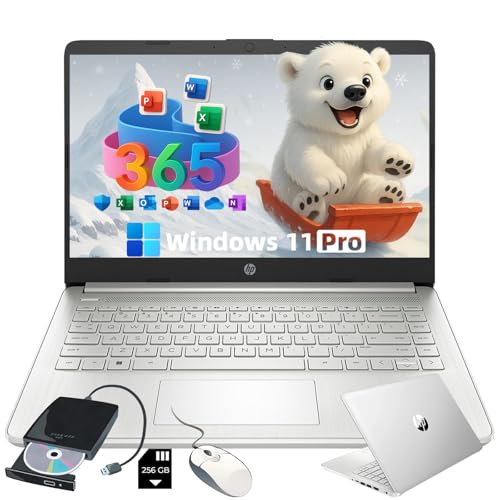
HP everyday laptop with AI-assisted Microsoft 365 and 11 Pro
HP
Premium
HP 14” touchscreen laptop for student use
HP
Premium
HP 15 Laptop with Office 365, 8GB RAM, 512GB SSD, 15.6" FHD
HP
Premium
Lenovo Ideapad 3 15.6" Chromebook
Lenovo
Premium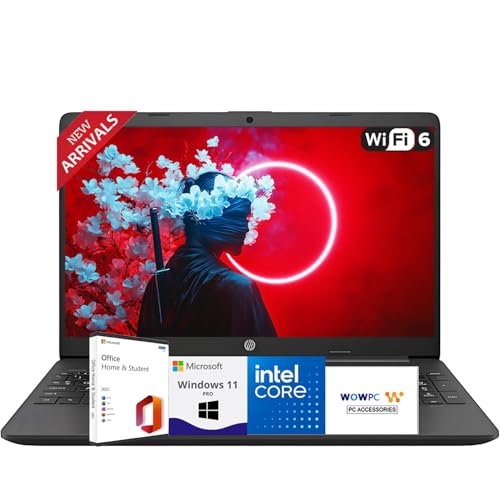
HP business laptop with Office, 15.6" FHD, 32GB RAM, 2TB SSD
HP
Premium
HP 14-in Chromebook with FHD display
HP
Premium
Laptop Gaming with 16GB RAM, 16" FHD, Win 11 Pro, gray
Z ZOLWAYTAC
Premium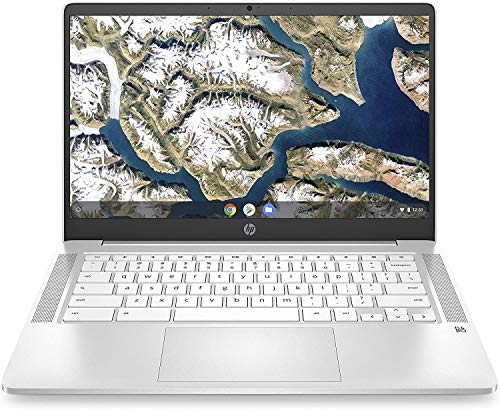
HP Chromebook 14-inch laptop with Intel Celeron N4000
HP
Premium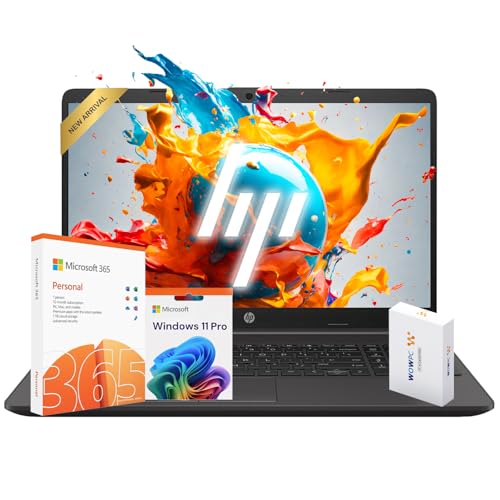
HP 15 Laptop with Windows 11 Pro and 16GB RAM
HP
Premium
HP 15 Laptop with 1 Year Microsoft 365, 8GB RAM, 256GB SSD
HP
Premium
HP 15 Laptop with Windows 11 Pro, 16GB RAM, 512GB SSD
HP
Premium
HP laptop with Office 365, 15.6" FHD, 8GB RAM, 256GB
HP
Premium
HP 15 G9 laptop with i3-1315U, 15.6" FHD, Windows 11 Pro
HP
Premium
HP laptop with Office 365, 16GB RAM, 1TB storage, Windows 11 Pro
HP
Premium
HP 250 G9 Laptop for Business & Student
HP
Premium
HP Chromebook 14-inch HD Laptop, Intel Celeron N4000, 4 GB RAM, 32 GB eMMC
HP
Premium
HP 250R-G9 15.6" laptop - 13th Gen i5, 16GB RAM, 512GB SSD
HP
Premium
HP Stream 14" Laptop with 16GB RAM, 1.22TB storage, Windows 11 S
HP
PremiumRoundups
- Best Traditional Laptop Computers for Remote Work (2026)
- Best Traditional Laptop Computers for Light Photo Editing (2026)
- Best Traditional Laptop Computers for Office Productivity (2026)
- Best Traditional Laptop Computers for Home Office (2026)
- Best Traditional Laptop Computers Under $200 (2026)
- Best Traditional Laptop Computers (2026 Guide)
Frequently Asked Questions
How do I choose the right processor and RAM for my needs?
Choose a processor and RAM based on your use: dual- or quad-core Intel/AMD chips with 8 GB RAM suit web browsing and office work; six- to eight-core or higher CPUs with 16–32 GB RAM are better for heavy multitasking, video editing, or virtualization
What screen size and resolution should I pick?
Pick a screen size by mobility versus workspace: 13–14 inch models prioritize portability, 15–16 inch balance portability and productivity, and 17 inch favor desktop replacement; for resolution, Full HD (1920×1080) is standard, while 4K or higher yields sharper detail for photo/video work at the cost of battery life and higher price
How important is battery life and what should I expect?
Battery life varies by configuration and workload; ultraportable models typically offer 8–20 hours under light use, whereas performance-focused laptops often provide 4–8 hours; look at manufacturer estimates and third-party reviews for realistic runtime under similar usage patterns
Which storage option is best: SSD, HDD, or a combination?
Solid-state drives (SSDs) are recommended for faster boot and app load times; NVMe SSDs are faster than SATA SSDs; higher-capacity HDDs are a cost-effective choice for bulk storage, and many systems use an SSD for the OS plus an HDD for files to balance speed and capacity
What ports and connectivity should I look for?
Ensure the laptop has the ports you need: at minimum USB-A and USB-C, an HDMI or DisplayPort for external displays if required, and a headphone jack; also check for Wi‑Fi 6/6E and Bluetooth 5.x for modern wireless performance
How do I evaluate build quality and keyboard/trackpad comfort?
Assess build materials (metal vs plastic) and hinge stiffness for durability, and check keyboard key travel, layout, and backlighting for typing comfort; trackpads should be large, responsive, and support multi-finger gestures—testing in person or consulting hands-on reviews helps most
What should I know about warranty, repairability, and software updates?
Compare warranty lengths and what they cover (parts, labor, accidental damage options), review manufacturer policies on battery and component replacements, and consider brands with clear firmware and driver update practices to ensure long-term security and compatibility