USB Fans
This USB Fans category covers portable, USB-powered desktop and clip-on fans for personal cooling and device ventilation, with mid-range pricing from about $33 to $125 (average $49). It includes 22 indexed products averaging a 4.38 rating and features brands such as IZIVE among others
Top Products

ATEngeus USB Desk Fan with Clip Mount
ATEngeus
Mid-Range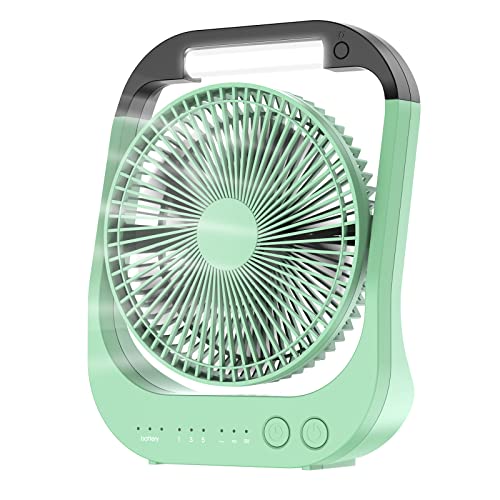
ATEngeus USB Desk Fan with 10000mAh Battery
ATEngeus
Mid-Range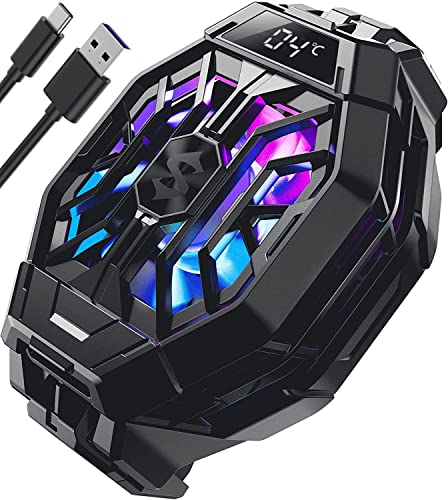
Cell Phone Cooler 2Pro with LED temp display
Black Shark
Mid-Range
Battery Car Fan with 360° Adjust, USB-C
Nauttxon
Budget
Black Shark magnetic phone cooler for gaming
Black Shark
Budget
Nubia RedMagic Cell Phone Cooler 5 Pro with Clip
nubia
Mid-Range
OGZ Portable USB Fan with Remote and Timer
OGZ
Budget
Dual head car cooling fan for back seat
DICMKY
Budget
Cordless Rechargeable Fan with USB-C Charging
KLEIN TOOLS
Mid-Range
Scurry Stroller Fan with USB power, LED light & aromatherapy
SCURRY
Mid-Range
Rechargeable Car Fan for Backseat – Dual Head, USB & Battery Power
Dealswin
Budget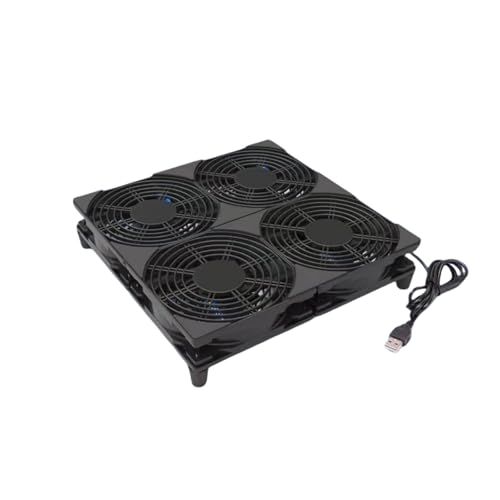
5V USB 120mm Cooling Fan with 1200mm Cable
Yeiwenl
Mid-Range
ohyes magnetic handheld 4in fan for 12V battery
ohyes
Budget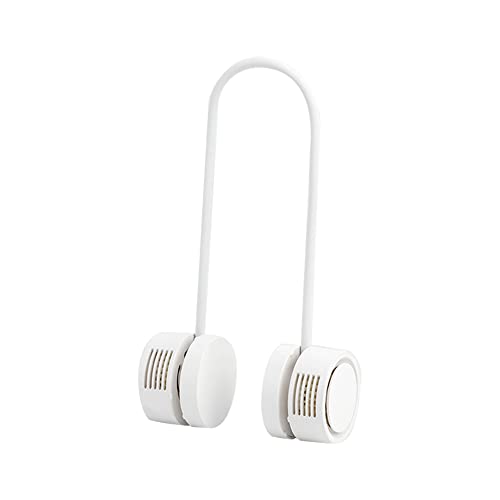
Bladeless Neckband Rechargeable Portable Fan
Dansoon
Mid-Range
Thermaltake TOUGHFAN EX12 Pro 120mm PWM fan 3-pack
Thermaltake
Mid-Range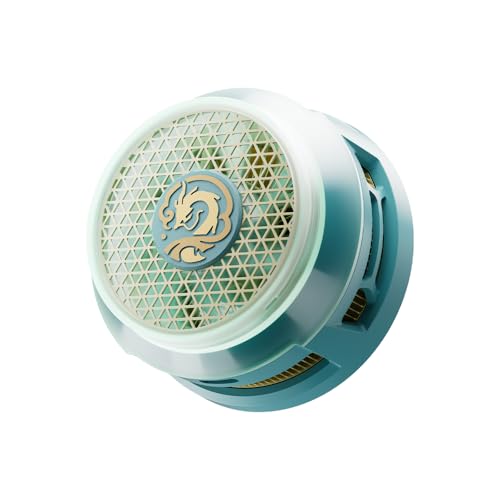
Honkai: Star Rail Dan Heng Imbibitor Lunae Magnetic Mobile Heat Dissipator
HOYOVERSE
Mid-Range
Car Clip on Fan with LED Display
IZIVE
Budget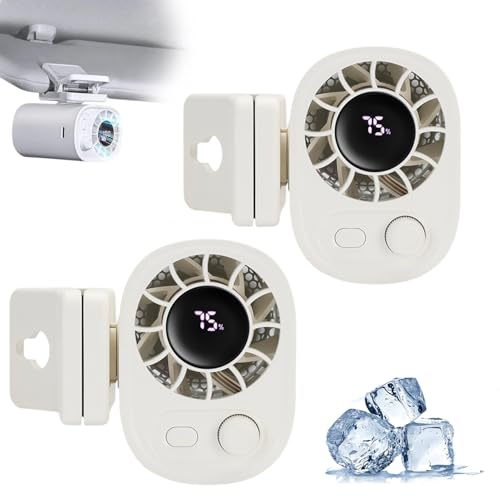
Car Clip on Fan with LED Display - 360 Rotation
IZIVE
Budget
Portable Battery Operated Fan with Auto Swing
Wbwissblue
Mid-Range
Alphacool Portable Neck Fan with Rechargeable Battery
Alphacool
Mid-Range
Switch Adapted Clip On Fan - Green
LDK Adapted Toys
Mid-Range
NiceFoto SF-05 Wind Hair Blower Fan with Remote
NiceFoto
Mid-RangeRoundups
Frequently Asked Questions
How do I choose the right USB fan for my needs?
Consider airflow (measured in CFM or described as low/medium/high), power source (USB-A, USB-C, or battery-backed USB), size and mounting options (desk clamp, clip, or floor/stand), noise level, and intended use (personal cooling, PC case, or travel). Match airflow and size to the space you need to cool and choose quieter models for close-proximity use
What power and connectivity should I look for in a USB fan?
Check whether the fan uses USB-A or USB-C and its power draw (watts or amps) to ensure compatibility with your laptop, power bank, or USB adapter; some fans run from standard 5V USB ports while higher-speed models may need higher-current USB-C ports or dedicated adapters
Are USB fans loud, and how can I find a quiet model?
Noise varies by motor type and speed; look for models that list decibel ratings or specify 'quiet' or 'low-noise' operation, and choose fans with brushless motors and multiple speed settings so you can balance airflow and sound
What additional features are worth paying for?
Useful features include adjustable angles or flexible goosenecks, multiple speed settings, rechargeable batteries for cordless use, built-in lighting, and detachable mounts or clips; prioritize features that match how and where you'll use the fan
How long do USB fan batteries last and how do I maintain them?
Battery life depends on capacity and speed setting—small rechargeable models often run 2–10 hours; to maximize lifespan, avoid deep discharges, store partially charged if unused for long periods, and clean blades or grills periodically to prevent dust buildup
Can I use a USB fan with a power bank or phone charger?
Yes; most USB fans work with power banks and USB chargers as long as the port supplies the required voltage and current (typically 5V and sufficient amps). Verify the fan's power requirements to ensure the power source can deliver adequate current
What should I check for when buying a USB fan for a PC or gaming setup?
For PC use, confirm compatibility with case mount locations if intended for airflow inside the case, look for compact designs that won't obstruct components, and choose fans with stable mounting, low vibration, and appropriate airflow orientation for your case's intake/exhaust plan