Video Converters
Video Converters include capture cards, HDMI/SDI scalers, format converters, and USB video interfaces for recording or converting video signals across devices. The category spans budget through premium options (145 products, average rating 4.42) with brands like Blackmagic Design represented
Top Products

OREI 4K HDMI over Ethernet Extender EX-170C
Orei
Mid-Range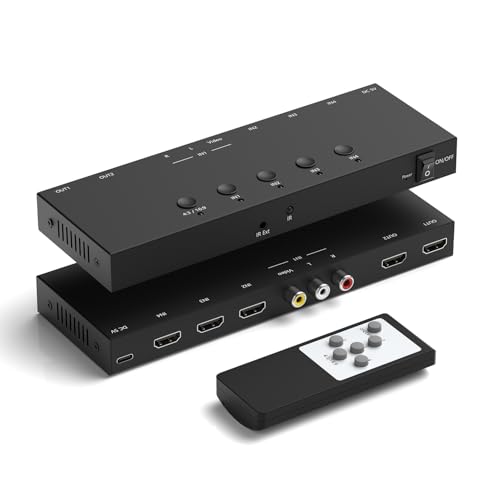
4-in to 2-out HDMI/AV Switch (AV + 3 HDMI 2.0) for Consoles
RuiPuo
Mid-Range
4-Port AV to HDMI Converter with IR Remote
RuiPuo
Mid-Range
HDMI to DVI Converter with Audio - HDMI to DVI Adapter
TNP Products
Budget
3-Port HDMI to RCA Converter
Dingsun
Mid-Range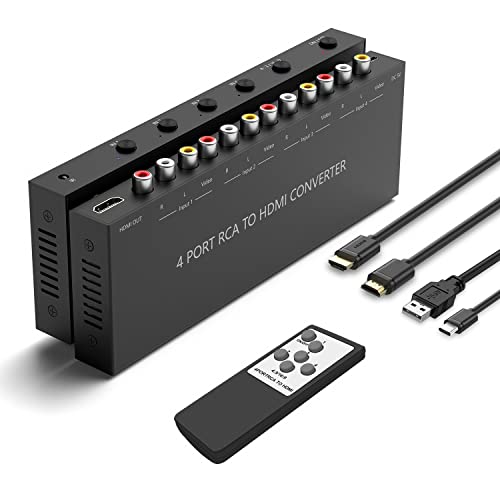
AV to HDMI Converter 4-Port 1080P/720P 4:3/16:9 Switching
Arector
Mid-Range
Blackmagic Design signal converter
Blackmagic Design
Mid-Range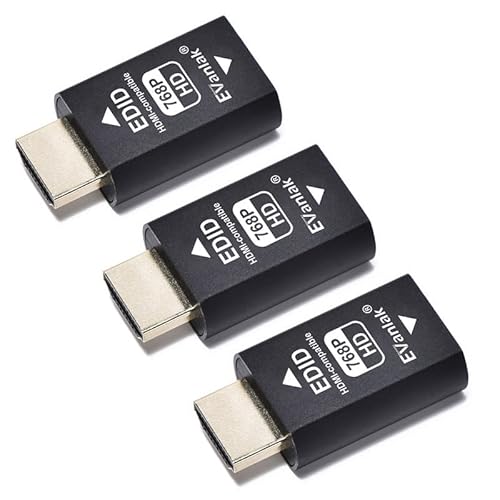
HDMI EDID emulator passthrough adapter (3-pack) for Mac/Thunderbolt
Evanlak
Mid-Range
OREI HDA-912 HDMI Audio Extractor (4K @60Hz) with SPDIF, 3.5mm
OREI
Mid-Range
HDMI to Component scaler with cables for 1080p to 1080i TV
Bcrokory
Budget
4K HDMI to component converter with scaler
EASYCEL
Mid-Range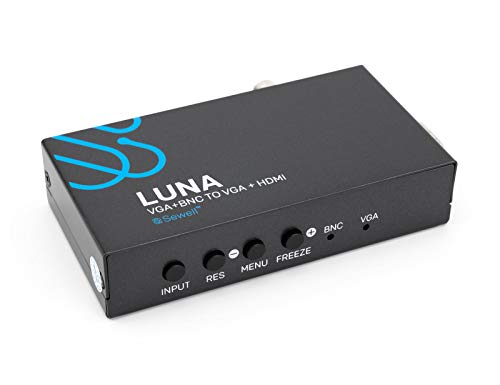
Sewell BNC to VGA + HDMI Converter
Sewell Development Corp. dba Sewell Direct
Mid-Range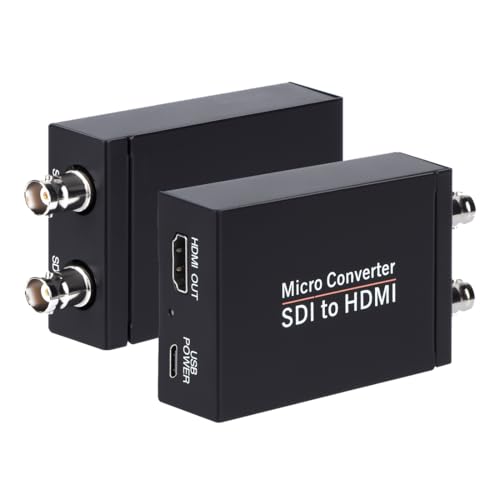
SDI to HDMI Converter for 3G/HD/SD-SDI, Audio De-embedder (Anber-Tech)
Anber-Tech
Budget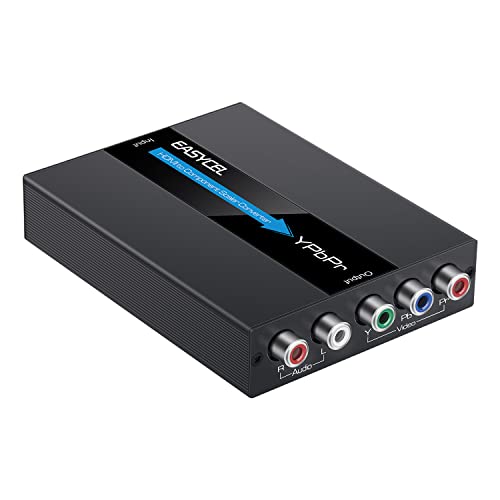
HDMI to Component Scaler (1080P) by EASYCEL
EASYCEL
Mid-Range
gofanco HDMI 2.0 to USB-C Converter (HDMI to USB-C Monitor)
gofanco
Budget
ClearClick Video to USB Lite – USB AV Capture
ClearClick
Mid-Range
Dingsun 4Port AV to HDMI Converter
Dingsun
Mid-Range
VHS to Digital & RCA to HDMI Converter
Techigher
Mid-Range
2 AV Inputs + 3 HDMI 2.0 Inputs to HDMI Converter (5 in 1) Upgrade Version
Azduou
Mid-Range
6-Port AV to HDMI Converter with Remote (RuiPuo RP102)
RuiPuo
Mid-Range
VHS to digital converter with remote
Portta
Premium
USB 3.0 to HDMI adapter for Windows/macOS
FLY KAN
Budget
Blackmagic HDMI to SDI Micro Converter
Blackmagic Design
Mid-Range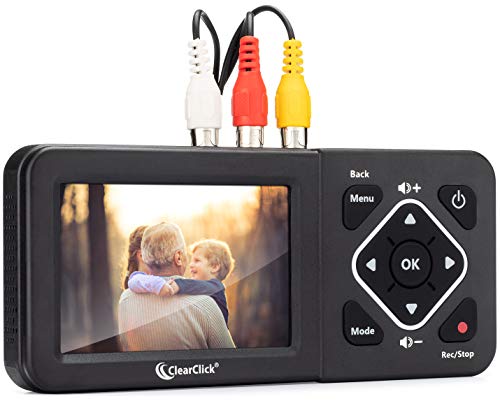
ClearClick video to digital converter 2.0
ClearClick
PremiumRoundups
Frequently Asked Questions
How do I choose the right video converter for my devices?
Match the converter's input and output ports and supported formats to your source and target devices (HDMI, SDI, Component, Composite, USB) and codecs (H.264/H.265, MPEG, ProRes). Also confirm supported resolutions and frame rates (e.g., 1080p, 4K, 30/60fps) and whether you need real-time conversion, capture, or file transcoding
What features matter most for live streaming or video capture?
Look for low-latency capture, hardware encoding support (to reduce CPU load), passthrough options, loop-through outputs, and compatibility with streaming software via UVC/UAC or dedicated drivers. Also check maximum supported resolution/frame rate and whether the device provides audio embedding or separate audio inputs
How much should I expect to pay and what do price tiers generally include?
Entry-level converters for simple format or analog–digital conversion often cost under $100; mid-range units with hardware encoding, multi-inputs, or higher-res support commonly range from about $100–$300; professional broadcast-grade or multi-channel converters escalate above that. Higher-cost models typically add better build quality, lower latency, and advanced signal management
Are there compatibility or driver issues I should watch for?
Check OS support (Windows, macOS, Linux) and whether the device uses class-compliant drivers (UVC) or requires proprietary drivers; verify compatibility with your capture or editing software and check for firmware update availability to resolve known issues
What should I consider for long-term reliability and maintenance?
Prioritize units with durable connectors, good thermal design, and firmware update paths; keep firmware up to date, avoid operating in extreme temperatures, and use quality cables to reduce stress on ports and minimize signal problems
Do video converters require special cables or adapters?
Use cables that match the converter's specified standards (HDMI 2.0/2.1, SDI coax, component RCA, USB 3.0) and choose adapters only when they preserve the needed signal type and resolution; passive adapters may not work for format conversion or for high-bandwidth signals
How do I evaluate audio handling in a video converter?
Confirm whether audio is embedded, passed through, or requires separate inputs/outputs; check supported sample rates and channel counts (stereo vs. multi-channel), and whether the device can embed analog audio into digital streams or extract embedded audio to analog outputs