Basic Office Calculators
Basic Office Calculators covers desktop and handheld calculators designed for everyday office tasks like arithmetic, tax, and memory functions. The category averages a 4.63 rating across 15 products, price range roughly $32–$90, and includes brands such as Sharp and Calculated Industries
Top Products

Desktop Calculator with large 5-inch display and big keys
pendancy
Budget
Construction Master 5 Spanish calculator for carpenters
Calculated Industries
Mid-Range
Desktop calculator with large 5-inch LCD display, 12-digit
pendancy
Budget
Construction Master Pro Advanced Construction Calculator Bundle
Calculated Industries
Mid-Range
Construction Master Pro Calculator Bundle for Architects, Estimators and Contractors
Calculated Industries
Mid-Range
Construction Master Pro-Desktop: advanced construction math calculator
Calculated Industries
Mid-Range
Material Estimator Calculator & Study Guide
Calculated Industries
Mid-Range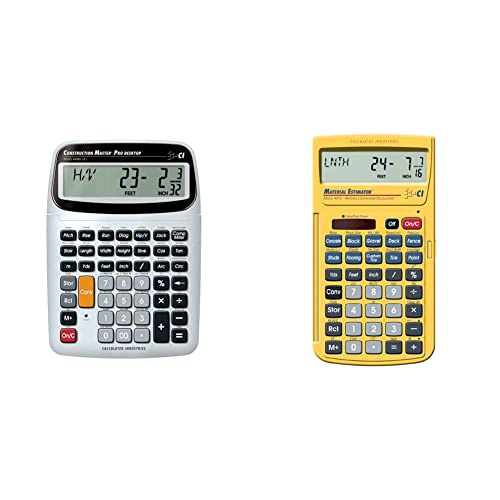
Construction Master Pro-Desktop calculator with feet-inch-fraction conversion
Calculated Industries
Mid-Range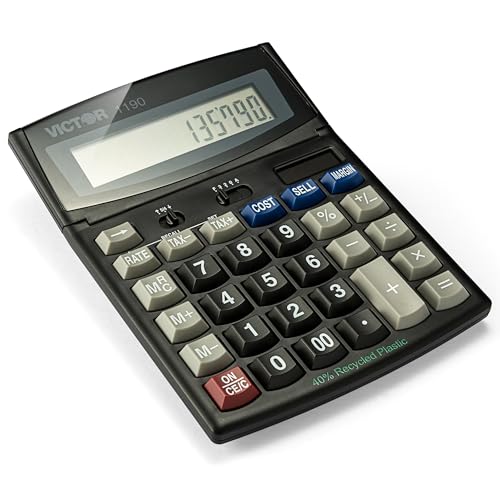
Victor 1190 12-Digit Desktop Calculator
Victor
Budget
BESTWYA 12-digit dual-power handheld desktop calculator
BESTWYA
Budget
Casio MS-80B desktop calculator, 5-pack
Casio
Mid-Range
Sharp 12-Digit Desktop Calculator with Kickstand
Sharp
Mid-Range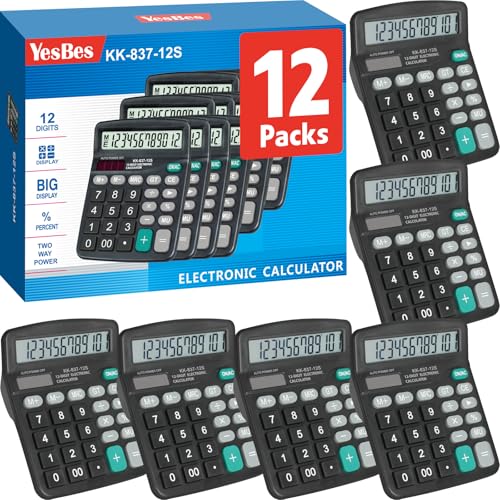
12-pack desk calculator with large display, dual power
YesBes
Mid-Range
Weewooday 24 Pieces Pocket Size Calculator – 8 Digit Basic Solar Battery Dual Power
Weewooday
Budget
36-piece pocket calculators set in 9 colors, solar basic calculator
Flutesan
Mid-RangeRoundups
Frequently Asked Questions
How do I choose the right basic office calculator for everyday desk use?
Look for a clear display (at least 8–12 digits), responsive keys, basic functions (add, subtract, multiply, divide, percentage, memory), and a comfortable size for your workspace; consider solar or dual power for reliability and a non-slip base for desktop stability
What features matter most if I only need simple arithmetic and occasional percentage calculations?
Prioritize a reliable numeric keypad layout, dedicated percentage and memory keys, and a large, easy-to-read display; scientific functions, printing, or graphing are unnecessary for basic tasks and can add cost and complexity
How much should I expect to pay for a durable basic office calculator?
Basic office calculators typically range from low-cost models under $20 to more durable or branded units around $30–$80, with an average price in many assortments near (price varies) depending on brand and build quality
Are solar-powered calculators better than battery-only models?
Solar or dual-power (solar plus battery) calculators offer longer unattended use and lower maintenance by reducing battery replacements; battery-only models can perform better in low-light conditions or for prolonged heavy use
What should I check for if I want a calculator that will last several years in an office?
Choose models with a sturdy casing, high-quality rubber or plastic keys, a reputation for reliable key response, replaceable batteries or solar capability, and a manufacturer warranty or good customer support
Do basic office calculators need special care or maintenance?
Keep the calculator clean by wiping with a soft, dry cloth, avoid spills and prolonged exposure to direct sunlight, replace batteries when display dims, and store it flat to protect the keypad and internal components
Which form factors are available and how do I decide between them?
Common form factors are compact handheld, desktop with larger keys, and folding or angled models; choose handheld for portability, desktop for comfortable long-term data entry, and angled models for better visibility during extended use