Computer Workstations
Computer Workstations covers desks, sit-stand converters, desktop risers and accessories for office productivity, with items ranging from budget to mid-range. The category averages a 4.50 rating across 974 products and spans roughly $50–$800, with VIVO among the top brands
Top Products

Seville Classics mobile laptop desk cart, height-adjustable
Seville Classics
Mid-Range
Airlift Mobile Height Adjustable Laptop Stand
Seville Classics
Mid-Range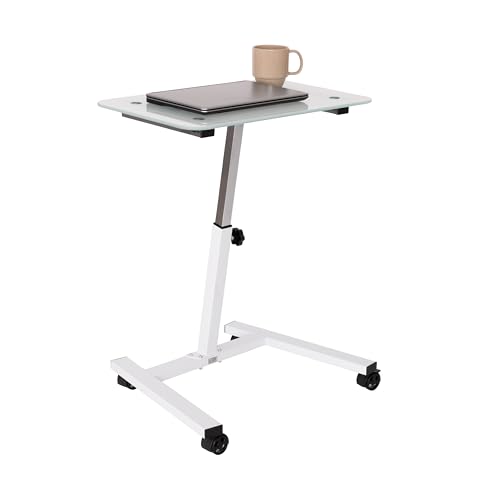
Seville Classics Airlift Mobile Laptop Stand
Seville Classics
Mid-Range
Seville Classics Airlift Adjustable Mobile Laptop Cart
Seville Classics
Mid-Range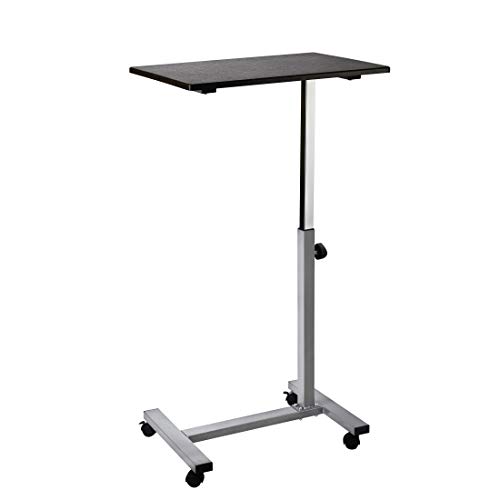
Airlift height-adjustable rolling laptop cart
Seville Classics
Mid-Range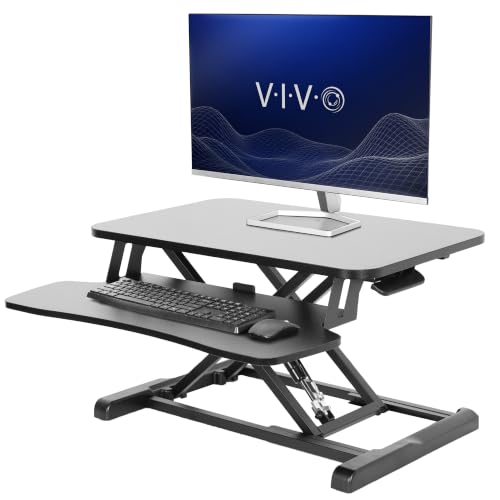
VIVO 26 inch Desk Converter K Series
VIVO
Premium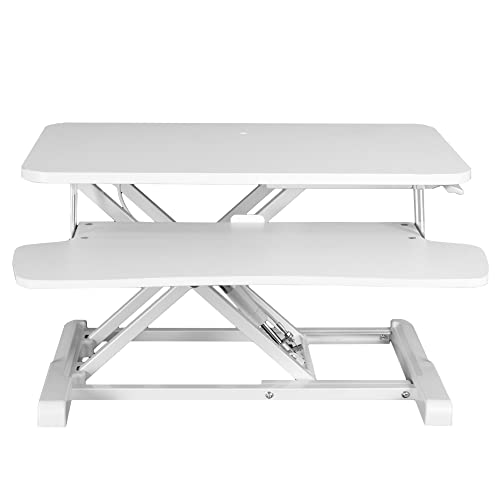
VIVO 26 inch Desk Converter K Series
VIVO
Premium
VIVO 26 inch Desk Converter K Series
VIVO
Premium
VIVO 32" Desk Converter K Series, Sit-Stand Riser with Dual Monitor Tray
VIVO
Premium
VIVO 32 inch Desk Converter K Series
VIVO
Premium
VIVO 26 inch Desk Converter K Series
VIVO
Premium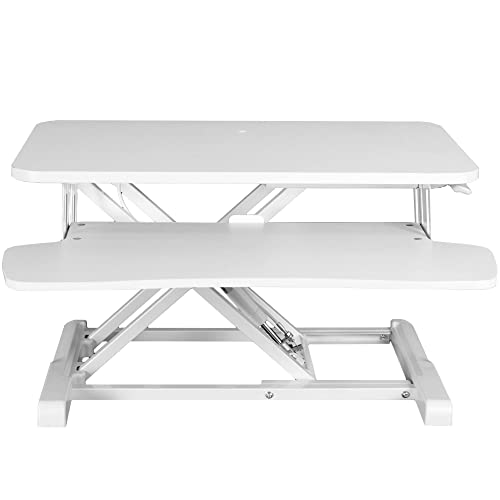
VIVO 28 inch desk converter, K Series
VIVO
Premium
VIVO 36 inch desk converter (K Series) with dual monitor and laptop workstation
VIVO
Premium
VIVO 36 Inch Desk Converter K Series
VIVO
Premium
VIVO desk converter K Series with dual monitor tray
VIVO
Premium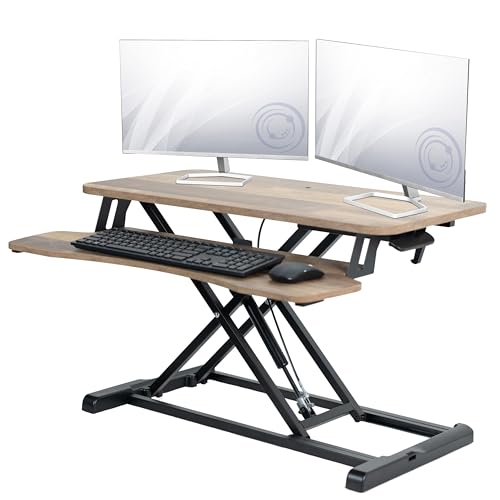
VIVO 32 in Desk Converter K Series
VIVO
Premium
VIVO 32 inch desk converter K Series
VIVO
Premium
VIVO 32 In Desk Converter, K Series, Height Adjustable Sit-Stand
VIVO
Premium
SIDUCAL Mobile Standing Desk with Wheels
SIDUCAL
Mid-Range
VIVO 42 inch Desk Converter K Series
VIVO
Premium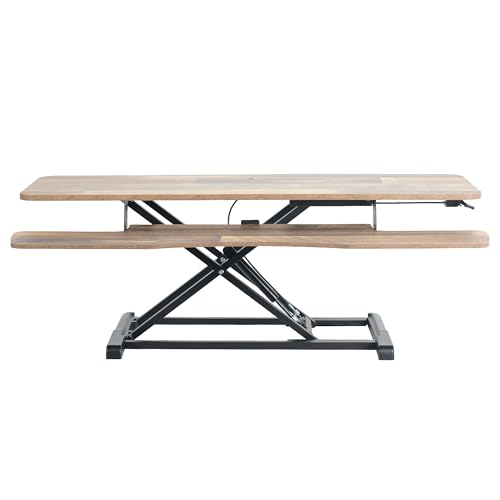
VIVO 42" Desk Converter, K Series Sit-Stand Riser
VIVO
Premium
VIVO 42 inch Desk Converter K Series
VIVO
Premium
VIVO 42 inch desk converter, K Series sit-to-stand riser
VIVO
Premium
VIVO 42 inch Desk Converter K Series
VIVO
PremiumRoundups
Frequently Asked Questions
How do I choose the right computer workstation for an office or productivity setup?
Match the workstation type (standing desk, desktop riser, or full workstation) to your workflow, measure available floor/desk space, check weight capacity for your monitor(s) and peripherals, and prioritize adjustable ergonomics (height range, tilt, cable management) to reduce strain
What features matter most for comfort and ergonomics?
Look for adjustable height, stable frame, smooth height adjustment mechanism (manual or electric), sufficient surface depth for keyboard and mouse, monitor mounting options or VESA compatibility, and rounded edges or keyboard trays to support neutral wrist and arm positions
What price range should I expect for quality office and productivity workstations?
Options typically span from budget models under $100 for basic desktop risers to mid-range standing desks and compact workstations around $150–$400, with higher-end motorized or large-surface workstations costing more; average prices in this category are around the low hundreds
How many monitors and what weight capacity do I need to support?
Decide based on your monitor count and individual monitor weights; many desktop risers and sit-stand desks support one to three monitors and total loads from about 20 to 220+ pounds, so check each product’s specified weight capacity and VESA compatibility before buying
What materials and build quality should I look for to ensure durability?
Prefer steel or reinforced aluminum frames with MDF, solid wood, or high-density laminate tabletops and attention to joint/weld quality; examine user-reported stability at working heights and warranty terms as indicators of durability
What maintenance is required to keep a workstation performing well?
Regularly tighten fasteners, clean surfaces with a mild cleaner, keep moving parts free of debris, lubricate mechanical tracks or linear actuators per manufacturer guidance, and avoid exceeding rated weight limits to prevent premature wear
Are there space-saving or cable-management options I should consider?
Look for compact footprints, corner or L-shaped models if you need multitasking space, built-in or attachable cable trays, grommets, and under-desk mounts for power strips to keep cables organized and free up surface area