Desktop Label Printers
Desktop label printers for office and productivity use, including thermal and direct-print models for shipping, filing, and asset labeling. The catalog spans budget through premium options (148 products; avg rating 4.39) with prices from $33 to $885 and brands like Phomemo represented
Top Products

Nelko P21 Bluetooth Label Printer with Tape (2025)
Nelko
Budget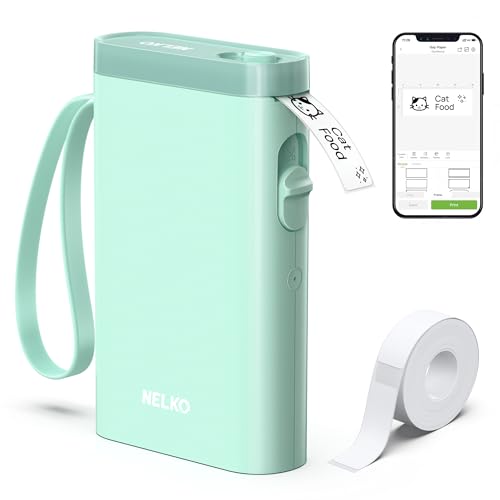
Nelko P21 Bluetooth Label Printer, Wireless Mini Label Maker (Green)
Nelko
Budget
Nelko P21 Bluetooth Label Printer with Tape, Desktop Portable
Nelko
Budget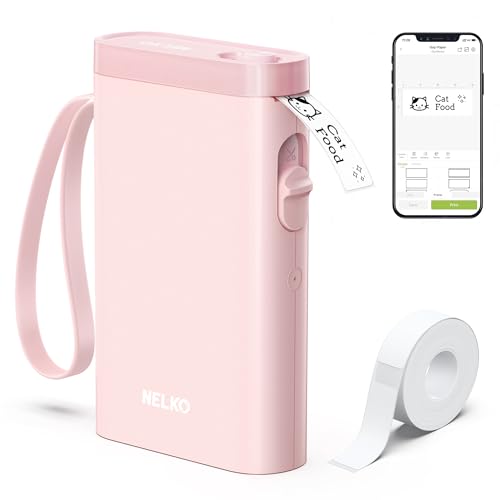
Nelko P21 Bluetooth Label Printer
Nelko
Budget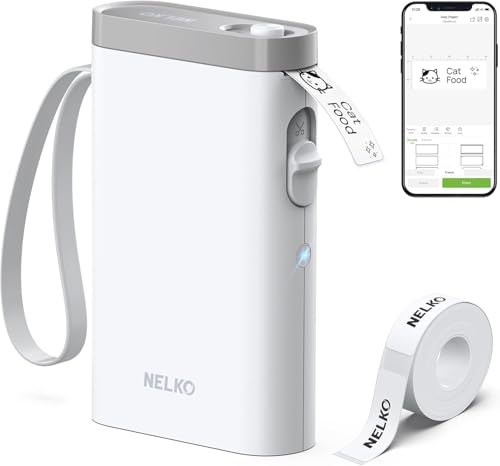
Nelko P21 Bluetooth label printer – compact wireless label maker
Nelko
Mid-Range
Nelko P21 Bluetooth Label Printer
Nelko
Budget
Nelko P21 Bluetooth Label Printer with Tape, USB-C
Nelko
Budget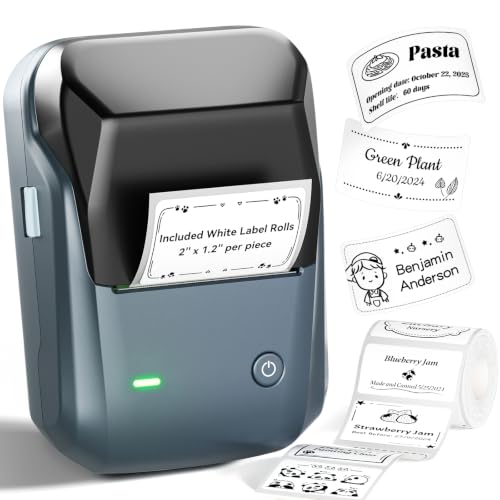
NIIMBOT B1 label maker with Bluetooth
NIIMBOT
Mid-Range
SUPVAN T50M Pro Bluetooth Label Maker with 3 Tapes
SUPVAN
Mid-Range
Phomemo D30 Mini Label Maker – Inkless Thermal Printer (Green)
Phomemo
Budget
SUPVAN T50M Pro Bluetooth Label Maker with 3 Tapes
SUPVAN
Mid-Range
Nelko PM220 Bluetooth Label Maker with Tape (2 inch)
Nelko
Mid-Range
NDYIN N20 Bluetooth Label Maker 2in Printer
NDYIN
Mid-Range
Bluetooth thermal shipping label printer 4x6 wireless
NULLTONEX
Mid-Range
L1 HD Label Maker with Tape (Portable, Bluetooth) for Office/Home
Makeid
Budget
Phomemo M110 Bluetooth Thermal Label Printer
Phomemo
Mid-Range
Phomemo M110 Bluetooth label printer
Phomemo
Mid-Range
JADENS Bluetooth Thermal Shipping Label Printer
JADENS
Mid-Range
Phomemo M110 Bluetooth label printer
Phomemo
Mid-Range
Phomemo M110 barcode label printer for small business
Phomemo
Mid-Range
Phomemo M110 Thermal Label Printer
Phomemo
Mid-Range
PM220S Bluetooth label maker with tape (2 inch)
POLONO
Mid-Range
PM220S Bluetooth Label Maker with Tape
POLONO
Mid-Range
NIIMBOT B1 label maker with tape, 2 inch portable printer
NIIMBOT
Mid-RangeRoundups
- Best Desktop Label Printers for On-The-Go Labeling (2026)
- Best Desktop Label Printers for Price Tagging (2026)
- Best Desktop Label Printers for Price-Tag Labeling (2026)
- Best Desktop Label Printers for Road-Trip Labeling (2026)
- Best Desktop Label Printers for Home Organization (2026)
- Best Desktop Label Printers for Office Organization (2026)
- Best Desktop Label Printers Under $200 (2026)
- Best Desktop Label Printers Under $100 (2026)
- Best Desktop Label Printers Under $50 (2026)
- Best Desktop Label Printers (2026 Guide)
Frequently Asked Questions
How do I choose the right desktop label printer for my office needs?
Consider label width and media compatibility (paper, thermal, vinyl), print resolution (dpi) for text/graphics clarity, connectivity options (USB, Ethernet, Wi‑Fi, Bluetooth), duty cycle (labels per day), and software/driver support for your OS and label design tools
What are the main differences between thermal transfer and direct thermal label printers?
Direct thermal printers use heat-sensitive paper and do not require ink or ribbons but labels can fade over time; thermal transfer printers use a ribbon to transfer ink, producing longer-lasting, more durable labels suitable for barcodes and outdoor use
What should I look for in connectivity and software compatibility?
Verify the printer supports the connection type you need (USB for single workstation, Ethernet/Wi‑Fi for network sharing, Bluetooth for mobile devices) and confirm drivers or SDKs exist for your operating system and any label software you plan to use
How do I estimate ongoing costs and consumables?
Account for label media, ribbons (for thermal transfer), and occasional maintenance parts; consumable costs vary by label size, material, and print volume—budget options are available under $50 for basic supplies, while specialty materials cost more
What print quality and speed should I expect for typical office tasks?
Typical desktop label printers for office use offer 203–300 dpi resolution for clear text and barcodes, and speeds ranging from about 2 to 6 inches per second, with higher dpi generally slower but better for detailed graphics
How do I maintain a desktop label printer to ensure reliable operation?
Keep the print head and platen clean of adhesive and dust, use recommended media and ribbons, replace worn rollers or cutters, and update firmware/drivers periodically to maintain compatibility and print quality
Which features matter most for printing barcodes and shipping labels?
Look for reliable barcode-quality resolutions (at least 203 dpi or 300 dpi for dense barcodes), consistent media feeding, support for common barcode symbologies (Code128, QR, UPC), and software that can generate and format labels to required dimensions