VoIP Telephone Adapters
VoIP telephone adapters for office productivity convert analog phones or conference equipment to SIP-based IP networks, supporting single- and multi-line setups and basic call features. The category includes budget through mid-range hardware (12 products indexed, average rating 4.35) from brands like Grandstream and Yealink, with prices roughly $32–$397
Top Products

Yealink 5V 2A power supply for IP phones (bundle with microfiber cloth)
Global Teck Worldwide
Budget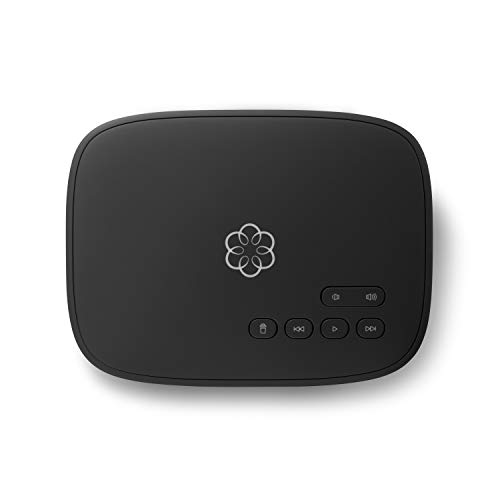
ooma Telo VoIP home phone adapter
ooma
Mid-Range
Yealink 5V 1.2A power adapter for multiple Yealink phones
Global Teck Worldwide
Budget
magicJack VOIP Phone Adapter
magicJack
Mid-Range
Grandstream HT802 2-FXS Port Analog Telephone Adapter
Grandstream
Mid-Range
Grandstream HT801 HandyTone 801 Single-Port ATA
Grandstream
Mid-Range
XLink BT HD wireless handset adapter
XLINK
Mid-Range
Grandstream HT802 V2 2 FXS Port Analog Telephone Adapter
Grandstream
Mid-Range
XLink BT - Original Bluetooth Cell to Home Telephone Adapter (Two Cell Phones)
XLINK
Mid-Range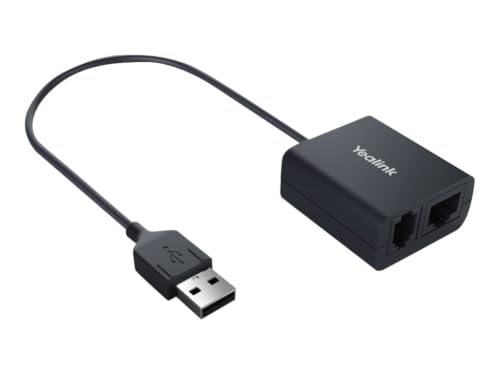
Yealink EHS40 Headset Adapter
Yealink
Mid-Range
Grandstream HT801 v2 1 FXS 1 Fast Ethernet
Grandstream
Mid-Range
8301 IP Paging Adapter & Scheduler
ALGO
PremiumRoundups
Frequently Asked Questions
What is a VoIP telephone adapter and why would I use one in an office?
A VoIP telephone adapter (ATA) converts analog phone signals into digital IP packets so standard phones can connect to an internet-based phone service; offices use them to keep existing handsets, enable multiple lines, and lower per-line costs compared with traditional PSTN lines
How do I choose the right adapter for my office size and setup?
Choose by the number of phone ports (1–8+), support for SIP accounts and codecs you need, LAN/WAN and PoE options, and whether you require features like VLAN, QoS, and remote provisioning; match port count and network features to the number of users and your network infrastructure
What compatibility and network requirements should I check before buying?
Confirm the adapter supports standard SIP signaling and codecs used by your VoIP provider, ensure your router/firewall allows SIP/RTP traffic (or use SIP ALG settings appropriately), and verify sufficient upstream bandwidth and QoS to maintain call quality
Are there budget-friendly options and what trade-offs should I expect?
Budget adapters and analog-only units often cost under $50 or around the category average (~(price varies)); lower-cost models may lack advanced management, fewer ports, limited security features, or poorer audio-codec support compared with higher-end business models
How do I provision, manage, and update a VoIP adapter securely?
Use the adapter's web interface or centralized provisioning server to configure SIP credentials, change default admin passwords, apply firmware updates from the vendor, enable TLS/SRTP if supported, and restrict management access to trusted networks or VPNs
How reliable are VoIP adapters and what maintenance is required?
Reliability depends on build quality and network stability; routine maintenance includes applying firmware updates, monitoring network bandwidth and packet loss, checking for overheating, and backing up configuration for faster recovery after failures