TP-Link EAP225 Omada AC1350 Wireless AP vs Cudy AP1300 AC1200 Wireless Access Point
Overall winner: TP-Link EAP225 Omada AC1350 Wireless AP
Key Differences
TP-Link EAP225 (A) offers higher rated AC1350 performance, broader Omada SDN/cloud management and a stronger review count and average; Cudy AP1300 (B) is a lower-priced AC1200 unit with PoE or DC options and simpler setup. Choose TP-Link if you want more advanced centralized management and higher-rated performance; choose Cudy if you need a more budget-oriented dual-band AP with flexible power options

TP-Link EAP225 Omada AC1350 Wireless AP
Dual-band wireless access point supporting MU-MIMO with 1350 Mbps total speed. Integrates with Omada SDN for centralized cloud management and remote access via Omada app. Customers note easy setup and reliable performance
Pros
- MU-MIMO dual-band speeds up to 1350 Mbps
- Omada SDN integration for centralized control
- Cloud access and remote management via Omada app
- Seamless integration with Omada hardware and software controllers
Cons
- Mixed connectivity reports from some users
- Some features require Omada cloud-based controller plan
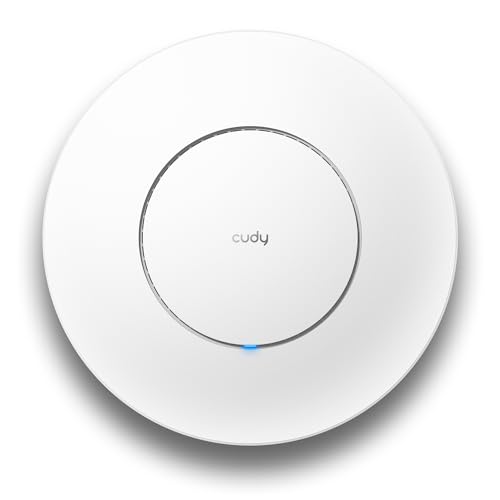
Cudy AP1300 AC1200 Wireless Access Point
Cudy AP1300 is an AC1200 dual-band wireless access point with MU-MIMO and PoE/DC power options. It supports seamless roaming and can connect 100+ devices, delivering reliable coverage across spaces. Customers find setup easy and note strong signal range
Pros
- MU-MIMO for multiple device support
- Dual-band AC1200 speeds
- PoE or DC power options
- Seamless roaming support
Cons
- No explicit mention of app control
- No detail on mesh integration depth
- Limited customer insight on long-term reliability
Head-to-Head
| Criteria | Winner |
|---|---|
| Price | Cudy |
| Durability | TP-Link |
| Versatility | TP-Link |
| User Reviews | TP-Link |