Logitech wireless keyboard and mouse combo with SilentTouch vs MageGee K1 Gaming Keyboard and Mouse Combo
Overall winner: Logitech wireless keyboard and mouse combo with SilentTouch
Key Differences
Logitech MK295 (A) focuses on quiet typing with SilentTouch, a full keyboard with numpad and one-touch media controls, and sits in a more affordable price tier. MageGee K1 (B) targets gamers with RGB backlight, floating keycaps and plug-and-play wired setup but has mixed reports of keys stopping working
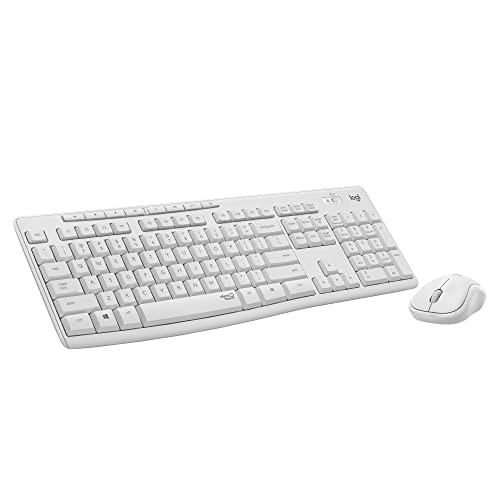
Logitech wireless keyboard and mouse combo with SilentTouch
Wireless keyboard and mouse combo with SilentTouch for 90% less noise and a full numpad. One-touch access to play/pause, volume, mute, and internet; positive feedback on quiet typing and crisp tactile feel
Pros
- SilentTouch technology reduces noise
- Full-size keyboard with numpad
- One-touch media controls
- Contoured, portable shape
Cons
- Keyboard may stop working after a few months (customer insight)
- Mouse size may be too large or too small for some users
- Connectivity experiences vary

MageGee K1 Gaming Keyboard and Mouse Combo
Ergonomic wired 104-key keyboard with RGB backlight and matching mouse. Plug-and-play, no software needed, accommodates long use with comfortable key design. Customers note good quality, colorful lighting, and smooth keys
Pros
- full-size 104-key layout
- rgb backlit with multiple colors
- plug-and-play, no software required
- ergonomic key design for comfort
Cons
- some users report keys stopping randomly
- mixed functionality feedback for keyboard
Head-to-Head
| Criteria | Winner |
|---|---|
| Price | Logitech |
| Durability | Tie |
| Versatility | Logitech |
| User Reviews | Tie |