Cable Matters USB to DisplayPort Adapter
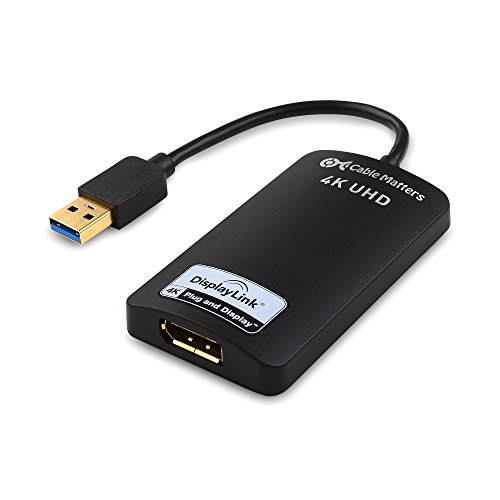
USB 3.0 video graphics adapter adds a DisplayPort monitor via USB, enabling extended or mirrored displays. Users report quick setup and reliable performance with some color and lag considerations
Highlights
- USB-powered external display
- 4K up to 3840x2160 @ 30Hz
- Windows compatibility
Pros
- simple USB 3.0 installation
- supports extended or mirrored display modes
- no external power required
- works with Windows 10/8.1/7
Cons
- possible lag under use
- colors not perfect
- requires a DisplayPort cable (sold separately)
Best For
Features
- Uses USB 3.0 port to connect a DisplayPort monitor; requires DisplayPort cable (sold separately)
- Supports up to 4K resolution 3840 x 2160 at 30Hz; backward compatible to 720p/1080p
- Operates in Extended or Mirrored display modes; functions as external graphics via DisplayPort
- Plug-and-play with USB bus power; Windows compatible (Windows 10/8.1/7) and driver download available
- Supports multiple monitors with one adapter per monitor; no external power required


