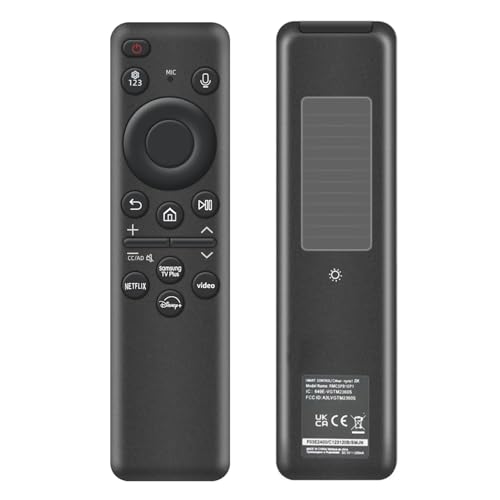
Voice Magic Remote for LG TVs with Pointer

Voice Magic remote control for LG OLED/QNED/NanoCell WebOS TVs. Easy pairing and mouse-like pointing for quick access to content. Users note easy setup and automatic TV connection, with some inconsistency in button responsiveness
Highlights
- voice control and pointer functionality
- easy 2-step pairing
- works with multiple LG models
Pros
- intuitive mouse-like pointing
- easy pairing process
- preset shortcut buttons for quick access
- works with multiple LG TV models
- auto connection to TV
Cons
- inconsistent button responsiveness
- some users experience slower response
Best For
Features
- Voice control with pointer-style navigation and wheel-like scrolling
- Includes two preset shortcut buttons for quick access to content
- Simple pairing: insert batteries, power TV, point and press OK to pair
- To re-register motion sensor, hold GUIDE for over 5 seconds during pairing
- Compatible with LG OLED, UHD, NanoCell, and WebOS 4K/8K models (ZX, WX, GX, CX)