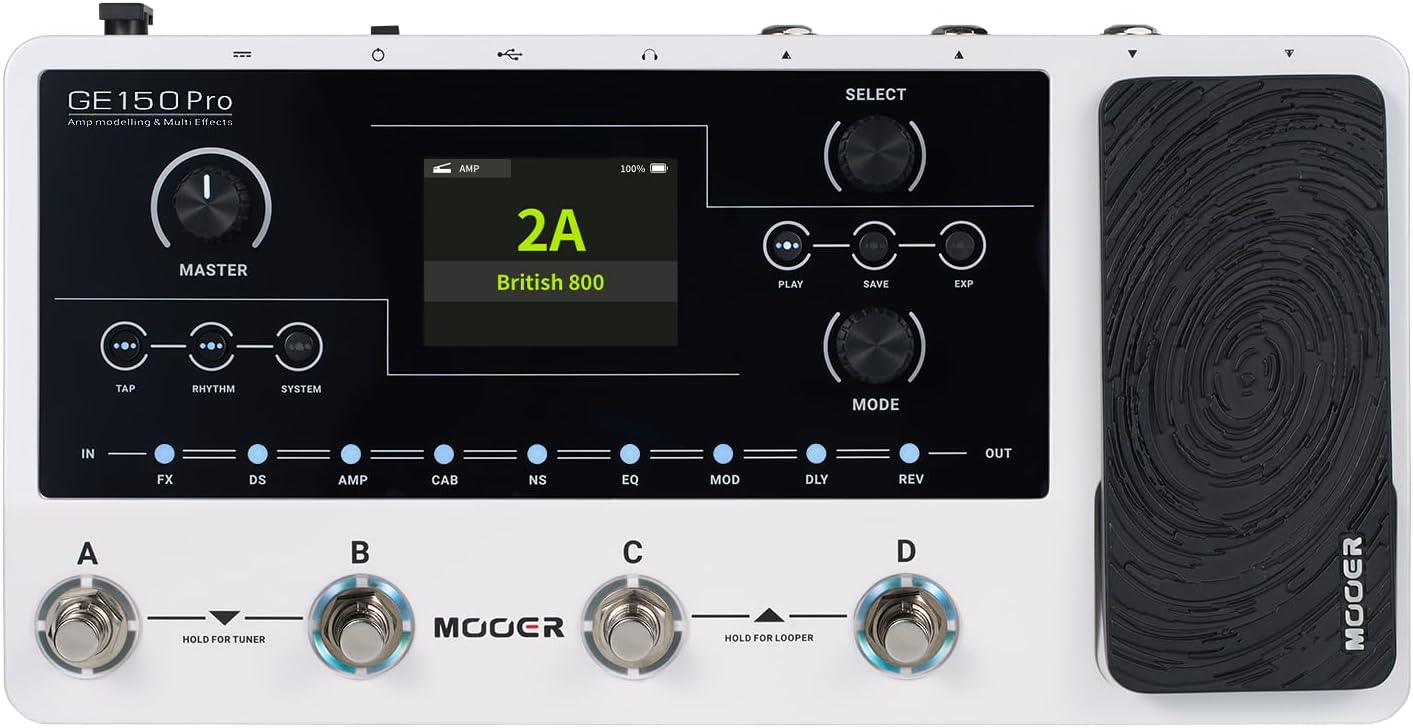
MOOER P2 Multi-Effects Pedal Processor
Price tier: Premium
Check price on Amazon →
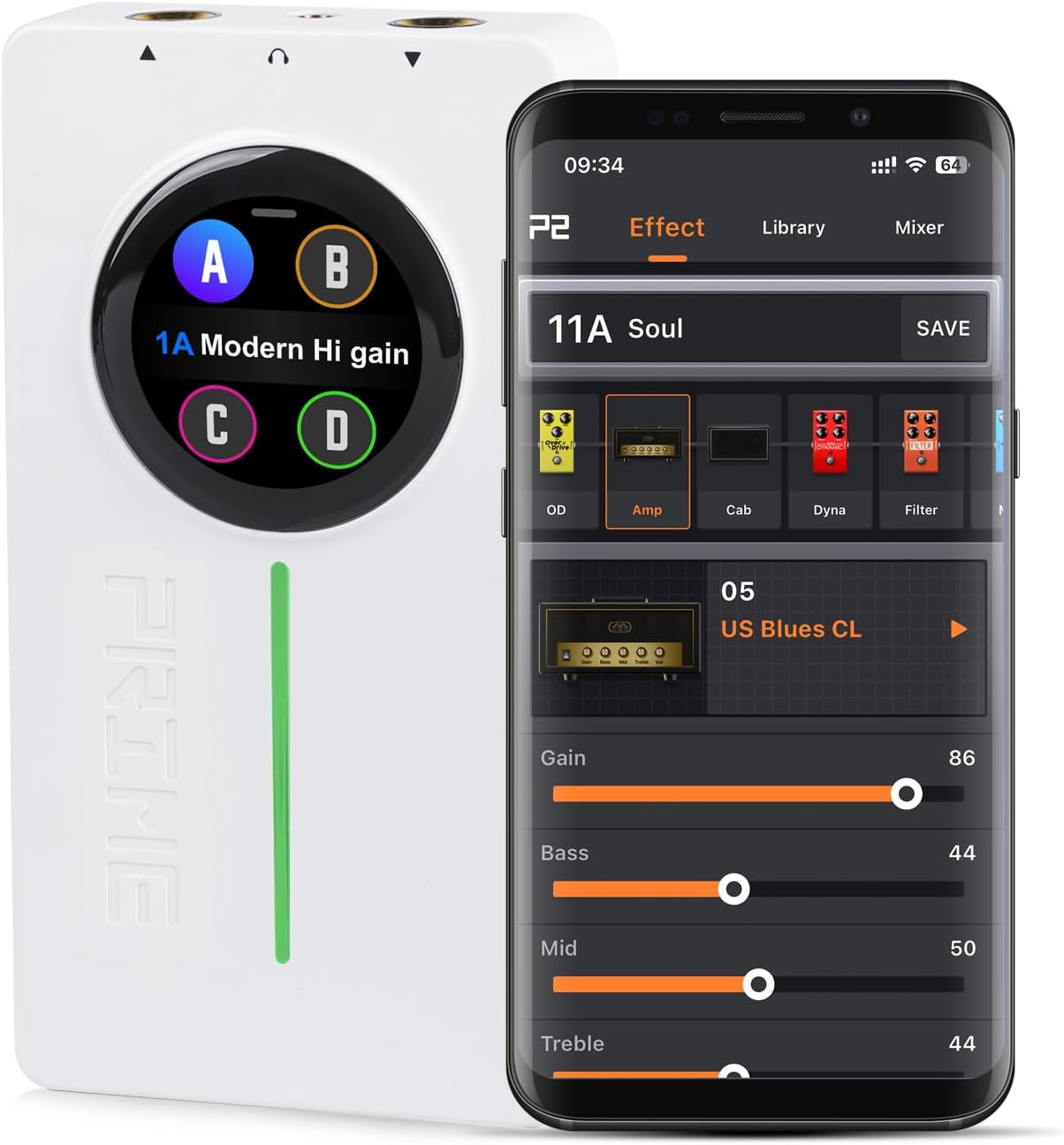
MOOER P2 is a compact multi-effects pedal with a 1.3-inch touch screen, stereo output, and Bluetooth practice playback. Users note extensive effect options, 24-bit/48k audio quality, and easy preset switching
Highlights
- extensive effect models
- stereo audio and Bluetooth
- user-friendly touch interface
Pros
- large touch screen for quick preset changes
- stereo output and Bluetooth playback
- extensive effect and amp model options
- compact and portable design
- tuner and routing controls on device
Cons
- mixed app reliability feedback
Best For
Features
- Update 10 new effect models for OD module; Additional 10 new BASS amp models
- and 10 new BASS cabinet simulations; Incorporates 30 authorized Choptones guitar cabinet models (CT) within CAB; Increased adjustable range for the tuner base frequency from 430Hz to 445Hz. Adds base frequency adjustment controls to the P2 touch screen interface; Optimization of the Cloud Official Area in the APP. Expands the GNR area with divisions for Preamp and Entire sampling files
- Touch Screen MOOER Prime P2 is based on MOOERs unique MNRS technology
- allowing for high-quality digital amp models and effects in a small format. The large 1. 3 touch screen allows quick preset changes and access to the tuner directly on the device
- Stereo The guitar multi effects pedal supports Bluetooth audio playback in stereo for practice or jamming. Stereo headphone output. Tipp for stereo output P2 supports stereo output using a 1-in-2 (TRS 2 x TS) adapter cable
- Effects Chain 57 classic and experimental effect models. Easy configuration of an effects chain without complicated user interfaces. Tap and hold a module and drag it left or right to change its position in the effect chain
- Cabsim 25 cab sim models + 10 GIR slots to store simulation files downloaded from the cloud or third-party IR files. This switch can be used to turn off all cabinet simulations with one click if you use third-party speaker cabinets or simulations.