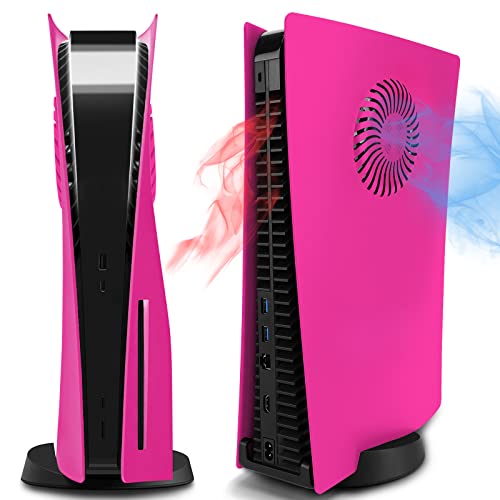
NexiGo PS5 Silent Cooling Stand with Dual Charging

NexiGo ★ 3.6/5 · ItemOracle Score Mid-Range

$40 USD
Price subject to change
Check current price on Amazon →
NexiGo PS5 Silent Cooling Stand for Both PS5 and New PS5 Slim Consoles, RGB LED Light, Dual Charging Station, Compatible with Dual_Sense Edge Controller, Hard Drive, Headset and Remote Holder, Black

Stand for PS5 and PS5 Slim with a cooling fan, RGB LED, and dual controller charging. Keeps console organized with storage and charging indicators

Highlights

  • dual charging station
  • built-in cooling with vents and fans
  • PS5 or PS5 Slim compatibility

Pros

  • Dual controller charging
  • Adjustable cooling system
  • Storage for accessories
  • Compatible with PS5 and PS5 Slim
  • Visible charging status indicators

Cons

  • Requires additional power source if not using console
  • Includes PS5 Slim adapter that may be removed for original PS5

Best For

  • dual-controller charging at once
  • cooling console during long gaming sessions
  • organizing headset, hard drive, and remote
  • displaying charging status while playing
  • using with PS5 Slim or original PS5 depending on setup

Features

  • Compatible with Every PS5This stand accommodates the Disc and Digital Editions of the PS5 and PS5 Slim. This is made possible by the addition of a PS5 Slim adapter
  • which you can remove if you're using an original PS5 console
  • or leave in place if you're using a new PS5 Slim. In addition
  • there are two ways to power the dock using your PS5 console or a 5V/3A power adapter (not included).
  • Dual Controller ChargingSave time and simultaneously charge two PS5 Dual_Sense or Dual_Sense Edge controllers. Their charging status is clear at a glance two battery-shaped icons fill up from bottom to top to indicate the current battery level.
  • Adjustable Cooling SystemCleverly placed vents and fans work alongside your console's cooling system to accelerate the time it takes to cool down your console
  • improving its performance and extending its lifespan. Easily switch between different fan speeds using the button on the side of the stand. This stand will automatically remember and maintain its most recent fan speed setting
  • even when you restart the console.

Tags

Similar Products